Jewellery retailers · Website banner, hero and pop-up design
The first screen of a jeweller's site should answer the bridal buyer's first question.
Website banner, hero and pop-up design for a jewellery retailer means the opening screen, the offer strips and the enquiry prompts a shopper meets on your site, each drawn to point at one next step. GullySales designs the artwork and the files, sets the sizes for phone and desktop, and briefs your developer on how each piece should behave.
Scope, fee, reporting and term are agreed in writing after we have read your brief and spoken to you.
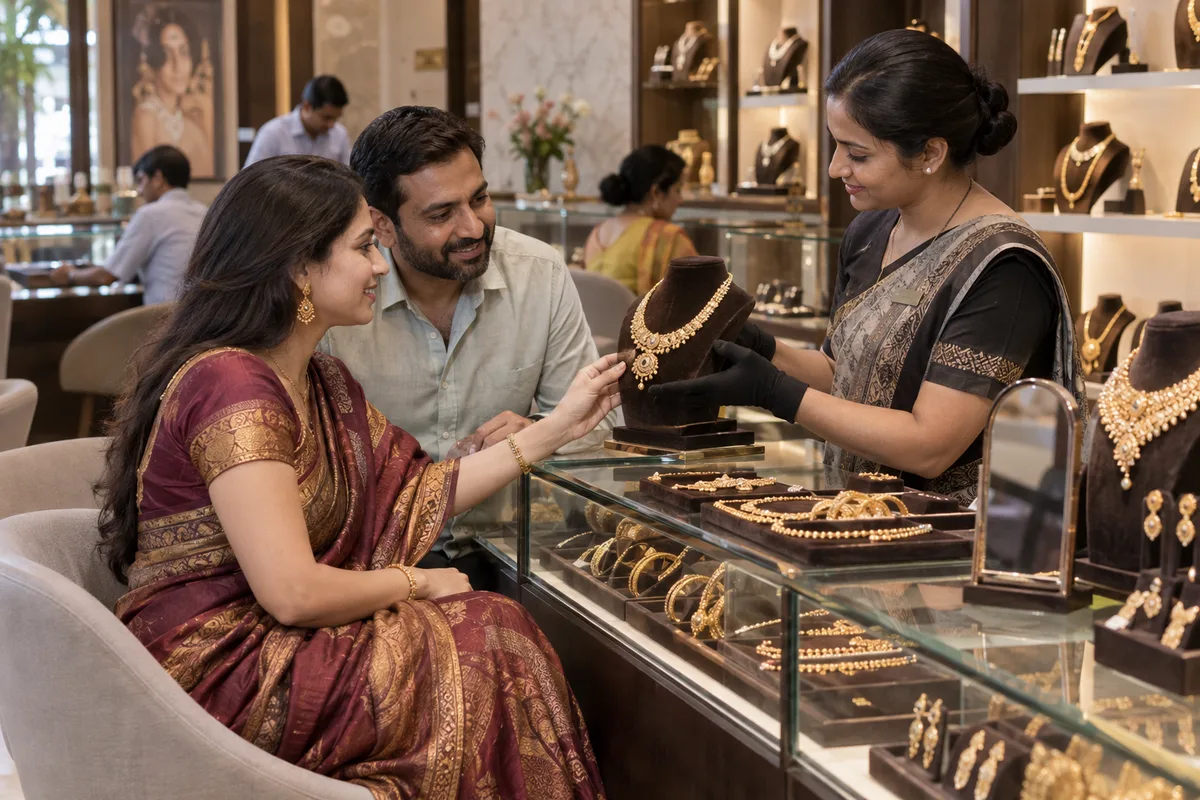
What website banner, hero and pop-up design means
Website banner, hero and pop-up design is the artwork for the parts of a site built to catch a glance: the hero at the top, promotional banners, call-to-action strips, pop-ups and the supporting images around them. GullySales designs each piece for phone and desktop from your wording and identity, and hands over export-ready files.
Also for jewellery retailers
- SEO for jewellery retailers
- Website design and development for jewellery retailers
- Local SEO for jewellers
- Ecommerce conversion optimisation for online jewellery stores
- Meta title and description writing for jewellery retailers
- E-commerce and marketplace marketing for jewellery retailers
- Cart recovery and checkout optimisation for jewellery retailers
- Shopify and WooCommerce store marketing for jewellery retailers
Sales and marketing for jewellery retailers, the overview.
Last updated 14 Nov 2026.
For jewellery retailers
Where it usually goes wrong, and what we would do.
“A hero full of glitter says nothing about what to do”
A jewellery site opens with a model in a heavy necklace, a soft glow and a thin line of text. The visitor admires it and has no idea whether to browse, book or call. A hero here needs one job: the bridal collection, the appointment, or the rate and making-charge answer. The photograph supports that job and does not replace it.
“Shoppers arrive from a saved picture, not the home page”
A buyer lands from a saved social post or a search for a design, and the banner they meet was drawn for someone who started at the home page. Banners need to work wherever the visitor falls in, with the collection, the appointment and the contact route always one tap away.
“Seasonal strips outlive their season”
A wedding-season banner stays up long after the dates pass, or a festival offer shows after it ended. The visitor reads an expired promise and trusts the site a little less. Strips here are drawn with the date as an editable part, and each has a named person who removes it.
“A pop-up can ruin a considered purchase”
Jewellery buyers browse slowly, sometimes with a family member beside them on a shared screen. A pop-up that covers the necklace at the wrong moment is closed in irritation. The prompt is drawn small, with a clear way out, and its trigger is specified for the developer so it appears after the visitor has looked, not before.
What we do
What we deliver for jewellery retailers.
The work available for this need. We agree the deliverables and responsibilities for your engagement in writing.
Hero section artwork
The opening screen: headline area, supporting line, image and main button, drawn for phone and desktop. The image is cropped to show a piece worn or held, with the headline given clear space. You review the first screen as a visitor would, before scrolling.
Result: A person who sees only the first screen can say what the site offers and what to tap.
Collection and occasion banners
Banners for the places you name, such as a bridal collection strip, a new arrivals panel or a festival offer, each drawn at its placement size. They stay in one family with the hero, so the site reads as one showroom.
Result: Each banner leads to one collection page and says so in its first line.
Call-to-action strips
Narrow bands for a single prompt, such as booking a showroom visit, asking for a design on a messaging app, or requesting the catalogue. They sit between sections without breaking the reading flow.
Result: Every strip has one action and one destination that your team has tested.
Pop-up and slide-in designs
The look of each pop-up in its closed, form and thank-you states, with a visible way out. Trigger and timing are written for your developer, who builds the behaviour. We do not wire the form to a mailing list.
Result: Your developer can build each state from the sheet without asking what was meant.
Supporting visual assets
Icons, badges, background shapes and image crops used by the pieces, such as a hallmark mark, a gift icon or a gold-toned divider. They are separate files so your team reuses them in later banners.
Result: A new banner can be assembled from the asset set with no new drawing.
Size sheet and editable files
One sheet listing each artwork, where it sits, the platform's current specification for its size and its file name, plus layered sources and exports. Your developer and your marketing team work from the same list.
Result: You can change a date or a line of offer text in the source and re-export it yourself.
How the result is measured
- Clicks on the hero button compared with the previous hero
- Offer redemptions traced back to a banner
- Pop-up closes against pop-up submissions
Recorded as a baseline before work starts, so every later report has an honest comparison.
Who it is for
This is written for these jewellery retailers.
- Bridal and wedding jewellery showrooms
- Gold and diamond jewellery retail chains
- Silver and artificial jewellery stores
- Certified diamond and solitaire retailers
- Traditional and antique jewellery stores
- Single-showroom family jewellers
Before you decide
Agree the work. Know how to judge it.
Website banner, hero and pop-up design for jewellery retailers: use these checks to prepare, choose the scope, and review what changes.
Bring the right evidence
List the pages that support a buying decision and the actions visitors must complete. Keep examples of failed forms, unclear product information, and questions your team answers repeatedly.
Make the scope clear
Agree the page list, content ownership, integrations, and who controls the domain and hosting. Include redirects and existing search traffic in a redesign brief, before changing addresses.
Check the work in use
Complete a real enquiry journey on a phone and a laptop. Check that the confirmation appears, the enquiry reaches the right person, and tracking records the action once.
Know when to change course
If visitors can enquire but the team does not follow up, start with the sales handover. A larger website will not resolve that delay.
These are discussion points, not a fixed package. GullySales confirms the deliverables, responsibilities, fee, and term in writing after reading your brief and speaking with you.
Before we start
What to have ready before the work starts.
The records, access and decisions this work needs from jewellery retailers. Anything missing is noted in the written scope, with who will supply it.
- The one action for each placement
- Decide what you want a visitor to do from each spot, such as book a showroom visit or send a design. A banner with two actions is read as none. Without this decision, artwork ends up asking for everything and the visitor does nothing.
- Photographs that can crop
- Pictures of jewellery worn and held, in high resolution, with space around the piece. A tight shot cannot become a wide hero. If a photograph will not crop for a phone screen, we list it for re-shooting instead of stretching it.
- Access to the site and its pages
- A way to view the live pages and the staging copy, and the name of the person who loads files. A hero drawn without seeing the real header and menu collides with them later. Missing access means placements are guessed.
- Offer dates and the removal owner
- The dates of each seasonal offer and the person who takes the banner down. Artwork can hold the date as an editable part, but only a named person removes an expired strip. Without a name, old offers stay on the site.
- Your enquiry and booking route
- The messaging number, form or booking page a pop-up or strip points to, and who answers it. A prompt that leads to an unanswered inbox does more harm than no prompt. Tell us who replies and during which hours the showroom is open.
How it works
How the website banner, hero and pop-up design work runs
The work itself, in order. How an engagement starts, from your brief to a written scope, is set out on our method page.
- 1
Looking at the site as a shopper
We read your brief and view the pages where the pieces will sit, on a phone and a laptop, from the entry points a bridal buyer uses: search, a saved post and a messaging link. We note what already competes for attention at each spot.
- 2
Choosing the job of each piece
For every hero, banner and pop-up we write its single job and its single action, such as see the bridal set, book a visit or send a design to the counter. A piece with two jobs is split or cut, and the list is agreed before artwork starts.
- 3
Setting the visual family
We settle colours, type, image treatment and button style from your identity, and test them on the hero first. Gold tones on a screen differ by device, so the palette is checked on a phone and a laptop before the other pieces inherit from it.
- 4
Drawing each size
Each artwork is drawn for its placement at phone and desktop sizes with the wording you supply. Crops, text size and button position are decided per size, not scaled down from the largest, so a necklace is never cut across the clasp.
- 5
Reviewing in place on your pages
We show the pieces mocked onto your real pages so you judge them beside the products and the prices. You send comments as one list, and we adjust as the written scope sets out. A change to a claim or an offer waits for your approval.
- 6
Exporting and reading the result
We export the files, complete the size sheet and brief the person who loads them. Questions about pop-up behaviour are settled with your developer before handover. Afterwards we read the pages against the visit and enquiry figures you recorded before the work began.
Where this fits
Three pieces of sales work, in this order.
This work sits inside sales process design, at stage 1, prospecting and lead generation. The audit comes before it, and sales management keeps it running.
Step 1
Sales audit
Find where deals are being lost and what to fix first.
Start here if you cannot say where orders are lost.
Step 2 · you are here
Sales process design
One written way to sell, from first enquiry to repeat order.
Start here if every salesperson sells differently.
Step 3
Sales management
A target, a review routine and someone who owns the number.
Start here if the team has targets and no routine.
FAQ
Questions owners ask before they call.
Not here? More answers, or ask on WhatsApp.
Should a jewellery site show a pop-up at all?
Can the hero change with the season?
Do you write the words on the banner?
Will the banners look the same on a phone?
Can you build the sliders and pop-ups?
How do we know the new hero is working?
How much does it cost?
How long is the contract?
How soon will we see results?
Who will actually do the work?
From the blog
Further reading for jewellery retailers.
 8 min read · 21 Sept 2026Tamil advertising creative: what actually changesTamil is written one way and spoken another, and its script cannot tell b from p. What that means for your line, voice artist and brand spelling.
 8 min read · 21 Sept 2026Radio advertising in BengaluruWho listens to radio in Bangalore, and where: the evening traffic crawl, the auto driver's station, shop counters with FM on, and reach past the city.
 8 min read · 21 Sept 2026Premium audience advertising strategyNo platform in India sells verified income. Affluence targeting is inference, and the cheapest filter you own is putting the price in the first frame.
More for jewellery retailers
Related work to consider.
Closest to this: search and visibility
- SEO for jewellery retailers
- Website design and development for jewellery retailers
- Local SEO for jewellers
- Ecommerce conversion optimisation for online jewellery stores
- Meta title and description writing for jewellery retailers
- E-commerce and marketplace marketing for jewellery retailers
- Cart recovery and checkout optimisation for jewellery retailers
- Shopify and WooCommerce store marketing for jewellery retailers
Also for jewellery retailers
Or start from the overview: sales and marketing for jewellery retailers.
Your next practical step
Tell us what you are trying to grow, and we will read it before we call.
Eight short steps, mostly taps. Skip anything you would rather answer on the call.