Notes for owners · SEO, content and AI search
A Google Business Profile guide for a neighbourhood shop
The order in which to fix a neighbourhood shop's Google Business Profile so that people nearby actually walk in: category, timings, photos, products and replies, with the mistakes that cost footfall.
The GullySales team · Updated 17 Oct 2026 · 5 min read
On this page
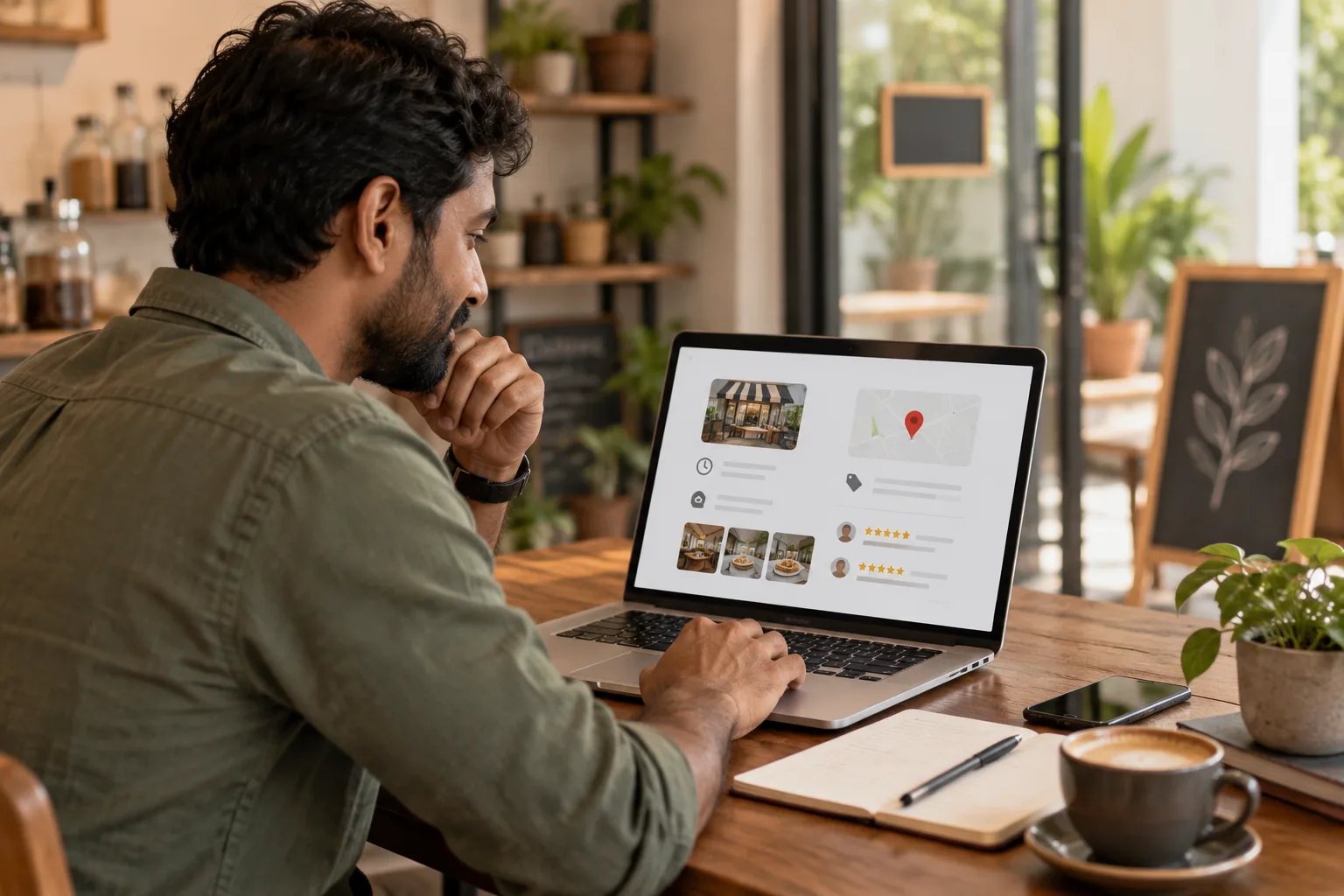
Picture a customer who walks to your lane at half past one on a Sunday because Google said you were open. The shutter is down. The customer opens the next shop on the list and buys there, and you never learn it happened. One wrong line on a Business Profile can cost more footfall than a missing photo. A neighbourhood shop should fix its profile in this order: category, timings, pin, photos, then products and replies.
This guide covers one shop's profile. For several outlets or a service area, see the local SEO checklist for businesses in India.
Search for your own shop the way a stranger would
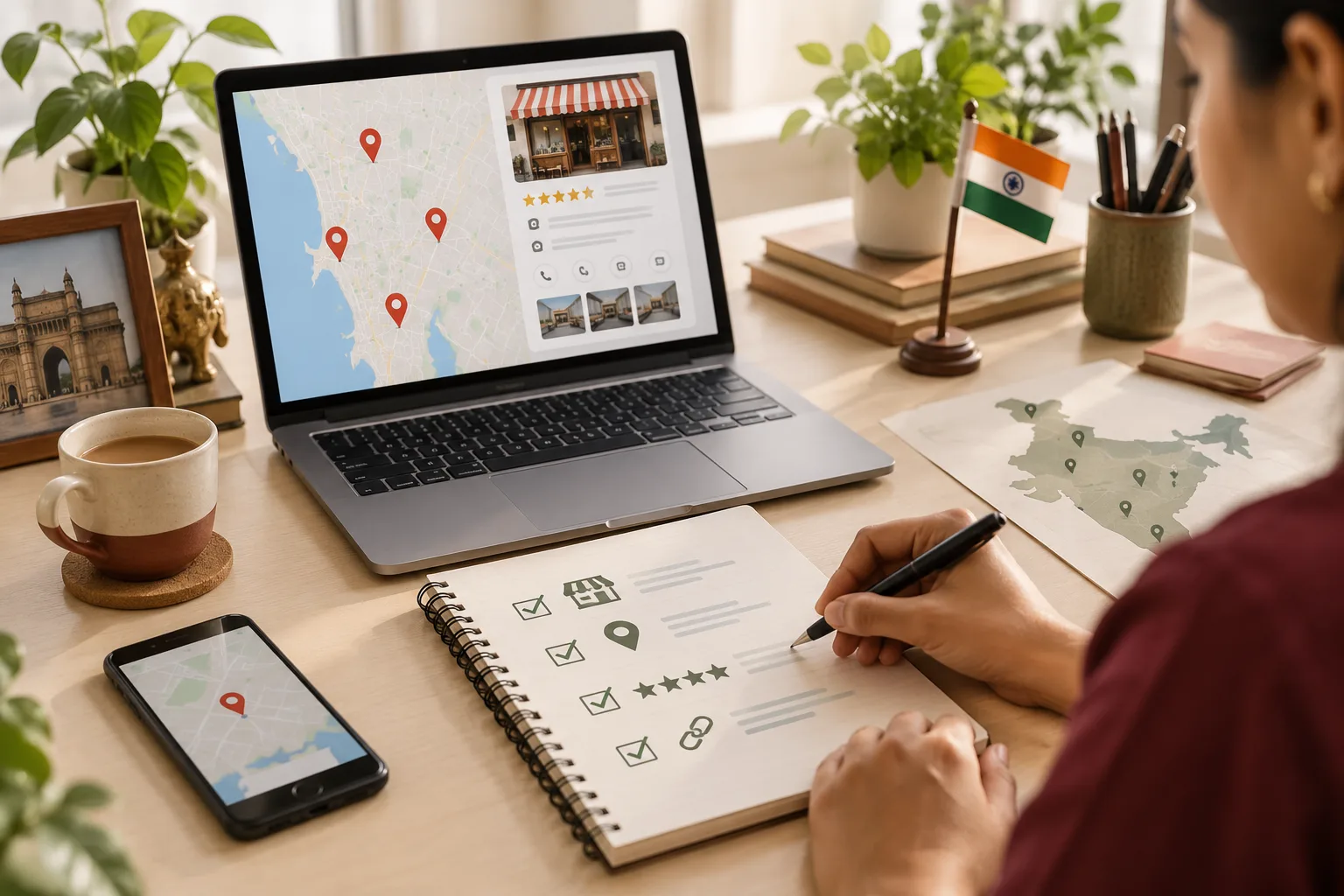
Before you change anything, spend ten minutes on your phone, away from the shop's wifi, if you can. Run three searches and write down what you see.
| Search | What to look at | What it tells you |
|---|---|---|
| The thing you sell plus "near me" | Whether you appear at all, and under which label | Whether your category matches what people type |
| Your shop name | The hours line, the pin, the first three photos | What a person sees before deciding to walk over |
| One product you stock, by its common name | Whether any listing shows it | Whether anyone can tell you have it |
Then ask a friend who has never been to your lane to find the shop using only the map. If your friend ends up at the wrong gate, you have your first job.
Fix the category, then the hours
The main category is the strongest label on the profile, so choose it by what customers say at your counter, not by the word on your licence. A shop that sells ceiling fans, switches and lamps and is listed only as "Store" appears for nothing in particular. Pick the most specific category that fits, then add two or three secondary ones for lines you really sell. If you cannot choose between two, tally the word customers use for a single day. The most common word wins.
Hours come next, because a wrong one is a lost trip. Set the real timings, including a lunch closure if you shut for one. If you open on Sunday mornings only, enter that, not a full day. Set the weekly market holiday as a closed day. Add special hours a few days before each festival closure or early shutting. The phone number must ring at the counter, not at home.
Move the pin to your door
A pin dropped on the other side of a service road, or on the building's back lane, sends people to a closed gate. Zoom in and drag it to the shopfront. If finding you takes a clue, add a plain line to the description: "Opposite the post office, ground floor, blue board." Then repeat the friend test.
Photos that stand in for the doorway
A customer cannot step in to look, so photos do it for them. Take them in daylight on the phone you already own.
- The shopfront from the road where a person would approach, with the board readable.
- The inside, showing shelves and the counter.
- Four or five fast-selling lines, shot on your own counter, never lifted from a supplier's catalogue.
- The lane or parking area, if finding you is hard.
Leave out the opening-day ceremony from years ago. A stranger deciding whether to walk over does not need it. Tidy the untidy shelf before the photo, not after a complaint.
Products and questions
Where your category offers a products section, add the items customers ask for at the counter, each with a real photo, a plain name and a price you are happy to hold. If people ask for 6 amp switches three times a week, that is the first listing. Leave off anything whose price moves daily. Write "ask for today's rate" and the number instead, because a wrong price becomes an argument at the till.
Answer the questions section yourself. Delivery, card payment and parking are the usual questions for a shop, and an unanswered one looks like an unattended shop. For reviews, reply in two plain lines that name what the customer mentioned. See getting local reviews and replying to a bad review.
What it looks like on one lane
This is an invented case. A hardware and paint shop near Edappally in Kochi loses a customer who searched for a wood primer and found a rival with the right pin and a primer photo. The owner's own listing is wrong in three places.
| Before | After one sitting | |
|---|---|---|
| Category | Store | Hardware store, with Paint store as a second |
| Sunday | Open all day | Closes at one, with festival hours added |
| Pin | Across the service road | At the shopfront |
| Photos | None | Seven: front, shelves, five best-asked lines |
The new Sunday hour annoys two regulars who used to come after lunch, and the primer shelf still has no photo. The owner decides both are worth living with for now.
Where the profile cannot carry you
Three other shops on your street sell the same lines? A correct profile gets you onto the list, not into the shop. Reviews decide the rest, along with a clear reason to pick you, such as home delivery within a few streets. If your shop has no street frontage, the pin and photos still matter, but calls and WhatsApp will be your real door. Check the profile every time hours change, because a profile that was right in March is wrong in November.
Other kinds of shop are under retail and shops.
Run the three searches before the shutter goes up
Tomorrow morning, search your category, your name and one product. Fix whichever of hours, pin or category looks wrong first. If you would rather not do the rest yourself, Google Business Profile management is the service, and tell us what you need is where we start.