Veterinary clinics · CRM
Never let a vaccination due date get lost in a paper file.
A CRM for a veterinary clinic is the record that tracks every pet, its vaccination schedule and its owner's contact details. It makes sure reminders go out on time and no patient is forgotten between visits. GullySales sets this up and trains your front desk to use it.
Scope, fee, reporting and term are agreed in writing after we have read your brief and spoken to you.
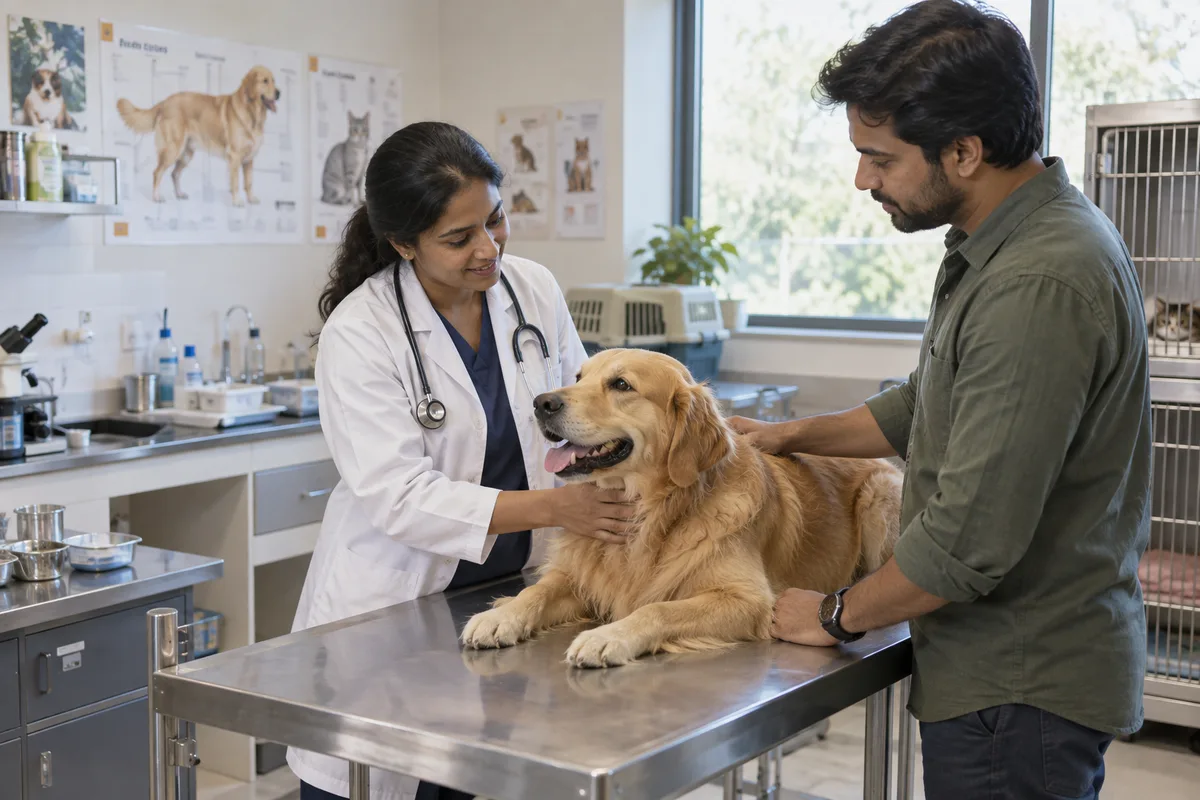
What CRM means
A CRM is the record where every enquiry, call and quote is kept against a customer, replacing separate notebooks, spreadsheets and memory. GullySales sets up or cleans an existing CRM and reports from it by enquiry outcome rather than by activity logged.
Also for veterinary clinics
- Lead generation for veterinary clinics
- Follow-up systems for veterinary clinics
- Apartment advertising for veterinary clinics
- Branding for veterinary clinics
- Buyer journey for veterinary clinics
- Buyer personas for veterinary clinics
- Content marketing for veterinary clinics
- Digital marketing for veterinary clinics
Sales and marketing for veterinary clinics, the overview.
Last updated 8 Nov 2026. Rules for this trade differ by state and professional body, and they change. We describe restrictions in general terms, so check the current position with your own council or adviser before you publish anything.
For veterinary clinics
Where it usually goes wrong, and what we would do.
“Vaccination schedules need automatic tracking, not memory”
A clinic relying on staff to remember when each pet's next vaccination is due will always miss some, costing both the pet's health and a repeat visit.
“Multi-pet households need to be linked, not duplicated”
An owner with two dogs and a cat should be tracked as one household with three patient records, not three disconnected entries that confuse follow-up.
“A CRM catches the patient who has gone quiet”
A pet that has not visited in over a year should be flagged automatically, giving the clinic a chance to reach out before the owner has switched vets entirely.
What we do
What we deliver for veterinary clinics.
Every deliverable, what it covers for you, and the result it is there to produce. Nothing here is an extra.
Vaccination and reminder schedule set up per pet
Each pet's vaccination and check-up schedule recorded in the CRM, with reminders that go out automatically instead of relying on staff memory.
Result: A due date is not missed because no one remembered to check.
Multi-pet households linked under one owner record
An owner with several pets tracked as one household with linked pet records, instead of separate, disconnected entries that confuse follow-up.
Result: The front desk sees the whole household at a glance, not fragments of it.
A flag for patients who have gone quiet
An automatic flag on a pet that has not visited in a long while, giving the clinic a chance to reach out before the owner switches vets.
Result: A fading patient relationship is noticed instead of going unnoticed.
Front desk training on the new CRM routine
A working session with your front desk on entering enquiries, pets and reminders consistently, so the record stays reliable day to day.
Result: The CRM stays accurate because the people using it know how to use it.
CRM data check against the baseline
A monthly look at how many reminders were sent, missed or acted on, compared with the baseline recorded before the CRM was set up.
Result: You can see whether the reminder system is actually being used well.
How the result is measured
- Enquiries logged in the CRM
- Data completeness
- Reports generated from CRM data
Recorded as a baseline before work starts, so every later report has an honest comparison.
What to record, and when
What a veterinary clinic should record about every pet and owner, and whether software is needed yet.
- Species, breed and date of birth
- Record species and breed, with date of birth or an estimated age. Vaccine and deworming intervals depend on age, and a puppy's schedule differs from an adult's.
- Weight at each visit
- Keep weight with the date. Doses and the food plan depend on it, and a change across visits is something the vet will want to see.
- Which number and which channel reminders go to
- Record whether the owner agreed to WhatsApp or SMS reminders and which number to use. Many pet households keep the clinic on the spouse's phone.
- Night and emergency calls
- Log night calls with the time, the animal and whether the owner came in or was advised over the phone. A night call from a new owner is often where a long relationship starts.
- Referrals and lab reports pending
- Note a referral to a specialist or a lab and the date results are due. Calling the owner when the report arrives closes the loop.
- Do you need software yet?
- A clinic with one vet and a small card file can run on a sheet. Practice management software usually holds clinical notes already, so add a CRM only when reminders and household links cannot be done in it.
Who it is for
This is written for these veterinary clinics.
- Small animal clinics
- Multi-vet veterinary hospitals
- Mobile and home-visit vet services
- Exotic and avian veterinary practices
- Farm and large animal veterinary services
- Pet grooming and wellness clinics with vet services
- 24-hour emergency veterinary hospitals
- Veterinary diagnostic and referral centres
Not for
It is not the right fit if.
- Every pet is on a paper card and nobody will enter a record at the desk, so a CRM would sit empty.
- The clinic has only a few registered pets and the vaccination diary on the counter still gets every reminder sent.
How it works
How the CRM work runs
The work itself, in order. How an engagement starts, from your brief to a written scope, is set out on our method page.
- 1
Map the sales process
We sit with the people who sell and write down how a deal moves from enquiry to payment, including where it stalls.
- 2
Agree stages, fields and owners
Each stage gets a name your team already uses and a proof that the deal has left it. We agree which fields are required at which stage, and who may change what.
- 3
Build on a copy
Pipeline, fields and views are built on a trial copy where the CRM offers one, or in a separate pipeline where the plan allows. Live work stays untouched.
- 4
Connect channels, then switch on automations
Channels are connected first. Each automation is then switched on separately, so a misfiring rule is easy to find.
- 5
Test with real deals
The people who will use the CRM run open deals through it. Gaps are fixed before the whole team switches over.
- 6
Switch over and trim
Once real use shows which fields stay empty and which stages nobody uses, those are cut and the handover record is updated.
Where this fits
Three pieces of sales work, in this order.
This work sits inside sales management. A target, a review routine and someone who owns the number.
Step 1
Sales audit
Find where deals are being lost and what to fix first.
Start here if you cannot say where orders are lost.
Step 2
Sales process design
One written way to sell, from first enquiry to repeat order.
Start here if every salesperson sells differently.
Step 3 · you are here
Sales management
A target, a review routine and someone who owns the number.
Start here if the team has targets and no routine.
FAQ
Questions owners ask before they call.
Not here? More answers, or ask on WhatsApp.
Is a CRM necessary for a small clinic?
How long does it take to set up?
Can WhatsApp messages and photos from owners be kept as records?
What do we do with reminders when a pet has died?
How much does it cost?
How long is the contract?
Who will actually do the work?
What do you need from us?
What if we are not happy with the work?
From the blog
Further reading for veterinary clinics.
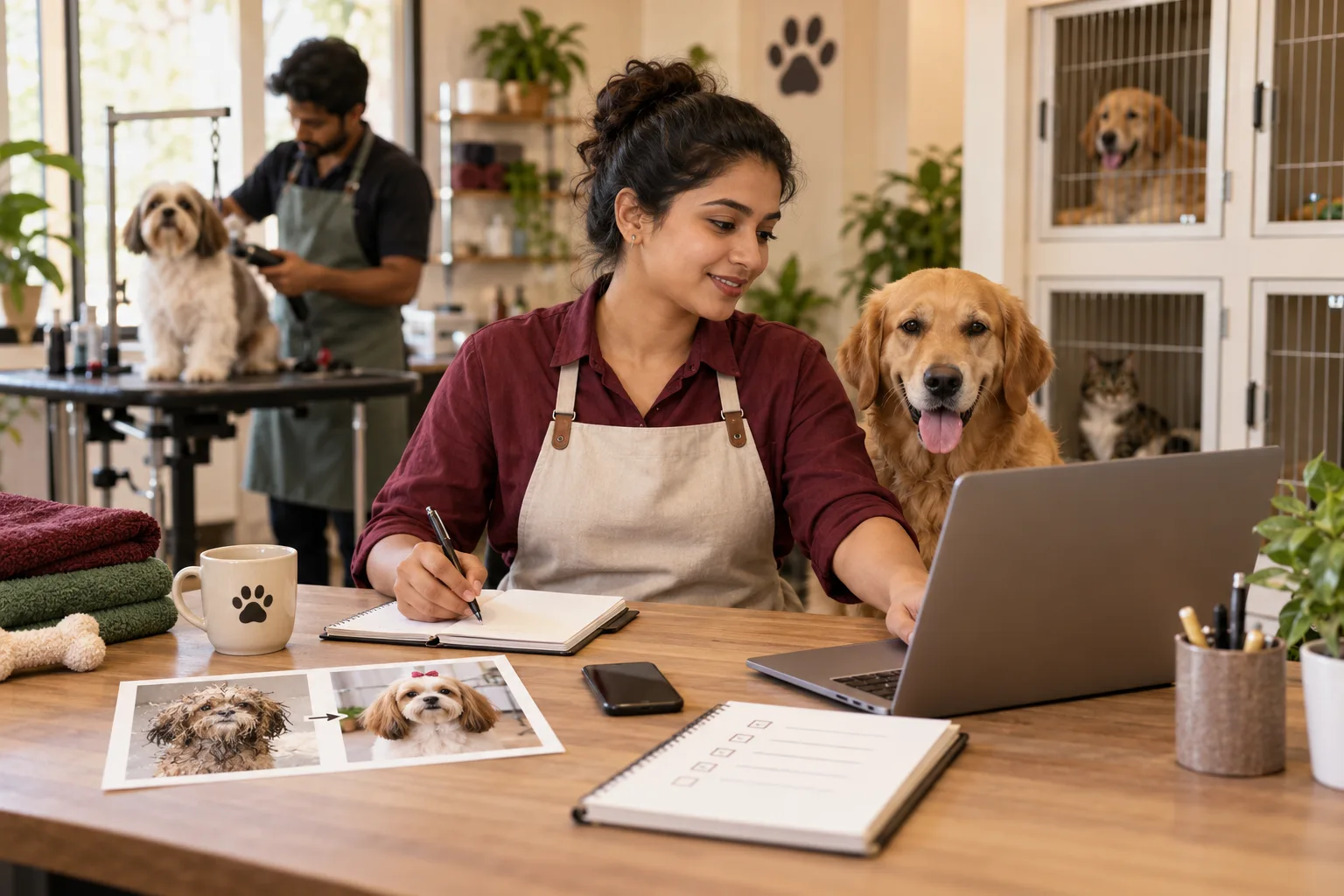 6 min read · 26 Aug 2026Pet grooming marketing: how to get grooming and boarding customersPet grooming marketing works on Maps, reviews, before and after photographs and fast replies. Boarding is won on trust. Here is how to fill both, and what a plan should cover.
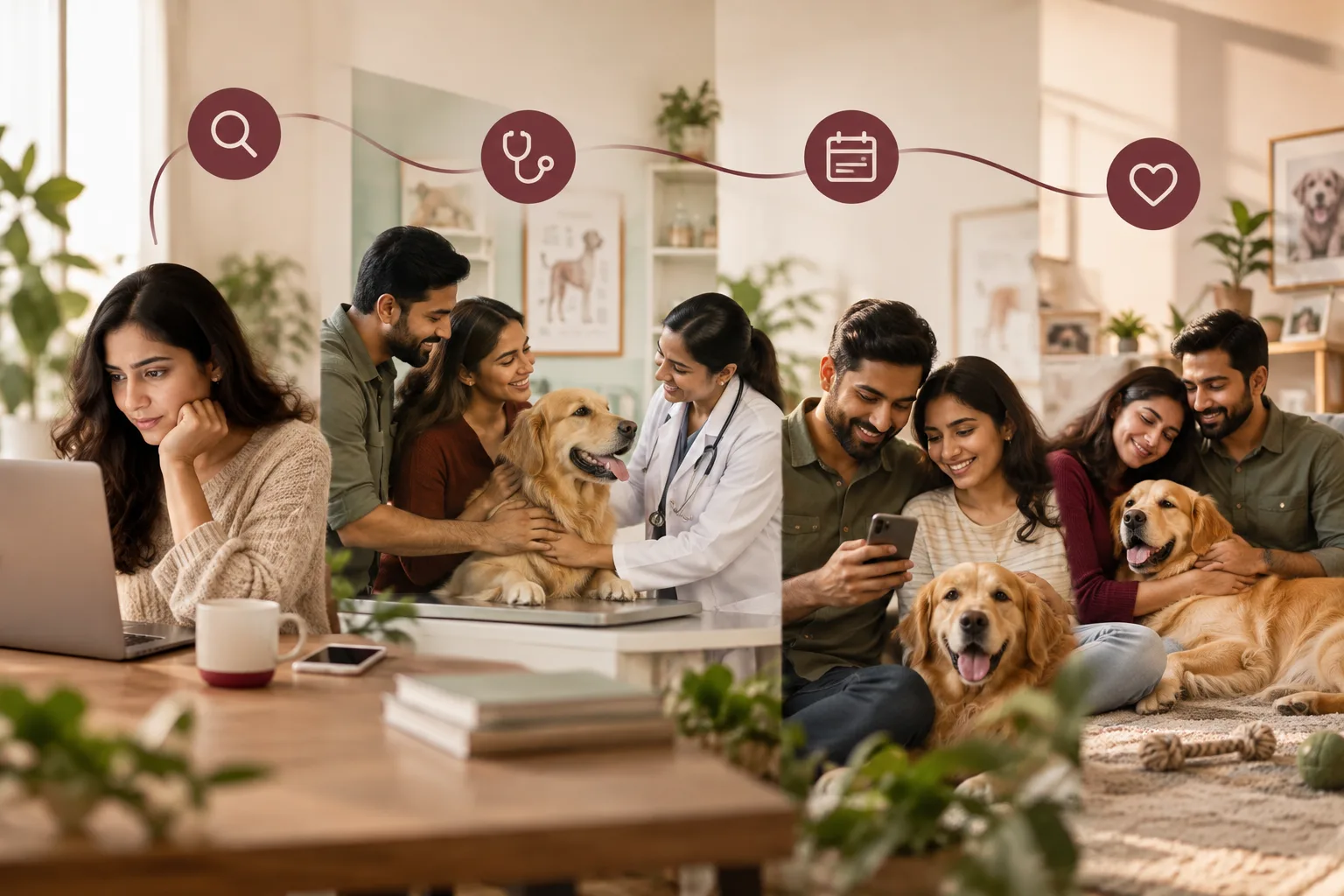 8 min read · 19 Aug 2026The pet parent journey: from the first search to regular visitsThe pet parent journey runs from the first anxious search to years of repeat visits. Here are the stages, and where Indian clinics lose owners.
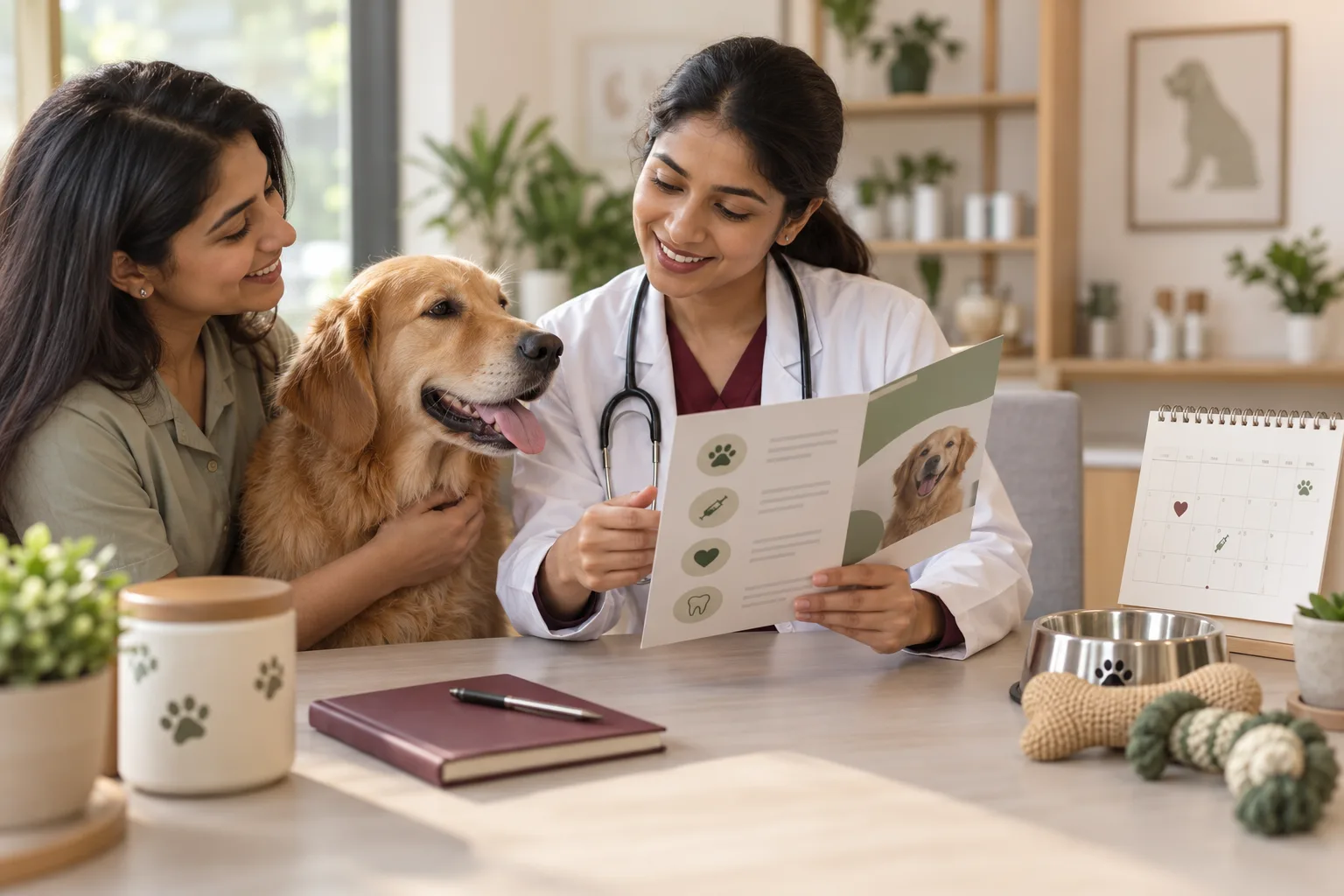 7 min read · 20 May 2026Loyalty programmes for pet clinics: the ones owners actually useA loyalty programme for a pet clinic is not a points card. It is a wellness plan paid up front, reminders for care that is already due, and one small standing benefit a regular notices.
More for veterinary clinics
Everything else we would do for you.
Closest to this: leads and follow-up
Also for veterinary clinics
Or start from the overview: sales and marketing for veterinary clinics.
Your next practical step
Tell us what you are trying to grow, and we will read it before we call.
Eight short steps, mostly taps. Skip anything you would rather answer on the call.