Amusement parks and family entertainment centres · CRM
Keep every group enquiry, quote and past booking in one record.
A CRM for an amusement park or family entertainment centre records who asked about a group visit or party, what was offered and what was booked. GullySales sets up a record that the sales desk can keep up on a busy day.
Scope, fee, reporting and term are agreed in writing after we have read your brief and spoken to you.
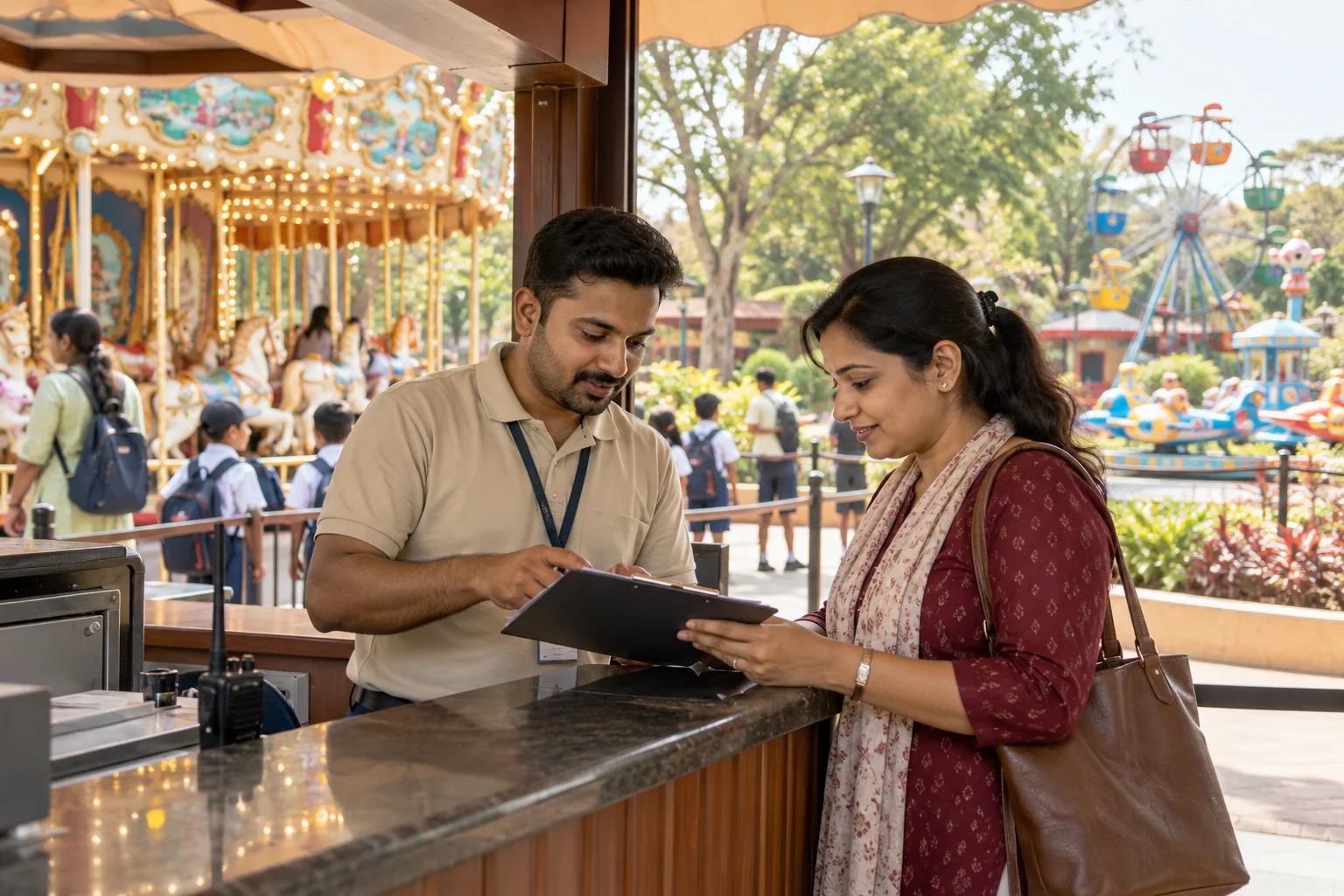
What CRM means
A CRM is the record where every enquiry, call and quote is kept against a customer, replacing separate notebooks, spreadsheets and memory. GullySales sets up or cleans an existing CRM and reports from it by enquiry outcome rather than by activity logged.
Also for amusement parks and family entertainment centres
- Lead generation for amusement parks and family entertainment centres
- Follow-up systems for amusement parks and family entertainment centres
- SEO for amusement parks and family entertainment centres
- Local SEO for amusement parks and family entertainment centres
- Social media marketing for amusement parks and family entertainment centres
- Content marketing for amusement parks and family entertainment centres
- Buyer personas for amusement parks and family entertainment centres
- WhatsApp marketing for amusement parks and family entertainment centres
Sales and marketing for amusement parks and family entertainment centres, the overview.
Last updated 14 Nov 2026.
For amusement parks and family entertainment centres
Where it usually goes wrong, and what we would do.
“Group enquiries get lost between phones”
A teacher calls one number, messages another and emails a third. Without a shared record, three people reply or nobody does. A single list ends that.
“Repeat institutions are the park's best customers”
A school that came last year is likely to consider coming again, but only if someone writes to the coordinator before the next term plans are made.
“Booking details change”
Headcount, date and package shift several times before the visit. A record that logs each change prevents arguments at the gate.
“Seasonal peaks overwhelm memory”
In holiday periods the desk handles more enquiries than any person can recall. A tracker with dates and statuses keeps the calls in order.
What we do
What we deliver for amusement parks and family entertainment centres.
The work available for this need. We agree the deliverables and responsibilities for your engagement in writing.
Enquiry pipeline for groups and parties
Stages from enquiry to confirmed to visited, with a clear owner at each.
Result: Everyone can see the state of each booking.
Institution and organiser records
A record for each school, company and society, with contacts and past visits.
Result: Past visits are visible when the next enquiry comes.
Booking change log
A field that records changes to date, headcount and package.
Result: Disputes at the gate have a written record.
Follow-up reminders
Prompts for quotes that have not been answered and groups due to be contacted.
Result: Follow-ups come from the record.
Contact import and clean-up
Existing sheets and phone contacts loaded and de-duplicated.
Result: The record starts with your real history.
Birthday and party deposit tracker
A list of party bookings with the room, the slot, the number of children, the advance taken and the balance due on the day, so the party host at the desk and the accounts person read the same figures.
Result: The balance due is on the record before the family arrives.
School trip sheet
A sheet for each school visit holding the coordinator's name, the number of students and teachers, the bus arrival time, the lunch order and the invoice name, since the trip leader revises the numbers the evening before.
Result: The gate team has the final headcount in one place.
How the result is measured
- Enquiries logged in the CRM
- Data completeness
- Reports generated from CRM data
Recorded as a baseline before work starts, so every later report has an honest comparison.
Fields worth keeping
Keep these fields for each group or party enquiry.
- Group type and organisation
- Filled by whoever takes the call. Lets you see how many school, office and society bookings are open and who to call back.
- Date offered and date confirmed
- Filled by the booking desk. Shows which days are held for a group and releases a held date that nobody paid for.
- Headcount, adults and children
- Filled at the quote and updated at payment. Lets the floor team plan staff and food for the day.
- Party room and food choice
- Filled once chosen. Lets the kitchen and room staff prepare and stops a clash between two parties.
- Previous visit and what they booked
- Filled after the visit. Lets you invite a school back the next year or a family for the next birthday.
Who it is for
This is written for these amusement parks and family entertainment centres.
- Theme parks and water parks on the outskirts of large cities
- Mall-based family entertainment centres with games and soft play
- Trampoline, adventure and kids activity parks
- Amusement parks attached to resorts and farmhouses
- Fairs, exhibitions and seasonal carnival grounds
- Snow-themed and indoor attraction parks
- School and college picnic organisers
- Corporate outing and employee family-day planners
- Residents' associations and apartment societies planning group trips
- Birthday and kitty party hosts
Before you decide
When this may not be the right fit.
- You take under a handful of group bookings in a season, so a shared sheet is enough and a CRM would sit unused.
- The front desk and the sales phone use separate notebooks and nobody is willing to enter details in one place.
Before you decide
Agree the work. Know how to judge it.
CRM for amusement parks and family entertainment centres: use these checks to prepare, choose the scope, and review what changes.
Bring the right evidence
List the records your team uses and show how an enquiry becomes an order today. Bring examples of duplicate entries, missing owners, and reports that require manual correction.
Make the scope clear
Agree the stages, required fields, access roles, and integrations before configuring the system. Separate software subscriptions from setup, data work, and training.
Check the work in use
Ask the people who will use the CRM to complete a real handover and find the next action without help. Check that the management report can be traced back to individual records.
Know when to change course
If the process is unclear, buying a more complex CRM adds more places for confusion. Start with the minimum fields and rules the team can use consistently.
These are discussion points, not a fixed package. GullySales confirms the deliverables, responsibilities, fee, and term in writing after reading your brief and speaking with you.
Before we start
What to have ready before the work starts.
The records, access and decisions this work needs from amusement parks and family entertainment centres. Anything missing is noted in the written scope, with who will supply it.
- The diary or sheet in use today
- Bring the real diary, spreadsheet or notebook the desk uses now, whatever its state. We read how people record bookings before designing anything. Without it, we build for an idealised desk, and the team keeps using the old paper beside the new system. Smudges and crossings out are fine.
- A list of repeat schools and offices
- Prepare the names of institutions that have booked more than once, even from memory. The record marks them from the start. Without this list, repeat customers look like new ones, and the team misses the follow-up that suits them best. Memory is acceptable if the list is checked by the desk.
- Deposit and payment notes
- Share how deposits are taken and recorded: cash, bank transfer, UPI, receipt book. A sample entry is enough. If we lack this, the deposit tracker may not match how your accounts staff work, and the desk ends up keeping two lists. A receipt book page is useful too.
- Names of everyone who will log enquiries
- List each person who takes calls or messages, including weekend staff and managers. Each needs a login. If a person is missing, their bookings stay on paper, and the record shows gaps that look like quiet days when they were busy. Shared logins are discouraged because changes cannot be traced.
- A rule for room and slot holds
- Decide how long a date can be held without a deposit and who may release it. We build the rule into the record. Without the rule, the system shows holds that nobody will honour, and the desk argues with organisers about dates already given away. Please decide it before the first test.
How it works
How the CRM work runs
The work itself, in order. How an engagement starts, from your brief to a written scope, is set out on our method page.
- 1
Trace one group booking from call to visit
We take a recent school booking and follow it with the desk from the first call to the day of the visit, noting every phone, sheet and message involved. You mark where details were lost or typed twice. That path is the record the system must hold.
- 2
Set the stages and the fields
From the trace we agree the stages of a group or party enquiry and the fields each needs: institution, organiser role, date, headcount, food choice, deposit received, invoice details. You remove any field the desk will not fill, since an empty field is noise.
- 3
Clean and load the existing contacts
We collect contacts from phones, the diary and old sheets, remove duplicates and mark repeat institutions. You decide which numbers may be moved over and which belong to former staff. The cleaned list is loaded into a test copy first, never into live records.
- 4
Test with a handful of real enquiries
The desk enters a few current enquiries into the test copy, including a date change and a deposit. We watch where they hesitate and fix the screens. Two bookings for one room on one date should be impossible to miss in the view. Each fix is made before the next entry.
- 5
Train the desk on a busy-day routine
We show the desk the shortest way to log a call during rush: one screen, three fields, the rest filled later. You choose who is responsible for updates on weekends. The routine is written on one page and kept near the phone. It is short enough to read standing.
- 6
Hand over and review the first booking cycle
When the desk takes over, we leave a list of what to check after the first group season: enquiries without a next step, dates with two holds, deposits not matched. You compare the log with the diary used before the change, and decide what to adjust.
Where this fits
Three pieces of sales work, in this order.
This work sits inside sales management. A target, a review routine and someone who owns the number.
Step 1
Sales audit
Find where deals are being lost and what to fix first.
Start here if you cannot say where orders are lost.
Step 2
Sales process design
One written way to sell, from first enquiry to repeat order.
Start here if every salesperson sells differently.
Step 3 · you are here
Sales management
A target, a review routine and someone who owns the number.
Start here if the team has targets and no routine.
FAQ
Questions owners ask before they call.
Not here? More answers, or ask on WhatsApp.
Is a CRM too heavy for a park?
Who should update it?
Can it track ticket buyers too?
How do we stop two parties being booked in one room?
Can the CRM warn us before two parties get one room?
Should ticket buyers at the gate go into the CRM?
How much does it cost?
How long is the contract?
How soon will we see results?
Who will actually do the work?
More for amusement parks and family entertainment centres
Related work to consider.
Closest to this: leads and follow-up
Also for amusement parks and family entertainment centres
- SEO for amusement parks and family entertainment centres
- Local SEO for amusement parks and family entertainment centres
- Social media marketing for amusement parks and family entertainment centres
- Content marketing for amusement parks and family entertainment centres
- Buyer personas for amusement parks and family entertainment centres
- WhatsApp marketing for amusement parks and family entertainment centres
Or start from the overview: sales and marketing for amusement parks and family entertainment centres.
Your next practical step
Tell us what you are trying to grow, and we will read it before we call.
Eight short steps, mostly taps. Skip anything you would rather answer on the call.