Cafes and coffee shops · CRM
Keep the catering contact when the manager who knew them leaves.
A CRM for a cafe is the record behind the counter: table and event bookings, catering enquiries, corporate coffee accounts and the regulars who left a number. GullySales sets up the few fields your staff will actually fill in and shows the owner what to read out of them.
Scope, fee, reporting and term are agreed in writing after we have read your brief and spoken to you.
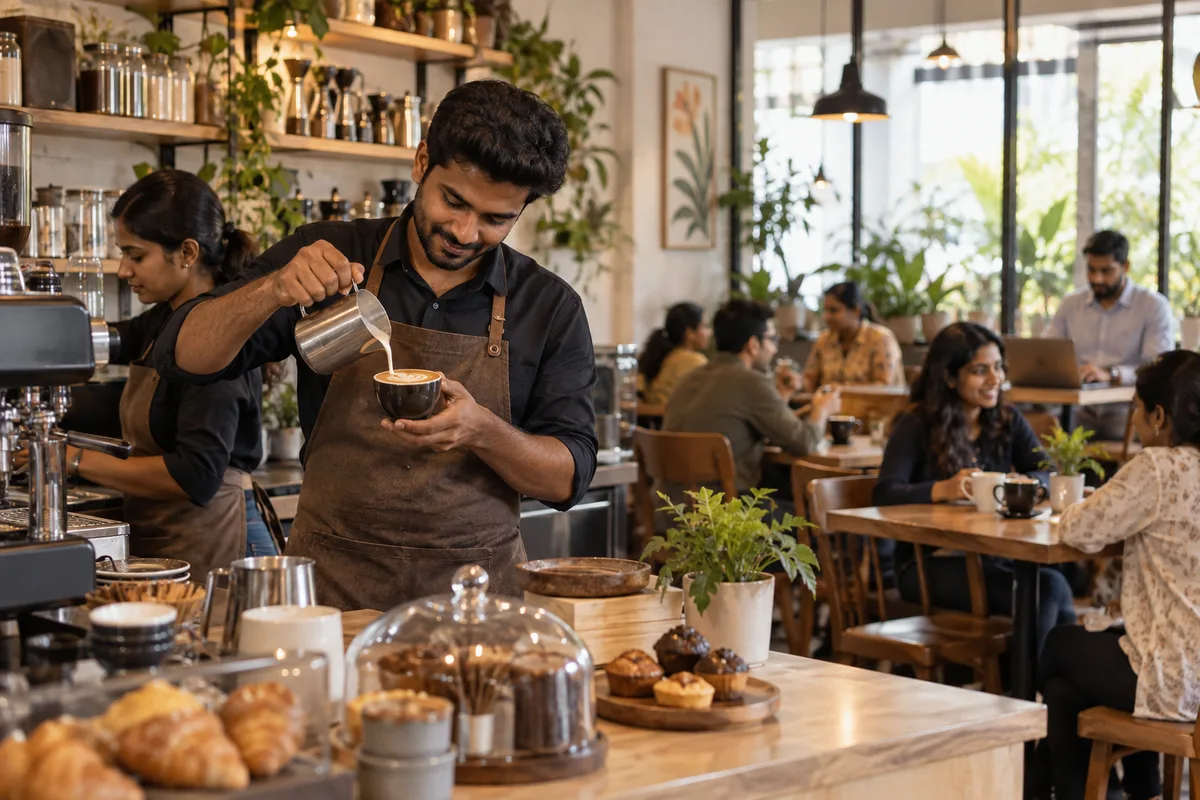
What CRM means
A CRM is the record where every enquiry, call and quote is kept against a customer, replacing separate notebooks, spreadsheets and memory. GullySales sets up or cleans an existing CRM and reports from it by enquiry outcome rather than by activity logged.
Also for cafes and coffee shops
- Lead generation for cafes and coffee shops
- Follow-up systems for cafes and coffee shops
- Branding for cafes and coffee shops
- Buyer journey for cafes and coffee shops
- Buyer personas for cafes and coffee shops
- Content marketing for cafes and coffee shops
- Digital marketing for cafes and coffee shops
- Email marketing for cafes and coffee shops
Sales and marketing for cafes and coffee shops, the overview.
Last updated 8 Nov 2026. Rules for this trade differ by state and professional body, and they change. We describe restrictions in general terms, so check the current position with your own council or adviser before you publish anything.
For cafes and coffee shops
Where it usually goes wrong, and what we would do.
“The record has to outlast the staff”
Baristas and shift managers move on. A catering contact saved in one person's phone leaves with them, and the office that ordered fifty coffees last Diwali never hears from you again.
“Four fields, not forty”
A counter team will enter a name, a number, a date and what was ordered. Ask for more and it gets skipped during a rush, and a half-filled record stops being worth reading.
“A corporate account is not a booking diary entry”
An office that orders coffee for meetings needs a billing contact, a GST number and a note of the standing order. None of that fits in the line where you write a table number.
What we do
What we deliver for cafes and coffee shops.
Every deliverable, what it covers for you, and the result it is there to produce. Nothing here is an extra.
A bookings and enquiry record the counter can update
One shared record for table bookings, birthday enquiries and catering requests, visible to whoever is on the till rather than kept in a paper diary.
Result: A booking exists somewhere other than one person's handwriting.
Separate records for corporate and catering accounts
A record for offices and event clients holding the billing contact, GST details, what was ordered last and the date it was ordered.
Result: A repeat order can be asked for by name and by what they had.
A short field list staff will actually complete
The smallest set of fields that still answers who, when, how many and what, written so a new barista fills it in without being trained twice.
Result: The record stays true because completing it takes seconds.
Consent recorded against the number
A note beside each phone number saying how it was given and what the customer agreed to hear about, kept with the booking itself.
Result: You can message a customer without wondering whether you should.
A read-out the owner can take at a glance
A simple view of enquiries received, bookings confirmed, and the ones nobody replied to, drawn from the same record.
Result: You see the gap between enquiries and bookings without asking anyone.
How the result is measured
- Enquiries logged in the CRM
- Data completeness
- Reports generated from CRM data
Recorded as a baseline before work starts, so every later report has an honest comparison.
What to record, and when
What a cafe should record about bookings, corporate orders and regulars, and whether it needs software yet.
- Table or event booking with date and headcount
- Record the date, the time, the number of guests and the occasion, such as a birthday table or a book-club evening. Whoever opens the cafe should see tomorrow's bookings without scrolling a chat.
- Corporate coffee and catering enquiries
- Keep these as a company, not as a person: office, floor, the person who orders, the person who pays and the order size. A coffee-and-snacks request for a meeting recurs, and the record should show it.
- What the regular usually orders
- Note the drink and the seat they prefer for people who come often. It lets any barista greet them well, and it costs nothing. Do not write personal remarks about a customer that you would not say to them.
- Consent next to the number
- If a regular gave a number on a loyalty form, record whether they said you may send offers, and when. Without that note, a message to them is a guess, and an annoyed customer will say so.
- Slow-hour offers that brought someone in
- When someone walks in for a weekday-morning offer, tick it. After a while you see whether the offer fills the slow hours or only gives away discount to people who would have come anyway.
- Do you need software yet?
- A shared sheet is enough while one person owns the file and staff add a line from the counter. Look at a tool when there are several outlets or when catering enquiries start arriving faster than anyone can answer them.
Who it is for
This is written for these cafes and coffee shops.
- Independent single-outlet cafes
- Specialty coffee roasters with a cafe
- Cafes inside co-working spaces
- Bakery cafes
- Cafe chains opening new outlets
- Cloud kitchen and delivery-only cafes
- Cafes attached to bookstores or art spaces
- Late-night and student-area cafes
Not for
It is not the right fit if.
- The cafe takes few bookings and catering enquiries, and a notebook will serve until the volume grows.
- Nobody agrees to enter details at the time of booking, so the record would lag behind the diary.
- You plan to store customer details without a rule on who may see them.
How it works
How the CRM work runs
The work itself, in order. How an engagement starts, from your brief to a written scope, is set out on our method page.
- 1
Map the sales process
We sit with the people who sell and write down how a deal moves from enquiry to payment, including where it stalls.
- 2
Agree stages, fields and owners
Each stage gets a name your team already uses and a proof that the deal has left it. We agree which fields are required at which stage, and who may change what.
- 3
Build on a copy
Pipeline, fields and views are built on a trial copy where the CRM offers one, or in a separate pipeline where the plan allows. Live work stays untouched.
- 4
Connect channels, then switch on automations
Channels are connected first. Each automation is then switched on separately, so a misfiring rule is easy to find.
- 5
Test with real deals
The people who will use the CRM run open deals through it. Gaps are fixed before the whole team switches over.
- 6
Switch over and trim
Once real use shows which fields stay empty and which stages nobody uses, those are cut and the handover record is updated.
Where this fits
Three pieces of sales work, in this order.
This work sits inside sales management. A target, a review routine and someone who owns the number.
Step 1
Sales audit
Find where deals are being lost and what to fix first.
Start here if you cannot say where orders are lost.
Step 2
Sales process design
One written way to sell, from first enquiry to repeat order.
Start here if every salesperson sells differently.
Step 3 · you are here
Sales management
A target, a review routine and someone who owns the number.
Start here if the team has targets and no routine.
FAQ
Questions owners ask before they call.
Not here? More answers, or ask on WhatsApp.
Do we need a real CRM or will a shared sheet do?
Our staff change often. Who keeps this current?
We have a notebook of names from a stamp card. Is it worth typing in?
Instagram DMs and Google messages ask about tables. Do they go into the record too?
How much does it cost?
How long is the contract?
How soon will we see results?
Who will actually do the work?
What do you need from us?
What if we are not happy with the work?
From the blog
Further reading for cafes and coffee shops.
 7 min read · 21 Sept 2026How to design metro and transit advertisingA commuter stands still in front of a platform panel for four minutes and passes the same one twice a day for a month. Design for the sixth viewing.
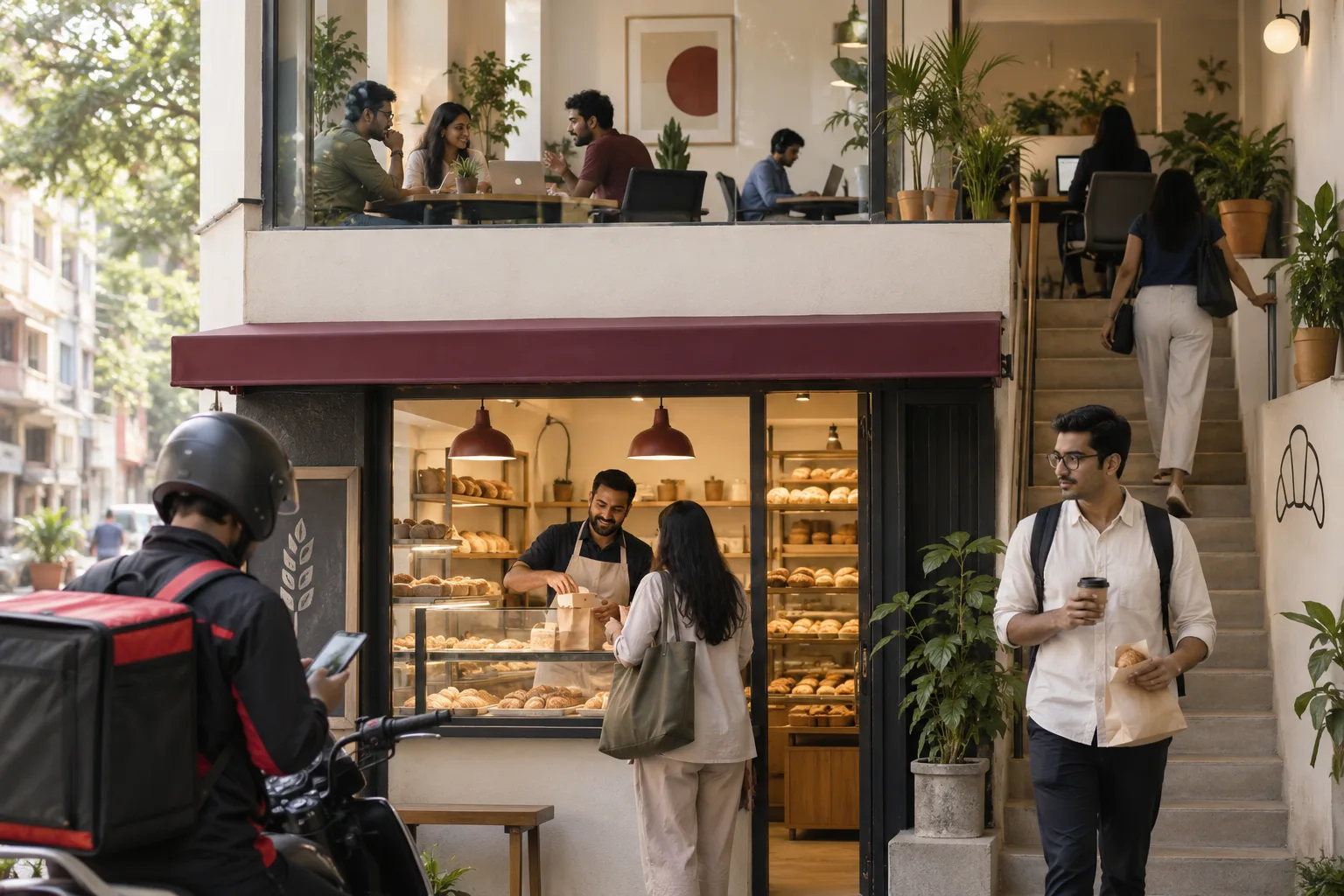 7 min read · 21 Sept 2026How to advertise to startup employeesThere is no tech park to buy. A forty person company sits above a bakery, so the audience is the neighbourhood, the delivery app and the coworking floor.
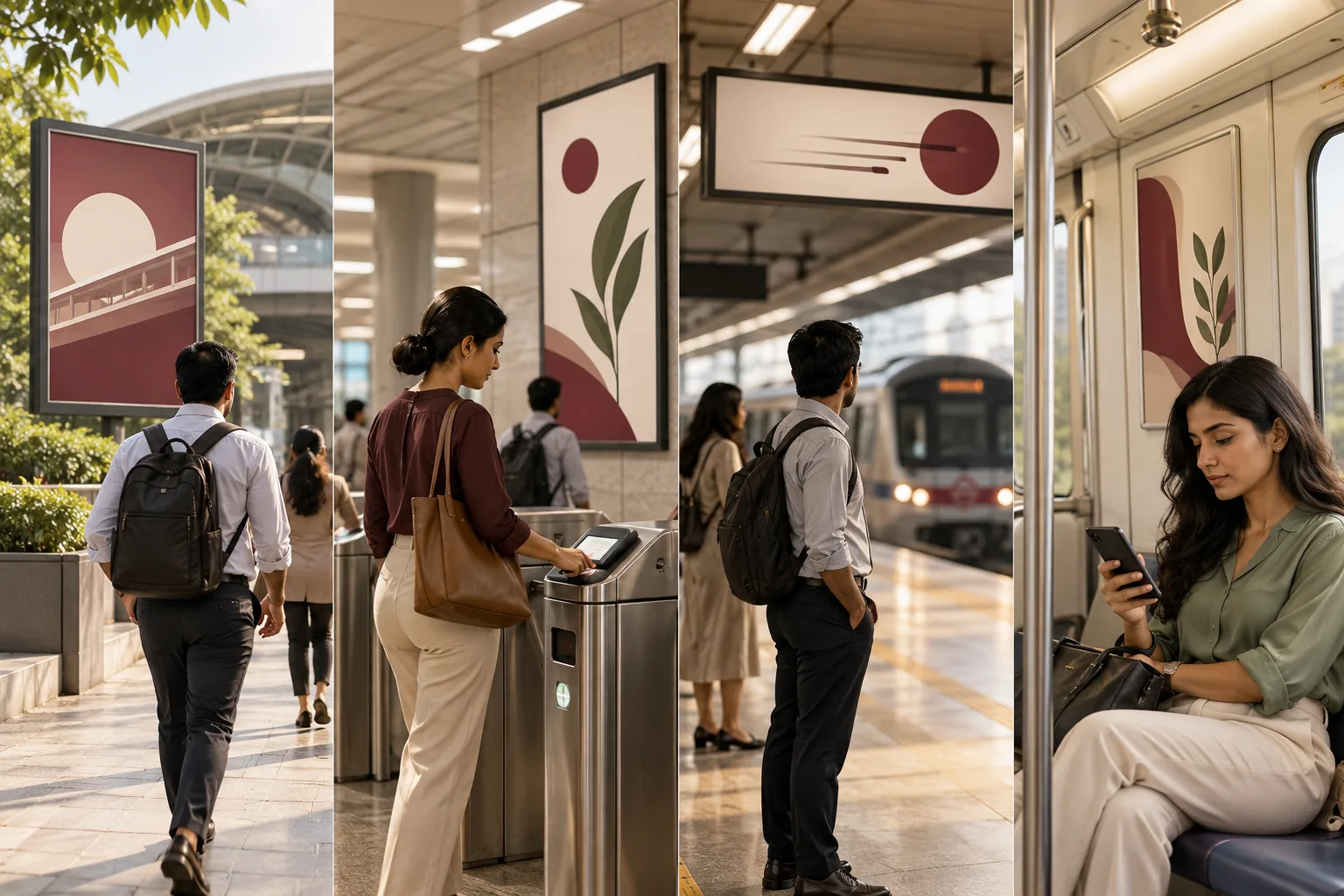 7 min read · 21 Sept 2026How to advertise to metro commutersA commuter is a mode, not a person. The journey has four still moments and each one takes different creative, which is why one design across a station never performs.
More for cafes and coffee shops
Everything else we would do for you.
Closest to this: leads and follow-up
Also for cafes and coffee shops
Or start from the overview: sales and marketing for cafes and coffee shops.
Your next practical step
Tell us what you are trying to grow, and we will read it before we call.
Eight short steps, mostly taps. Skip anything you would rather answer on the call.