Hotels · Campaign workflow automation
Move each offer from brief to approval to publishing without chasing people.
Campaign workflow automation for a hotel moves an offer, a banner or a banquet mailer through agreed steps, with reminders and a record of which version was approved. GullySales sets up the routing around the tools your sales, revenue and front office teams already use, so no handover depends on memory.
Scope, fee, reporting and term are agreed in writing after we have read your brief and spoken to you.
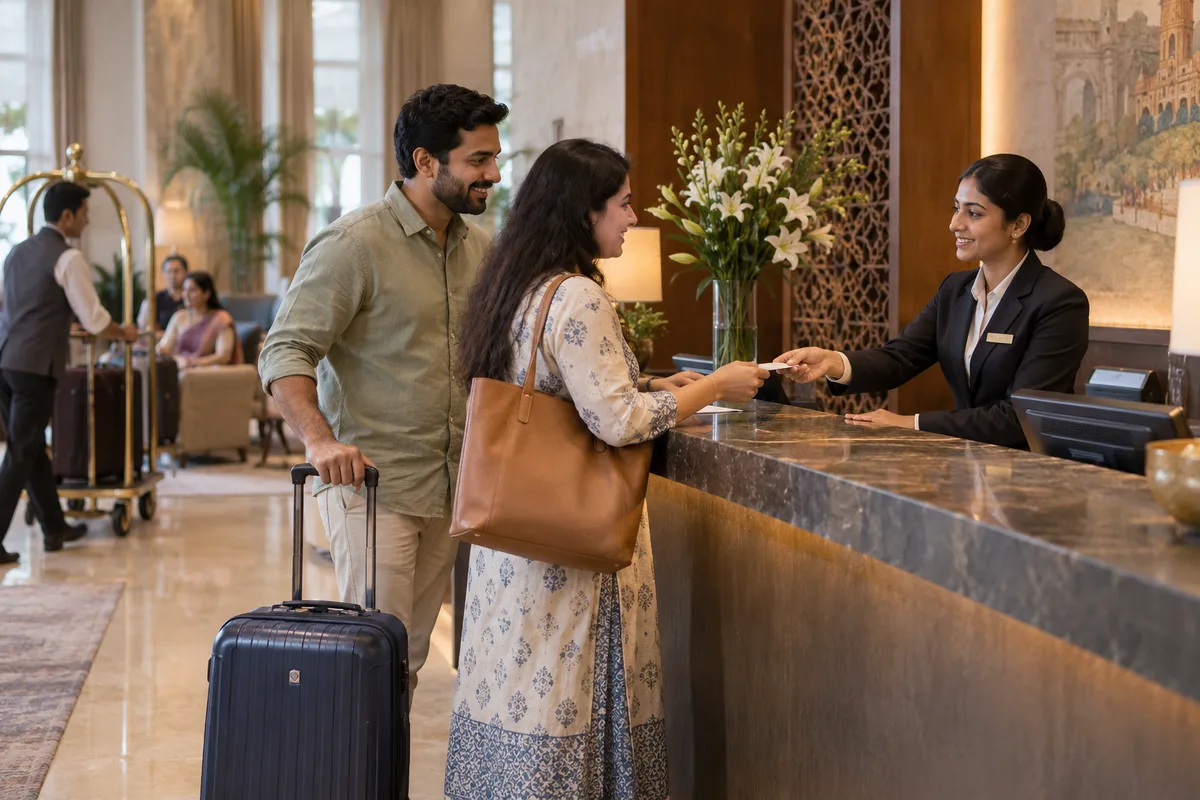
What campaign workflow automation means
Campaign workflow automation moves campaign briefs, assets, and approvals through agreed steps, with reminders and a record of what is ready to publish. GullySales sets up the routing and scheduling around your team's tools, so an email or dealer offer does not depend on someone remembering the next handover.
Also for hotels
- WhatsApp marketing for hotels
- Email newsletter writing for hotels
- Email newsletter template design for hotels
- AI-assisted call quality review for hotels
- AI follow-up and communication for hotels
- AI-powered reporting and insights for hotels
- Customer consent and preference centre implementation for hotels
- Email marketing for hotels
Sales and marketing for hotels, the overview.
Last updated 14 Nov 2026.
For hotels
Where it usually goes wrong, and what we would do.
“An offer touches several desks”
A weekend package begins with the revenue manager, passes to sales for wording, to the agency or an in-house designer for artwork, back to the general manager for sign-off and then to someone who uploads it to the website and each extranet. Each handover happens on a call or in a chat group. When one person is on leave, the offer waits and nobody can see where.
“The wrong version gets published”
Three versions of a banquet brochure sit in a shared folder and the designer sends the one named final. An artwork approved on Monday is edited on Tuesday and published on Wednesday without a second look. A workflow ties the approval to the exact file, so a changed asset returns to the approver and the version that goes live is the version that was signed.
“An offer expires and nobody takes it down”
A festive rate ends on a Sunday. The extranet still shows it on Monday, the website banner is still up, and the desk honours it to avoid an argument. Each hotel has an offer lingering past its end date. The workflow gives each offer an end action and a named person, with a reminder that fires before the date, not after the guest asks.
“Repeated seasons are rebuilt from scratch”
Every wedding season, long weekend and festive month the hotel repeats steps it did last time: photography, price confirmation, form test, extranet update, desk briefing. Because the steps live in one person's head, they are rebuilt and sometimes missed. A saved checklist for each recurring campaign means the new season starts from the last one's order of work.
What we do
What we deliver for hotels.
The work available for this need. We agree the deliverables and responsibilities for your engagement in writing.
Campaign workflow map
A drawn route from the first idea to publication, including phone and chat decisions that never reach a document. For each handover it names the owner, the next action and what counts as done. You check it against a recent package and correct any step that was never really followed.
Result: A recent offer can be traced through every handover on the map.
Approval routes and reminders
Named approvers for rates, claims and artwork, with a reminder rule when a request waits and an escalation to the general manager when it still waits. Test requests show who receives each asset and what happens when a decision is missing or an approver is away.
Result: A test request reaches the right approver and prompts a reminder when left unanswered.
Approved-version record
A record linking each approval to the exact file or page text that was signed. Where your tools lock files, an approved asset cannot be changed silently; otherwise a changed file returns for approval. The agency works from the approved copy only.
Result: The published asset matches the approved file on record.
Publishing queue connection
Where your scheduler, email tool or website allows, approved assets move into the queue without being re-typed, with the date and final text visible for checking. Steps that cannot be connected, such as an OTA extranet update, stay on the board as named manual tasks.
Result: Each approved asset is scheduled from the record, and manual tasks are named.
Campaign status board
A shared board or sheet showing each campaign, its current owner, the next action and anything overdue. The sales head and general manager can see where an offer stands without asking three people, and an overdue decision is visible rather than silent.
Result: The current owner and next action of any campaign can be read from one board.
Reusable checklists and handover notes
Saved checklists for recurring campaigns, such as the wedding season or a long-weekend package, including the form test, extranet update and desk briefing. A short set of handover notes tells your named operator how to run and amend the workflow.
Result: A new season's campaign starts from a saved checklist and a named operator.
How the result is measured
- Approval waiting time against the recorded baseline
- Brief-to-launch time and handovers completed by the agreed date
- Assets queued automatically versus transferred by hand
Recorded as a baseline before work starts, so every later report has an honest comparison.
Who it is for
This is written for these hotels.
- Business and transit hotels
- Boutique and heritage properties
- Resort and destination hotels
- Budget and mid-market chains
- Banquet and wedding-focused properties
- Serviced apartments and long-stay properties
Before you decide
Agree the work. Know how to judge it.
Campaign workflow automation for hotels: use these checks to prepare, choose the scope, and review what changes.
Bring the right evidence
Draw the current handover from trigger to final action. Mark where information is missing and who handles exceptions when the normal path fails.
Make the scope clear
Agree the systems, permissions, triggers, and actions in scope. Specify what remains manual, how a failed run is noticed, and who can pause or change the workflow.
Check the work in use
Test a successful case, a duplicate, a missing field, and a failed connection. Confirm that records and messages are not created twice and that a person can recover the work.
Know when to change course
If the team cannot agree the manual rule, do not automate it yet. Resolve ownership and exceptions first so the system does not repeat a bad decision faster.
These are discussion points, not a fixed package. GullySales confirms the deliverables, responsibilities, fee, and term in writing after reading your brief and speaking with you.
Before we start
What to have ready before the work starts.
The records, access and decisions this work needs from hotels. Anything missing is noted in the written scope, with who will supply it.
- A recent campaign from start to finish
- Choose one package that has just run and gather its files, messages and dates. We use it to draw the real route rather than the intended one. If the offer lived mainly in chat messages, we need those too, since the hidden steps are where it stalled.
- A list of approvers and deputies
- For each decision, the person who approves it and who covers when they are away. The workflow needs a deputy because hotel managers travel and cover shifts. Without a named deputy, reminders go to someone on leave and the offer waits.
- The tools you already use
- List the shared drive, chat group, design tool, scheduler, email tool, booking engine and OTA extranets. We build around them rather than adding a new system, and we say honestly which handovers cannot be connected. You keep every login and approve each connection.
- Offer end dates and rules
- For each recurring offer, record when it ends, where it appears and who removes it. This is the information the expiry reminders depend on. If end dates live only in a manager's memory, the workflow cannot warn anyone, and expired offers stay on the website.
- One operator at the hotel
- Name the person who will run the workflow after handover, such as someone in sales or marketing coordination. They must be able to approve changes to the routing. If nobody owns it, rules drift and the board fills with old campaigns.
How it works
How the campaign workflow automation work runs
The work itself, in order. How an engagement starts, from your brief to a written scope, is set out on our method page.
- 1
Pick the first campaign to automate
After your requirements brief and a conversation, the scope, fee and term are put in writing. We choose a campaign that repeats and has enough handovers to repay the effort, such as the wedding season or weekend packages. We record how long offers wait for approval today and the number of expired offers that stay live.
- 2
Confirm who decides what
We trace a recent offer and ask you to confirm who has authority over rate, wording, artwork and spend. Disagreements go to the general manager before any routing is built. Automating an unclear rule only makes the confusion move faster, so the rule is settled first.
- 3
Decide tools and the exceptions
We check what your website, scheduler, email tool and shared sheets allow, and which steps must remain manual, such as OTA extranet changes. We agree what happens on rejection, on a missed approval and when an approver is away. You approve any manual fallback before setup.
- 4
Test with a supervised campaign
The workflow is tested with dummy requests, then run on one live campaign with a person checking each send. Your approver confirms that the version in the queue is the version they signed, and that reminders reach the right desk, including banquet sales.
- 5
Hand the workflow to your operator
A named person at the hotel receives the instructions, the checklist and the list of unresolved exceptions. They learn to add a campaign, change an approver and read the board. Reporting frequency and any continuing support are agreed in writing before work starts.
- 6
Read the board against the baseline
After the first live campaign, we compare the waiting times and expired-offer cases with the baseline taken at the start. You decide which reminders stay, which add noise, and whether a second campaign should be moved onto the workflow.
Proof
Published examples of our work.
Real clients and the work recorded for each engagement. These examples may cover related services or industries. They show the method, not a guaranteed result.
Hotel Felicity Inn
- Situation
- A traveller compares three hotels on a phone and books one. The website was not built for that.
- What we did
- The site rebuilt around booking
- Photography and one look
- Search work for destination searches
- Content a traveller reads
- Result
- Online bookings increased 35%
- Organic traffic increased 50% within six months
- Positive reviews on Google and TripAdvisor increased 30%
Also worked with
Chord Road Hospital · Curtain Label · Difesa Security Services · Hands On CSR · Implevista · Kambar Group · Kalessi · Kerur Pain Clinic · LL Trust · Lucky Deals · Natural Gases · NavaShakthi Souhardha · NewCom Logistics · Proton Technical Services · SB Engineering · Shakthi Foundation · Shakthi Group · Urbanest · Insyde Studio · Venkateshwara Laser Tech · Vivara Studios
Where this fits
Three pieces of sales work, in this order.
This work sits inside sales process design, at stage 1, prospecting and lead generation. The audit comes before it, and sales management keeps it running.
Step 1
Sales audit
Find where deals are being lost and what to fix first.
Start here if you cannot say where orders are lost.
Step 2 · you are here
Sales process design
One written way to sell, from first enquiry to repeat order.
Start here if every salesperson sells differently.
Step 3
Sales management
A target, a review routine and someone who owns the number.
Start here if the team has targets and no routine.
FAQ
Questions owners ask before they call.
Not here? More answers, or ask on WhatsApp.
Do we need new software to automate campaign approvals?
Will the workflow publish offers on its own?
What happens when the general manager is away?
Can it stop an expired offer staying online?
Is this worth it for a small hotel with one marketer?
How do we know the automation helped?
How much does it cost?
How long is the contract?
How soon will we see results?
Who will actually do the work?
From the blog
Further reading for hotels.
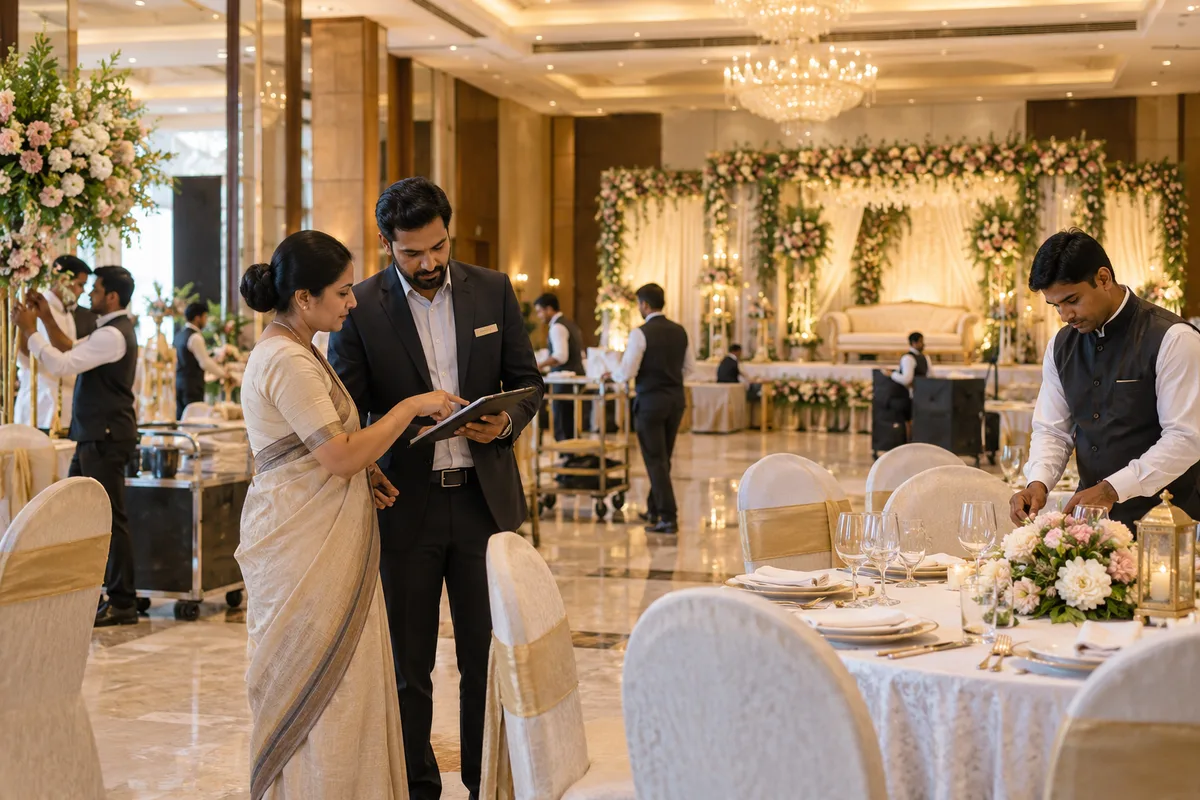 6 min read · 14 Oct 2026Building an off-season plan for a hotel, resort or venueHow to fill the quiet weeks with local residents, corporate meetings and low-cost packages, using a sheet that sets the floor price first.
 5 min read · 6 Oct 2026What buyers check before they book a stay or a catererGuests, tenants and event families judge hotels, homestays, PGs, serviced apartments and caterers on the same checks. What each looks like.
 8 min read · 21 Sept 2026Premium audience advertising strategyNo platform in India sells verified income. Affluence targeting is inference, and the cheapest filter you own is putting the price in the first frame.
More for hotels
Related work to consider.
Closest to this: messaging and automation
- WhatsApp marketing for hotels
- Email newsletter writing for hotels
- Email newsletter template design for hotels
- AI-assisted call quality review for hotels
- AI follow-up and communication for hotels
- AI-powered reporting and insights for hotels
- Customer consent and preference centre implementation for hotels
- Email marketing for hotels
Also for hotels
Or start from the overview: sales and marketing for hotels.
Your next practical step
Tell us what you are trying to grow, and we will read it before we call.
Eight short steps, mostly taps. Skip anything you would rather answer on the call.