Hotels · Email newsletter template design
Give every hotel newsletter one frame, so a guest knows it is yours.
An email newsletter template for a hotel is the reusable frame that holds a stay offer, a banquet notice, a restaurant evening and the footer, whatever the issue is about. GullySales designs the frame from your brand, builds it inside the tool you send from, and tests it where guests, wedding families and travel desks actually read.
Scope, fee, reporting and term are agreed in writing after we have read your brief and spoken to you.
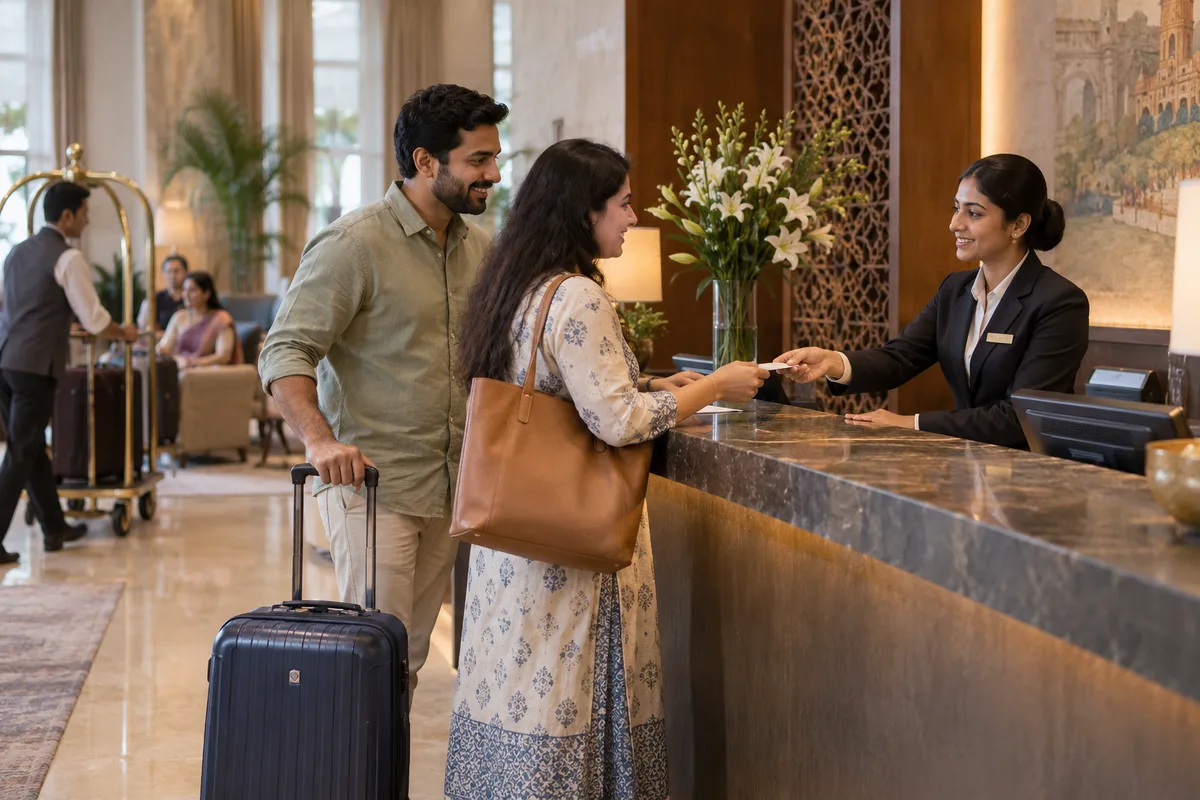
What email newsletter template design means
An email newsletter template is the reusable layout that holds the words and images of each issue: header, blocks, buttons and footer. GullySales designs the template from your brand, builds it for the email tool you send from, and hands over tested files with a guide so your team can fill it without breaking it.
Also for hotels
- WhatsApp marketing for hotels
- Email newsletter writing for hotels
- AI-assisted call quality review for hotels
- AI follow-up and communication for hotels
- AI-powered reporting and insights for hotels
- Campaign workflow automation for hotels
- Customer consent and preference centre implementation for hotels
- Email marketing for hotels
Sales and marketing for hotels, the overview.
Last updated 14 Nov 2026.
For hotels
Where it usually goes wrong, and what we would do.
“One frame has to serve three different readers”
A past guest opens the issue on a phone in a queue. A wedding family forwards it to an aunt who reads on a tablet. A corporate travel desk opens it on an office computer running an older mail application. A frame drawn for one of them breaks for the others, so the template is planned around all three screens from the first sketch, and each block is checked on each.
“The room photograph is the offer, and the inbox may hide it”
A hotel newsletter leans on pictures of rooms, the lobby and the banquet hall. Some mail clients hold images back until the reader allows them, and then the offer shows as an empty box. The template keeps the stay name, the dates and the button as live text, so a reader with pictures switched off still learns what is being offered and where to press.
“The booking button must go where a guest can finish”
The point of a hotel newsletter is a booking made on your own site rather than through an agent that charges commission. If the button is small, buried under three photographs or sent to a general home page, the guest drifts away. The template gives the booking button a fixed, generous place and a separate button for banquet and event enquiries, each pointing at the page you name.
“The person filling the issue is a busy desk, not a designer”
Issues are assembled by a reservations manager, a sales executive or a front-office lead between check-ins. Without locked areas, a stray click moves the logo or stretches a photograph. The template separates what staff may change, such as the offer text and the images, from what stays put, such as the header, the footer and the spacing, so a rushed issue still looks like the same hotel.
What we do
What we deliver for hotels.
The work available for this need. We agree the deliverables and responsibilities for your engagement in writing.
A hotel block library
Ready-made blocks for the things a hotel sends: a stay offer with dates and a booking button, a weekday or staycation package, a banquet and wedding notice, a restaurant or festival evening, a corporate rate reminder and a short guest note. Staff build an issue by choosing and ordering blocks instead of drawing a new layout.
Result: You can list every block and say which kind of hotel message it carries.
The template built in your sending tool
The approved layout is built inside the email tool you name, with live text for headlines, dates and buttons, and with the editable and locked areas set out. If your tool cannot hold a block as drawn, we say so before the build and offer the nearest version that will work there.
Result: A member of your staff can open the template in your own tool and send a test issue.
Phone, tablet and dark-mode versions
A stacked version for narrow screens with buttons large enough for a thumb, and a check of how the logo and the photographs sit when a reader's mail client switches to a dark display. A logo that disappears against a dark background is fixed with a version that holds on either.
Result: You can view the same test issue on a phone and in dark mode and read every line of it.
An image-off version of the layout
A fallback in which the stay name, the dates, the button and the footer remain readable when pictures are blocked. Every photograph carries plain alternative text, such as the room type or the hall name, so a reader using a screen reader or a blocked inbox still follows the message.
Result: With images blocked in a test inbox, the offer and the booking button are still readable.
Footer and sender block for a hotel
A footer holding the hotel name, the property address line, the reservations and banquet contact points, and the unsubscribe and preference links in a fixed place. Any wording the law or your platform requires comes from you or your own adviser, and we place it where it can be seen.
Result: Every test issue shows the same sender details and a working unsubscribe link.
Client test sheet and editor guide
A record of how the template looked in the mail clients and devices you named, with screenshots and a note of any difference left. With it comes a short guide for your desk on which block to use for which job, what must not be changed and how to add a photograph, plus the editable design source.
Result: A new member of staff can build an issue from the guide without asking the person who set it up.
How the result is measured
- Issues built from the template without a redesign
- Replies or calls that mention a specific block or link
- Clicks on the main button, recorded in your email tool
Recorded as a baseline before work starts, so every later report has an honest comparison.
Who it is for
This is written for these hotels.
- Business and transit hotels
- Boutique and heritage properties
- Resort and destination hotels
- Budget and mid-market chains
- Banquet and wedding-focused properties
- Serviced apartments and long-stay properties
Before you decide
Agree the work. Know how to judge it.
Email newsletter template design for hotels: use these checks to prepare, choose the scope, and review what changes.
Bring the right evidence
Describe how the contact list was collected, what people asked to receive, and which messages are currently sent. Include opt-outs and replies when reviewing campaign performance.
Make the scope clear
Agree the audience, message purpose, sending system, and response owner. Separate promotional communication from order or service updates, and check current platform requirements before launch.
Check the work in use
Test the message with a small appropriate audience before wider use. Check links, reply handling, opt-outs, and whether the response leads to a relevant conversation or order.
Know when to change course
Do not use an unexplained contact list as a shortcut to demand. If recipients do not expect the message, resolve the permission and relevance questions before sending.
These are discussion points, not a fixed package. GullySales confirms the deliverables, responsibilities, fee, and term in writing after reading your brief and speaking with you.
Before we start
What to have ready before the work starts.
The records, access and decisions this work needs from hotels. Anything missing is noted in the written scope, with who will supply it.
- Your last few newsletters
- Send the issues you have sent, including the ones you were unhappy with. They show which messages your desk sends, which blocks you use, and where the layout broke. Without them the block library is built from guesses about a hotel in general instead of yours.
- Logo, brand colours and photographs
- Supply the logo in files with a clear background, the brand colours and fonts if you have them, and a small set of room, hall and restaurant photographs you hold the rights to. A template drawn with stock pictures reads as a different hotel, and a guest notices.
- Access to your sending tool
- We need to know which email tool you send from and to be given a place in it to build and test. If an access cannot be shared, a person on your side builds from our files while we direct. Without it the template stays a drawing that has not met the real tool.
- The pages your buttons must reach
- Name the booking engine page, the banquet and event enquiry form, the restaurant booking link and the corporate rate page. A button that leads to a general home page loses the guest at the step that matters, so each link is confirmed before the build.
- One person who will fill the issues
- Name the person who will use the template, and let us speak with them. A template built for a manager and handed to a front-office team that never saw it is left unused. Their questions shape the locked areas and the guide, and they are the one who tests it.
How it works
How the email newsletter template design work runs
The work itself, in order. How an engagement starts, from your brief to a written scope, is set out on our method page.
- 1
Read past issues and booking links
We start with the newsletters you have already sent, the email tool you use and the pages the buttons point to, such as the booking engine and the banquet enquiry form. We note which parts of past issues a guest could actually use and which only filled space, and we ask which messages your desk sends again and again.
- 2
List the messages a hotel really sends
We draw up the set of messages: room offers, weekday packages, banquet and wedding notices, restaurant evenings, corporate rate reminders and festive greetings. Each becomes a block, and the order of blocks on a page is drawn as a plan that you approve before any visual design begins.
- 3
Draw the frame for phone and desk
We design the header, the blocks and the footer on a wide screen and a narrow one, using your brand colours, type and the logo files you supply. The drawing is filled with realistic placeholder content, such as a room name and a hall photograph, so you judge it the way a guest would.
- 4
Build it in your sending tool
The approved design is built inside your tool with real text, real links and alternative text on every picture. The areas your desk may edit are opened and everything else is locked. If a block would behave differently in your tool than on the drawing, we tell you and agree the change.
- 5
Test with images off and in dark mode
We send test issues to the mail clients and devices you name, including the older desktop application a travel desk may use. We view them with pictures blocked, on a small screen and in dark mode, fix what breaks and write down any difference that remains, instead of hiding it.
- 6
Hand over the files and the guide
You receive the built template, the editable design source, the exported code where your tool allows it, the test sheet and the editor guide. We go through the guide with the person who will fill the issues and answer their questions. We read the result against the layout problems you described at the start.
Proof
Published examples of our work.
Real clients and the work recorded for each engagement. These examples may cover related services or industries. They show the method, not a guaranteed result.
Hotel Felicity Inn
- Situation
- A traveller compares three hotels on a phone and books one. The website was not built for that.
- What we did
- The site rebuilt around booking
- Photography and one look
- Search work for destination searches
- Content a traveller reads
- Result
- Online bookings increased 35%
- Organic traffic increased 50% within six months
- Positive reviews on Google and TripAdvisor increased 30%
Also worked with
Chord Road Hospital · Curtain Label · Difesa Security Services · Hands On CSR · Implevista · Kambar Group · Kalessi · Kerur Pain Clinic · LL Trust · Lucky Deals · Natural Gases · NavaShakthi Souhardha · NewCom Logistics · Proton Technical Services · SB Engineering · Shakthi Foundation · Shakthi Group · Urbanest · Insyde Studio · Venkateshwara Laser Tech · Vivara Studios
Where this fits
Three pieces of sales work, in this order.
This work sits inside sales process design, at stage 1, prospecting and lead generation. The audit comes before it, and sales management keeps it running.
Step 1
Sales audit
Find where deals are being lost and what to fix first.
Start here if you cannot say where orders are lost.
Step 2 · you are here
Sales process design
One written way to sell, from first enquiry to repeat order.
Start here if every salesperson sells differently.
Step 3
Sales management
A target, a review routine and someone who owns the number.
Start here if the team has targets and no routine.
FAQ
Questions owners ask before they call.
Not here? More answers, or ask on WhatsApp.
Do you write the newsletter itself?
Which sending tools can the template be built in?
Can the template show a room rate or an offer price?
Will it look right on a travel desk's older computer?
Do you send the issues or manage our guest list?
Who owns the template once it is finished?
How long is the contract?
How soon will we see results?
Who will actually do the work?
What do you need from us?
From the blog
Further reading for hotels.
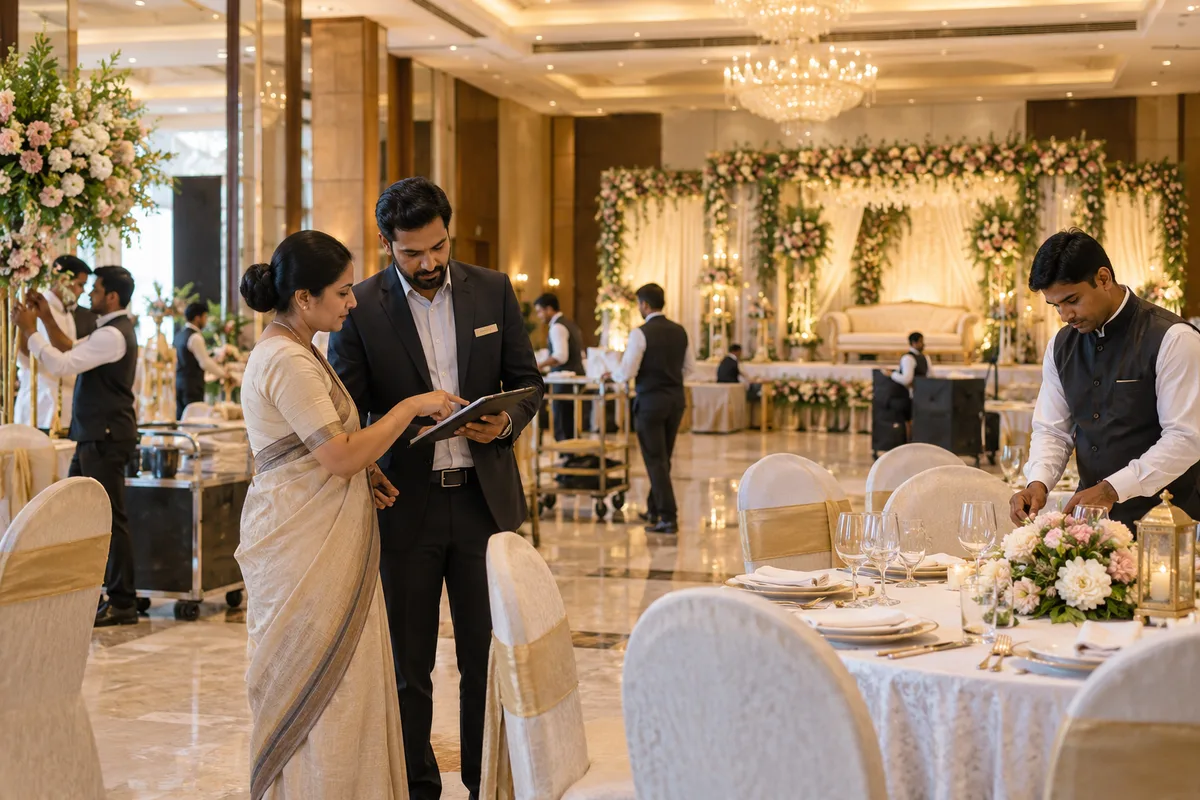 6 min read · 14 Oct 2026Building an off-season plan for a hotel, resort or venueHow to fill the quiet weeks with local residents, corporate meetings and low-cost packages, using a sheet that sets the floor price first.
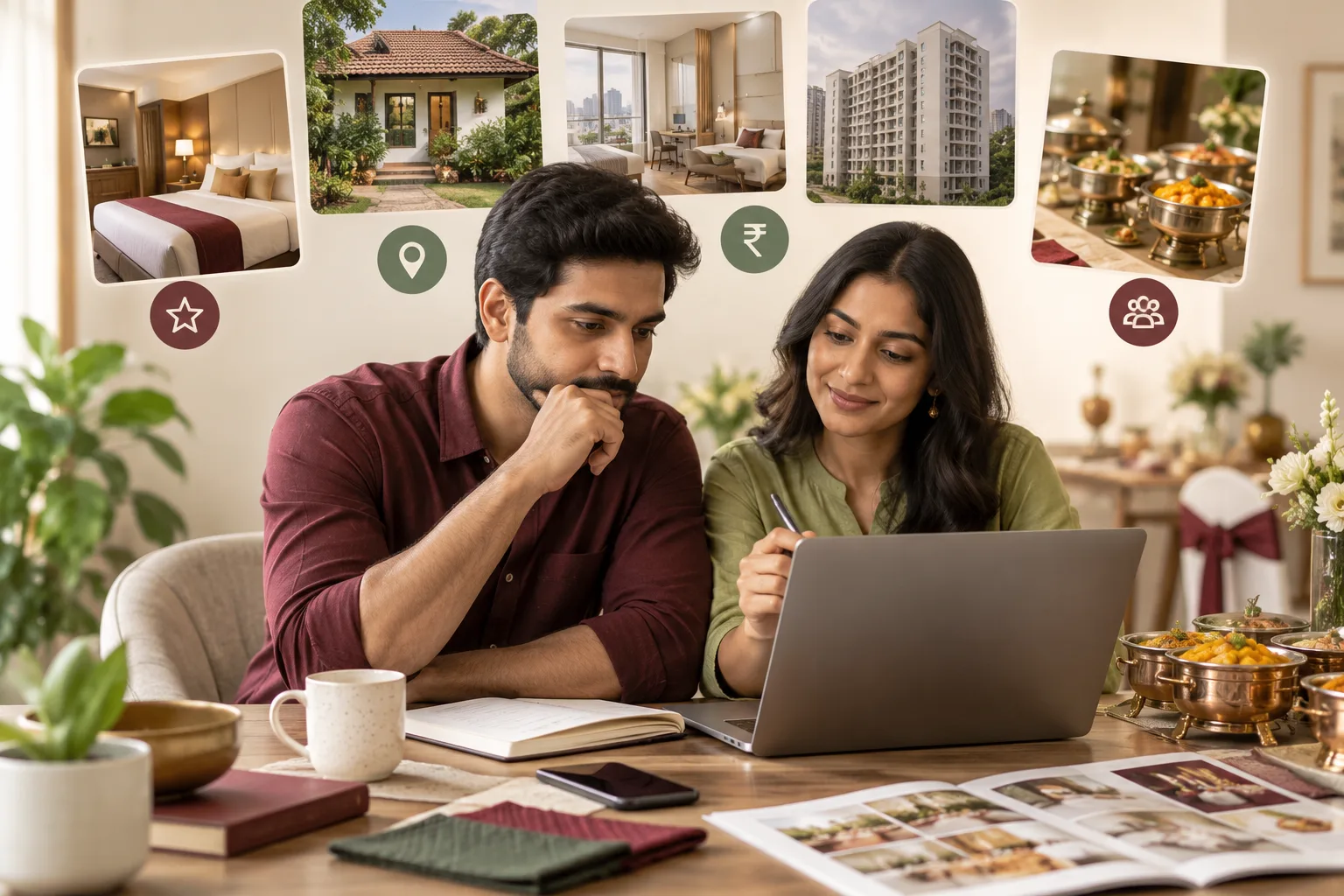 5 min read · 6 Oct 2026What buyers check before they book a stay or a catererGuests, tenants and event families judge hotels, homestays, PGs, serviced apartments and caterers on the same checks. What each looks like.
 8 min read · 21 Sept 2026Premium audience advertising strategyNo platform in India sells verified income. Affluence targeting is inference, and the cheapest filter you own is putting the price in the first frame.
More for hotels
Related work to consider.
Closest to this: messaging and automation
- WhatsApp marketing for hotels
- Email newsletter writing for hotels
- AI-assisted call quality review for hotels
- AI follow-up and communication for hotels
- AI-powered reporting and insights for hotels
- Campaign workflow automation for hotels
- Customer consent and preference centre implementation for hotels
- Email marketing for hotels
Also for hotels
Or start from the overview: sales and marketing for hotels.
Your next practical step
Tell us what you are trying to grow, and we will read it before we call.
Eight short steps, mostly taps. Skip anything you would rather answer on the call.