Hotels · Customer consent and preference centre implementation
Let a guest choose what the hotel sends, and make every system obey.
A hotel preference centre is the page where a guest picks topics and channels, backed by one record every sending tool reads. GullySales builds the page, the purpose record, the suppression list and the change log, then connects them to your email, WhatsApp, booking and banquet tools.
Scope, fee, reporting and term are agreed in writing after we have read your brief and spoken to you.
What customer consent and preference centre implementation means
Customer consent and preference centre implementation is the setup of the page where contacts choose topics and channels, plus the records behind it. GullySales builds the preference options, the purpose record for each contact, the suppression list and the change log, then connects them to your email, WhatsApp and CRM tools.
Last updated 14 Nov 2026.
For hotels
Where it usually goes wrong, and what we would do.
“One guest enters through five different doors”
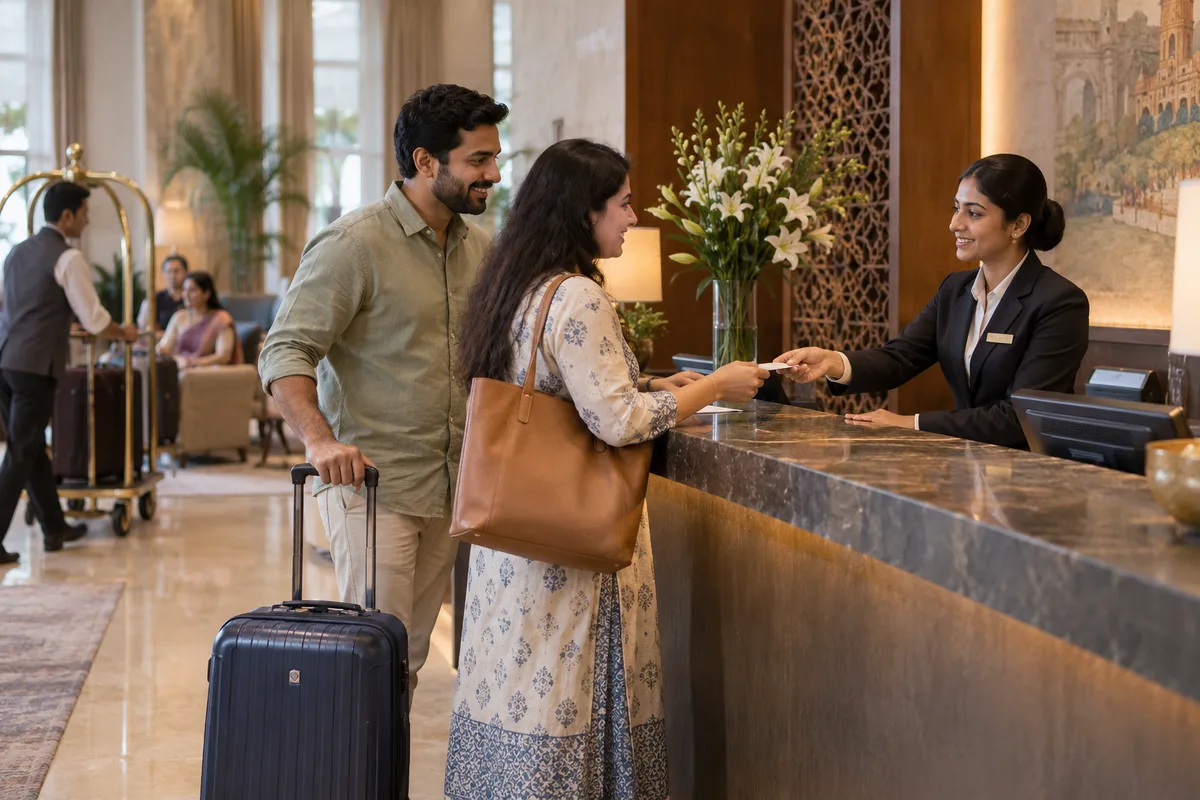
A guest reaches your list through the registration card at the desk, a booking made on a travel site, the restaurant reservation sheet, the Wi-Fi sign-in page and the loyalty form. Each door asked for contact details with different words and a different promise. Nobody wrote down which door a contact came through, so when a guest asks why a message arrived, the hotel cannot say what that person agreed to or when.
“A stay confirmation is not permission for an offer”
A guest who books a room expects a confirmation, a pre-arrival note and a check-out message. That same guest has not necessarily agreed to a festive package or a banquet promotion. Hotels send all three from one tool to one list. A preference centre separates the purposes, so a service message and a promotional message each follow the permission that belongs to them. Your own adviser decides the wording and the rules that apply.
“Banquet and corporate contacts act for someone else”
A wedding enquiry comes from a family member, then a planner, then a decorator, all using the same phone thread. A corporate contact is a travel desk employee who acts for a company and may leave the post. Whose permission covers a message sent to that number a season later? The record has to hold who gave the choice, for which purpose, and which person or company the contact represents.
“A spoken request at the desk reaches nobody”
A guest tells the front desk to stop the messages, or replies STOP to a WhatsApp offer, or asks the banquet manager on the phone. Each request lands in a different place. The email tool never hears about it, the sales team keeps calling from an old sheet, and the guest concludes the hotel does not listen. One written route for every channel closes that gap.
What we do
What we deliver for hotels.
The work available for this need. We agree the deliverables and responsibilities for your engagement in writing.
Purpose and channel map for the property
A written list of each reason the hotel contacts a guest, such as booking confirmations, pre-arrival notes, restaurant offers, banquet follow-up and loyalty news, set against each channel in use. You and your adviser confirm the map before any option is built, so the page reflects how the property really writes to people.
Result: Every message type you send appears on the map with its channel and its stated purpose.
Guest preference centre page
A mobile-first page where a guest chooses topics and channels, with a clear way to stop everything. It carries your property name, matches your site, and uses wording your adviser has approved. The page is tested on a phone and a desktop browser, and on the link a guest receives in a message footer.
Result: A test guest can change a choice on a phone and see the new choice confirmed.
Consent record for each guest
The fields stored for every contact: the purpose, the channel, the exact wording shown, the door the contact came through, the date and time with time zone, and the form version. The structure is written in plain language so the front office manager and the sales head can both read a record without help.
Result: Any contact you pick shows its purpose, wording version, source and date.
One suppression list with a pre-send rule
A single list of contacts who must not be messaged, with the rule that every export and every send checks it first. A guest who opted out cannot return through an old banquet enquiry sheet, a booking-site export or a re-imported spreadsheet from the sales desk.
Result: A test contact on the list is excluded from a send built from an old export.
Change log of every choice
A history that only adds entries, never overwrites them. It shows each choice, each change and each withdrawal, and whether the guest, a staff member or a tool made it. When a guest asks what the hotel held on a particular date, the earlier state can be shown.
Result: The log shows a test withdrawal with its time and who or what made it.
Tool connections and capture-point updates
The agreed links between the preference record and your email tool, WhatsApp provider, booking engine and banquet enquiry form, plus updates to the registration card wording, the Wi-Fi page, the loyalty form and email footers. Test guests prove a change in one place reaches the others.
Result: A change made on the page appears in each connected tool during a supervised test.
How the result is measured
- Contacts with a recorded purpose, channel, wording version and date
- Opt-outs from one tool reflected in every connected tool
- Test contacts correctly excluded after a withdrawal or an old import
Recorded as a baseline before work starts, so every later report has an honest comparison.
Who it is for
This is written for these hotels.
- Business and transit hotels
- Boutique and heritage properties
- Resort and destination hotels
- Budget and mid-market chains
- Banquet and wedding-focused properties
- Serviced apartments and long-stay properties
Before you decide
Agree the work. Know how to judge it.
Customer consent and preference centre implementation for hotels: use these checks to prepare, choose the scope, and review what changes.
Bring the right evidence
Describe how the contact list was collected, what people asked to receive, and which messages are currently sent. Include opt-outs and replies when reviewing campaign performance.
Make the scope clear
Agree the audience, message purpose, sending system, and response owner. Separate promotional communication from order or service updates, and check current platform requirements before launch.
Check the work in use
Test the message with a small appropriate audience before wider use. Check links, reply handling, opt-outs, and whether the response leads to a relevant conversation or order.
Know when to change course
Do not use an unexplained contact list as a shortcut to demand. If recipients do not expect the message, resolve the permission and relevance questions before sending.
These are discussion points, not a fixed package. GullySales confirms the deliverables, responsibilities, fee, and term in writing after reading your brief and speaking with you.
Before we start
What to have ready before the work starts.
The records, access and decisions this work needs from hotels. Anything missing is noted in the written scope, with who will supply it.
- Every guest list the hotel holds
- Gather the email list, the WhatsApp contacts, the loyalty members, the banquet enquiry sheets and any spreadsheet at the sales desk. The inventory is only as good as the lists it can see, and a list missed here is the one that later sends to someone who opted out.
- Registration card and form wording
- Bring the current registration card, the booking form, the banquet enquiry form and the Wi-Fi sign-in text. We need the words guests saw when they gave contact details. Without them the record cannot say what a guest agreed to, and older contacts are marked as such.
- Access to email, WhatsApp and booking tools
- Name who holds the logins and give the access we need, issued by you and kept by you. Each connection depends on reading the tool's own settings. A tool we cannot see stays outside the system, and the preference record will not reach it.
- A named adviser for the wording
- Choose the person who approves consent and message wording for the property, whether an in-house lawyer or an outside adviser. Rules differ by country and change over time, so the wording is theirs to approve. Without that person, nothing is published, and the page waits.
- A person who takes desk and phone requests
- Name one role at the front office and one at the banquet desk who log a guest's spoken request in the agreed place. The tools only record what reaches them, so a request made at the counter needs a person who enters it the same day it is made.
How it works
How the customer consent and preference centre implementation work runs
The work itself, in order. How an engagement starts, from your brief to a written scope, is set out on our method page.
- 1
Brief and scope for your property
You send the requirements brief and GullySales reviews it with you. The scope, fee and term go into writing, including which tools are connected, which capture points change and who at the hotel approves the wording. Whatever your adviser must review is named at this step, so it is not discovered on release day.
- 2
Guest list and capture-point inventory
You give access to your email tool, WhatsApp provider, booking engine, property system exports and enquiry forms. We record where each guest list lives, which unsubscribe list each tool keeps, and which desks add contacts by hand. The result is a plain inventory of doors, lists and owners that you check against what you believe exists.
- 3
Purpose map and wording approval
We draft the purpose and channel map and the wording for the page, the registration card, the booking form and the banquet enquiry form. Your adviser reviews and approves them. Nothing goes live on unapproved wording, and any change your adviser asks for is made before the page is built.
- 4
Build the page, record and suppression list
The preference page, the consent record and the suppression list are set up in the tool or CRM you agreed. You confirm the fields and the choices on screen before anything connects. Where the property system cannot hold a field, we record the workaround in writing and agree who keeps it current.
- 5
Connect and test with sample guests
Each tool is connected as agreed. Test guests change a choice, withdraw, reply STOP on WhatsApp, and are re-imported from an old banquet sheet while you watch whether every tool responds. Any gap is fixed and tested again, and the results are written down against the cases you approved.
- 6
Release, desk handover and reading the result
Links, forms and card wording go live with your approval. The notes, the change log and the open items pass to the named owners at the front office and the sales desk, with any continuing support agreed in writing. We then read the record against the figures noted before the work began.
Proof
Published examples of our work.
Real clients and the work recorded for each engagement. These examples may cover related services or industries. They show the method, not a guaranteed result.
Hotel Felicity Inn
- Situation
- A traveller compares three hotels on a phone and books one. The website was not built for that.
- What we did
- The site rebuilt around booking
- Photography and one look
- Search work for destination searches
- Content a traveller reads
- Result
- Online bookings increased 35%
- Organic traffic increased 50% within six months
- Positive reviews on Google and TripAdvisor increased 30%
Also worked with
Chord Road Hospital · Curtain Label · Difesa Security Services · Hands On CSR · Implevista · Kambar Group · Kalessi · Kerur Pain Clinic · LL Trust · Lucky Deals · Natural Gases · NavaShakthi Souhardha · NewCom Logistics · Proton Technical Services · SB Engineering · Shakthi Foundation · Shakthi Group · Urbanest · Insyde Studio · Venkateshwara Laser Tech · Vivara Studios
Where this fits
Three pieces of sales work, in this order.
This work sits inside sales process design, at stage 1, prospecting and lead generation. The audit comes before it, and sales management keeps it running.
Step 1
Sales audit
Find where deals are being lost and what to fix first.
Start here if you cannot say where orders are lost.
Step 2 · you are here
Sales process design
One written way to sell, from first enquiry to repeat order.
Start here if every salesperson sells differently.
Step 3
Sales management
A target, a review routine and someone who owns the number.
Start here if the team has targets and no routine.
FAQ
Questions owners ask before they call.
Not here? More answers, or ask on WhatsApp.
Is a preference centre needed if guests can already unsubscribe?
Will this tell us what the law requires for hotels?
What happens to guests who booked through a travel site?
Can a guest choose to hear about weddings but not rooms?
Do we need new software to run this?
How will we know the system is working?
How much does it cost?
How long is the contract?
How soon will we see results?
Who will actually do the work?
From the blog
Further reading for hotels.
 6 min read · 14 Oct 2026Building an off-season plan for a hotel, resort or venueHow to fill the quiet weeks with local residents, corporate meetings and low-cost packages, using a sheet that sets the floor price first.
 5 min read · 6 Oct 2026What buyers check before they book a stay or a catererGuests, tenants and event families judge hotels, homestays, PGs, serviced apartments and caterers on the same checks. What each looks like.
 8 min read · 21 Sept 2026Premium audience advertising strategyNo platform in India sells verified income. Affluence targeting is inference, and the cheapest filter you own is putting the price in the first frame.
More for hotels
Related work to consider.
Closest to this: messaging and automation
Also for hotels
Or start from the overview: sales and marketing for hotels.
Your next practical step
Tell us what you are trying to grow, and we will read it before we call.
Eight short steps, mostly taps. Skip anything you would rather answer on the call.