Hotels · Helpdesk and contact centre setup
Put guest calls and messages in one shared record, not on phones.
Helpdesk and contact centre setup for a hotel puts a reachable number, a ticketing tool, shared channels, roles and shift cover in place for the team that answers guests before, during and after a stay. GullySales picks and configures the tools around your call and message volume, and prepares your reservations and guest relations staff to work from one record.
Scope, fee, reporting and term are agreed in writing after we have read your brief and spoken to you.
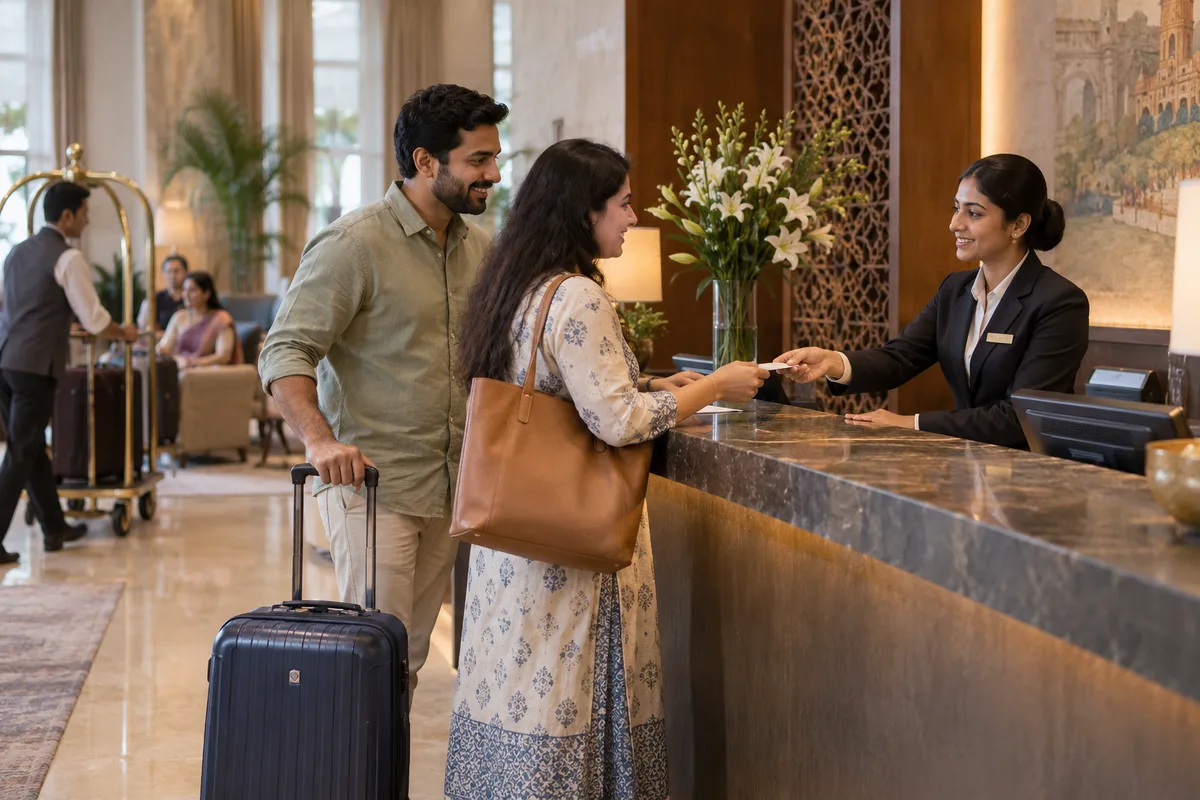
What helpdesk and contact centre setup means
Helpdesk and contact centre setup puts the phone lines, ticketing software, roles, and shift cover in place for a dedicated support team. GullySales selects and configures the tools around your query volume, connects the agreed channels, and prepares your team to handle customer enquiries in a shared system rather than on personal phones.
Also for hotels
- Loyalty programmes for hotels
- Customer retention for hotels
- Referral marketing for hotels
- Complaint and escalation management for hotels
- Customer satisfaction, NPS and feedback programmes for hotels
- Customer service strategy for hotels
- Customer experience strategy and journey mapping for hotels
- Customer retention and reactivation campaigns for hotels
Sales and marketing for hotels, the overview.
Last updated 14 Nov 2026.
For hotels
Where it usually goes wrong, and what we would do.
“The same call reaches three desks”
A guest rings about a booking change, is passed from the front desk to reservations and then to the manager, and repeats the story each time. Nobody wrote down what was promised. A shared ticket with one owner means the second person sees the first person's note, and the guest is asked once. The setup decides who owns a call at each stage and where that note lives.
“Cover that matches opening hours on paper only”
The reservations line is listed as open, yet the person on duty is also checking guests in, and calls ring out when the lobby is busy. Night calls from a late arrival, or a wedding family phoning after dinner, go unanswered. A roster built from the hours when calls actually arrive, with breaks and leave allowed for, shows where cover is thin before a guest finds the gap.
“WhatsApp, email, OTA messages and phone are four separate places”
A guest asks about parking on WhatsApp, emails about an invoice and messages through the booking site about the same stay. Each lands with a different person on a different device. Connecting the agreed channels to one tool, within what each provider allows, puts the history of a guest in one place. Channels the tool cannot connect are named, not left to chance.
“Repeated complaints never show up as a pattern”
Slow check-in, noise from a function hall, hot water in a wing: each is settled in the moment and then forgotten. Without a reason tag on every ticket, the manager cannot see that the same issue is recurring. Tagging each contact by reason gives the hotel something to read, and shows which questions deserve a page on the website or a fix on the floor.
What we do
What we deliver for hotels.
The work available for this need. We agree the deliverables and responsibilities for your engagement in writing.
Tool recommendation and configuration
A recommendation for a ticketing tool based on your call and message volume, your channels and your budget, followed by the agreed queues, statuses, reason tags and owner fields, such as booking change, billing, banquet enquiry, complaint and lost property. Your guest relations lead checks them against sample calls before launch.
Result: A sample guest query can be logged and found again.
Guest support number and call routing
A dedicated number with a greeting, the routing between reservations, front desk and banquet sales, and a clear message for the hours nobody is on duty. Test calls confirm where each route ends and what a guest hears when nobody picks up.
Result: Every route has been tested by a real call.
Email, WhatsApp and booking-site connections
The agreed email inbox and the hotel's business WhatsApp number connected to the ticketing tool, subject to what each provider permits. Where an OTA message system cannot be connected, the setup says so and agrees a manual step. Trial messages show whether a conversation reaches the right queue with its history.
Result: A trial message arrives in the right queue with its history.
Approved reply library
Stored replies for the questions guests ask again and again, such as check-in and check-out hours, parking, airport transfers, breakfast timings, cancellation terms and banquet visit requests. Your front office manager approves every reply before staff use it, so the wording matches your policy.
Result: Each stored reply has been approved by a named person.
Role and cover plan
Written responsibilities for first response, harder queries, case ownership and cover during absence, including the night shift and the weekends of a wedding. You confirm who fills each role; recruitment is not part of the work.
Result: Each role has a named person or an open decision.
Demand-based shift roster and handover
A roster built from the hours when calls and messages arrive and how long each takes, with room for breaks, leave and training. Then training on the configured tools and support through the agreed launch period, as your team practises ticket ownership, call transfers and reason tagging before taking over.
Result: Your team handles a practice call without help.
How the result is measured
- Query arrivals by time interval against staffed cover
- Answered and missed calls during covered hours
- Time to first reply by channel, compared with the recorded baseline
Recorded as a baseline before work starts, so every later report has an honest comparison.
Who it is for
This is written for these hotels.
- Business and transit hotels
- Boutique and heritage properties
- Resort and destination hotels
- Budget and mid-market chains
- Banquet and wedding-focused properties
- Serviced apartments and long-stay properties
Before you decide
Agree the work. Know how to judge it.
Helpdesk and contact centre setup for hotels: use these checks to prepare, choose the scope, and review what changes.
Bring the right evidence
Map what the customer has been promised and what happens after the order. Gather the questions that repeatedly delay the start of delivery or use.
Make the scope clear
Agree the sales-to-delivery handover, customer responsibilities, and the point at which onboarding is complete. Name the owner of each unresolved dependency.
Check the work in use
Follow a recent customer from order confirmation to their first useful outcome. Check that they received the right instructions and know where to ask for help.
Know when to change course
If the sale includes a promise delivery cannot fulfil, correct the promise and handover. An automated welcome message will not resolve that gap.
These are discussion points, not a fixed package. GullySales confirms the deliverables, responsibilities, fee, and term in writing after reading your brief and speaking with you.
Before we start
What to have ready before the work starts.
The records, access and decisions this work needs from hotels. Anything missing is noted in the written scope, with who will supply it.
- Call and message records
- Telephone logs, the shared inbox, WhatsApp chats and any complaint register or handover book. They show when guests contact you and why. If nothing is recorded, we ask your team to keep a simple log first, because a roster built on a guess leaves the same gaps in cover.
- A list of current numbers and channels
- Every phone line, email address, WhatsApp number and OTA message inbox that guests use today, and who answers each. Without the list we may connect only part of the picture, and a guest still reaches a personal phone that nobody else can see.
- Staff and shift information
- Who works in reservations, the front desk, guest relations and banquet sales, on what shifts, and who is available for training. The roster depends on real people, and a plan that assumes staff you do not have simply moves the gap to another hour.
- Approved answers to common questions
- Your policies on check-in and check-out, cancellations, parking, breakfast, airport transfers, banquet visits and billing. The reply library can only repeat what you have decided. Where policy is unwritten, we list the question and ask a manager to settle it.
- A decision-maker for the support function
- One manager who approves the tool, the roles and the replies, and who takes questions during the launch. Without that person, small choices wait for several people to agree, and the launch drifts while guests keep calling the old numbers.
How it works
How the helpdesk and contact centre setup work runs
The work itself, in order. How an engagement starts, from your brief to a written scope, is set out on our method page.
- 1
Agreeing the scope in writing
You send the requirements brief and we discuss your current channels, staffing and the departments that take guest calls. GullySales puts the scope, the fee and the term in writing before any tool is bought or configured. What the setup covers, and what it leaves with your team, is stated at the outset.
- 2
Reading call and message records
We go through call logs from the switchboard, the shared inbox, WhatsApp history and any notes kept at the front desk, by time of day and by reason. Where records do not exist, we agree a simple log your team keeps for an agreed stretch, so the roster is built from facts and not from a guess.
- 3
Choosing and setting up the tool
We compare tools that fit your volume and budget, and you approve one. Queues, statuses, reason tags and owner fields are configured, then tried with sample queries from real guests, such as an early check-in request or a wedding family asking about a visit. Anything that does not fit is adjusted before launch.
- 4
Connecting the number and channels
The support number, the email inbox and the WhatsApp channel are connected and routed, with your own staff on test calls and messages. The setup records what happens outside covered hours and when a call is not answered. Limits set by a telephone or messaging provider are written down.
- 5
Building replies, roles and the roster
We draft the reply library from the questions in your records, and your front office manager approves each reply. Roles and the shift roster are set against the call pattern and your actual staff. You confirm who fills each role, and any shortfall is shown as a decision for you.
- 6
Training, launch and reading the first tickets
Your team practises on the live tool, then takes over with GullySales support through the agreed launch period. Afterwards we read the first tickets against the call records taken before the work, by reason and by time, and suggest changes to the roster or the tags for your approval.
Proof
Published examples of our work.
Real clients and the work recorded for each engagement. These examples may cover related services or industries. They show the method, not a guaranteed result.
Hotel Felicity Inn
- Situation
- A traveller compares three hotels on a phone and books one. The website was not built for that.
- What we did
- The site rebuilt around booking
- Photography and one look
- Search work for destination searches
- Content a traveller reads
- Result
- Online bookings increased 35%
- Organic traffic increased 50% within six months
- Positive reviews on Google and TripAdvisor increased 30%
Also worked with
Chord Road Hospital · Curtain Label · Difesa Security Services · Hands On CSR · Implevista · Kambar Group · Kalessi · Kerur Pain Clinic · LL Trust · Lucky Deals · Natural Gases · NavaShakthi Souhardha · NewCom Logistics · Proton Technical Services · SB Engineering · Shakthi Foundation · Shakthi Group · Urbanest · Insyde Studio · Venkateshwara Laser Tech · Vivara Studios
Where this fits
Three pieces of sales work, in this order.
This work sits inside sales process design, at stage 1, prospecting and lead generation. The audit comes before it, and sales management keeps it running.
Step 1
Sales audit
Find where deals are being lost and what to fix first.
Start here if you cannot say where orders are lost.
Step 2 · you are here
Sales process design
One written way to sell, from first enquiry to repeat order.
Start here if every salesperson sells differently.
Step 3
Sales management
A target, a review routine and someone who owns the number.
Start here if the team has targets and no routine.
FAQ
Questions owners ask before they call.
Not here? More answers, or ask on WhatsApp.
Does the setup include answering guest calls for us?
Is a hotel our size big enough for a helpdesk tool?
Can the tool take WhatsApp and OTA messages?
How do you decide how many staff we need at each hour?
Will guests notice the change?
What happens after the launch period?
How much does it cost?
How long is the contract?
How soon will we see results?
Who will actually do the work?
From the blog
Further reading for hotels.
 6 min read · 14 Oct 2026Building an off-season plan for a hotel, resort or venueHow to fill the quiet weeks with local residents, corporate meetings and low-cost packages, using a sheet that sets the floor price first.
 5 min read · 6 Oct 2026What buyers check before they book a stay or a catererGuests, tenants and event families judge hotels, homestays, PGs, serviced apartments and caterers on the same checks. What each looks like.
 8 min read · 21 Sept 2026Premium audience advertising strategyNo platform in India sells verified income. Affluence targeting is inference, and the cheapest filter you own is putting the price in the first frame.
More for hotels
Related work to consider.
Closest to this: customers after the sale
- Loyalty programmes for hotels
- Customer retention for hotels
- Referral marketing for hotels
- Complaint and escalation management for hotels
- Customer satisfaction, NPS and feedback programmes for hotels
- Customer service strategy for hotels
- Customer experience strategy and journey mapping for hotels
- Customer retention and reactivation campaigns for hotels
Also for hotels
Or start from the overview: sales and marketing for hotels.
Your next practical step
Tell us what you are trying to grow, and we will read it before we call.
Eight short steps, mostly taps. Skip anything you would rather answer on the call.