Electronics and appliance stores · Social media
The demo video does the work the shop floor used to do alone.
Social media for an appliance store is a demonstration on video: the chimney suction, the washing machine cycle, what two star ratings do to a bill. GullySales plans a week of short videos your floor staff can shoot, keeps the messages in one inbox, and buys reach only around the delivery area.
Scope, fee, reporting and term are agreed in writing after we have read your brief and spoken to you.
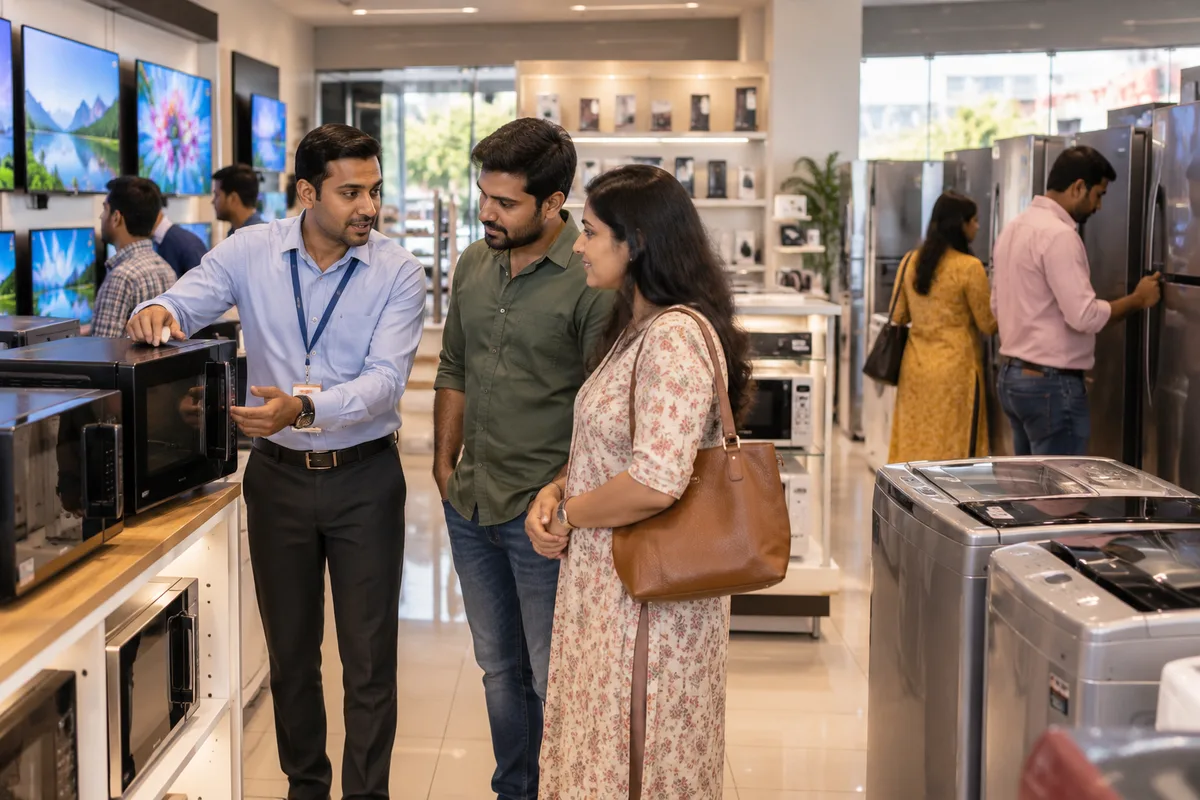
What social media means
Social media is the ongoing posting your business does on platforms such as Instagram, Facebook and LinkedIn to stay visible to customers and prospects between purchases. GullySales plans a posting calendar, writes captions and designs the images so the page looks active and answers what a visitor would ask.
Also for electronics and appliance stores
- Content marketing for electronics and appliance stores
- Newspaper advertising for electronics and appliance stores
- Outdoor advertising for electronics and appliance stores
- SEO for electronics and appliance stores
- PPC ads for electronics and appliance stores
- Lead generation for electronics and appliance stores
- Digital marketing for electronics and appliance stores
- Reputation management for electronics and appliance stores
Sales and marketing for electronics and appliance stores, the overview.
Last updated 5 Oct 2026.
For electronics and appliance stores
Where it usually goes wrong, and what we would do.
“Views from other states are worth nothing here”
A reel about a washing machine travels, and the messages arrive from cities your van will never reach. Name the locality in the caption and keep paid reach inside the delivery radius.
“Your staff shoot this better than a crew”
The person who demonstrates a chimney twenty times a week already knows which question comes next. A phone on a stand at the demo wall beats a hired crew visiting once a quarter.
“Apartment groups carry more weight than any post”
One resident describing a fitting done well reaches four hundred families in an evening. Ask a pleased household, with their permission, to say where they bought it when the question comes up.
“The comment asking the price is the enquiry”
Most orders from social begin with somebody asking how much under a video. Answer in the message with the fitting date and the exchange figure, and write the number in the enquiry book.
What we do
What we deliver for electronics and appliance stores.
Every deliverable, what it covers for you, and the result it is there to produce. Nothing here is an extra.
A shooting plan the floor can follow
Which demonstrations to record, where to stand at the demo wall and how long each clip runs, written so a salesperson can shoot it between customers.
Result: Video keeps appearing without hiring anybody.
Captions that name the area and the offer
The locality, the delivery promise and the scheme end date in every caption, with the enquiry number in the profile.
Result: Viewers nearby understand the shop is theirs.
Paid reach kept inside the van's radius
Boosts limited to the pin codes you deliver to, with a small budget behind the two or three clips that already earned attention.
Result: You pay to reach families who can actually buy.
One inbox for comments and messages
Direct messages, comments and status replies worked from a single phone with saved answers for price, stock and fitting questions.
Result: Nobody's question sits unanswered for two days.
A consent routine for customer footage
Written permission before a household, a home or a new kitchen appears in a clip, with a copy kept on file.
Result: You can use the footage without an argument later.
A count of enquiries, not views
Messages, saved posts and calls from social traced into the enquiry book and read against bills beside the baseline.
Result: The channel is judged on machines sold.
How the result is measured
- Posts published
- Engagement rate
- Enquiries from social profiles
Recorded as a baseline before work starts, so every later report has an honest comparison.
Platforms for appliance buyers
Where shoppers look before they walk in, and what to post for each.
- Instagram reels of the demo wall
- Film a chimney suction test, a washing cycle or a fridge door check in the shop, with the model name on screen. The action wanted is a visit, so end with the area and the stock note.
- WhatsApp status for local customers
- Post a new model arrival, the end date of an exchange offer or an installation slot. The action wanted is a message with the model name, so the salesperson can reply with stock.
- YouTube Shorts comparing two of your own models
- Show two models you stock side by side, such as a front-load and a top-load machine, and say who each suits. The action wanted is a visit to see both in the shop.
- Google Business Profile posts
- Post new arrivals, the delivery and installation area and festival timings. The action wanted is a call or directions, so keep stock photos real and the landmark clear.
- What not to post for an appliance store
- Do not show a model as in stock when it is not, a price different from the tag or a no-cost finance offer without checking the finance partner's current terms. Do not name a rival shop.
Who it is for
This is written for these electronics and appliance stores.
- Multi-brand consumer electronics showrooms
- Home appliance stores
- Mobile phone and accessories retailers
- Home theatre and audio specialists
- Telecom counters selling SIM, broadband and DTH connections
- Brand-exclusive stores run by franchisees
- Kitchen appliance and small appliance retailers
- Electronics stores with service and repair centres
Not for
It is not the right fit if.
- Nobody can film a demo or answer a comment on the same day, so a page would show unanswered questions
- The shop has no one allowed to quote a price or an exchange value, so every post would end with 'visit us'
How it works
How the social media work runs
The work itself, in order. How an engagement starts, from your brief to a written scope, is set out on our method page.
- 1
Confirm audience, platforms and access
We note which platforms your buyers use and check that the pages sit under your own business accounts, with you as owner and us as added roles.
- 2
Review the current presence
We read the existing pages, the posts that drew replies and the gaps in posting.
- 3
Build the calendar
Themes, formats and dates are set out for your approval, with space for offers and news.
- 4
Create, approve and publish
Posts are made, approved by you and scheduled. Replies to the public are handled in your voice.
- 5
Record enquiries and adjust
Enquiries are logged against the post or platform where they began, and the mix changes to follow what brings them.
Where this fits
Three pieces of sales work, in this order.
This work sits inside sales process design, at stage 0, foundation. The audit comes before it, and sales management keeps it running.
Step 1
Sales audit
Find where deals are being lost and what to fix first.
Start here if you cannot say where orders are lost.
Step 2 · you are here
Sales process design
One written way to sell, from first enquiry to repeat order.
Start here if every salesperson sells differently.
Step 3
Sales management
A target, a review routine and someone who owns the number.
Start here if the team has targets and no routine.
FAQ
Questions owners ask before they call.
Not here? More answers, or ask on WhatsApp.
Should we put prices in the video?
Reels or WhatsApp status?
Can we post brand images and videos?
Who should handle questions that come in after the video?
How long is the contract?
How soon will we see results?
Who will actually do the work?
What do you need from us?
What if we are not happy with the work?
From the blog
Further reading for electronics and appliance stores.
 8 min read · 21 Sept 2026How to advertise to retail business ownersA shop owner is behind the counter from ten to nine and cannot leave it. That single fact rules out most media, and it makes the lean afternoon hour and the distributor's salesman worth more than any campaign.
 6 min read · 11 Jun 2026How to advertise during the festive seasonThe festive season is bought in the monsoon. Book early, know why the rates rise, and match what you sell to the day people actually buy it.
 6 min read · 22 May 2026How to increase footfall in a retail storeBe found on Maps for what you stock, give past customers a reason to come back on WhatsApp, and run promotions tied to dates people already shop for.
More for electronics and appliance stores
Everything else we would do for you.
Closest to this: content and social
Also for electronics and appliance stores
- Newspaper advertising for electronics and appliance stores
- Outdoor advertising for electronics and appliance stores
- SEO for electronics and appliance stores
- PPC ads for electronics and appliance stores
- Lead generation for electronics and appliance stores
- Digital marketing for electronics and appliance stores
Or start from the overview: sales and marketing for electronics and appliance stores.
Your next practical step
Tell us what you are trying to grow, and we will read it before we call.
Eight short steps, mostly taps. Skip anything you would rather answer on the call.