Electronics and appliance stores · Website
Give the family a page that answers brand, EMI and installation before the visit.
A website for an electronics store is a set of pages that tells a nearby family which brands you stock, what EMI and exchange you offer and where you install. GullySales builds the pages around the products you want to sell and the areas you serve.
Scope, fee, reporting and term are agreed in writing after we have read your brief and spoken to you.
What website means
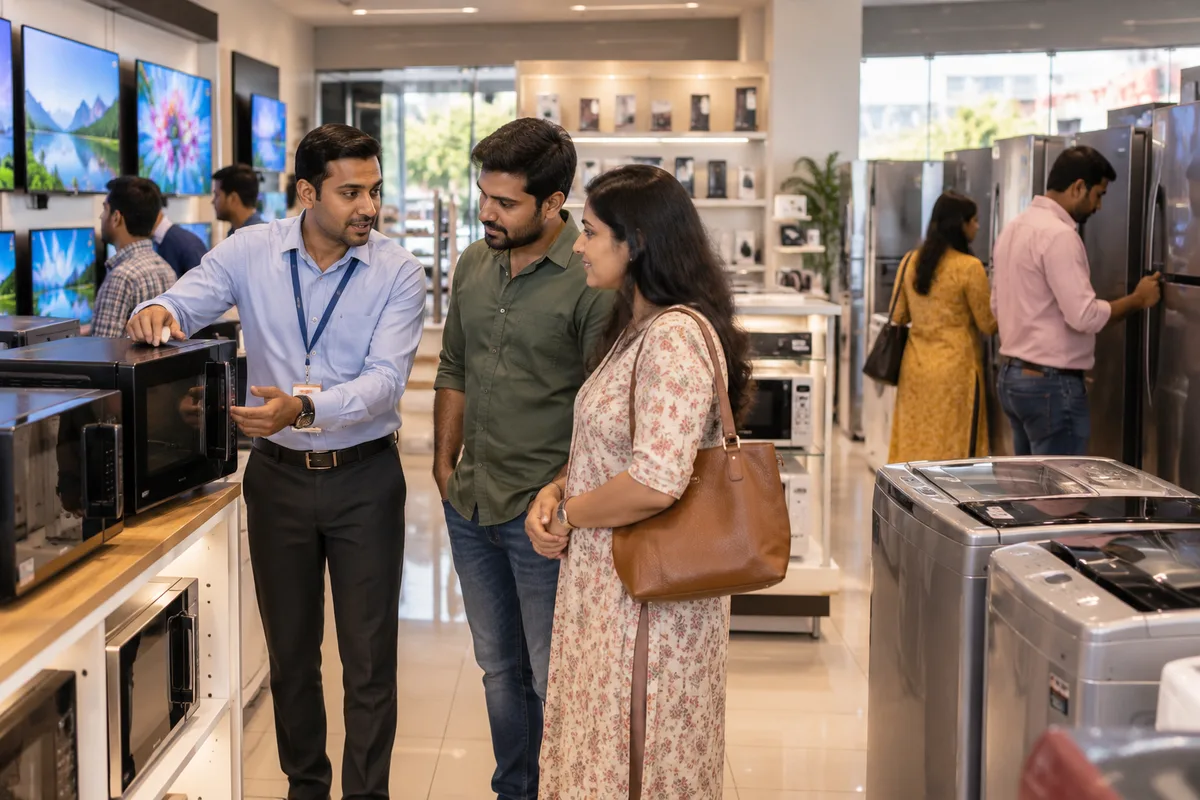
A website is the page a customer lands on after searching, clicking an advert or scanning a code, and it decides whether they call or leave. GullySales builds and maintains sites that load quickly, explain the offer plainly and make the enquiry form or phone number easy to find.
Also for electronics and appliance stores
- SEO for electronics and appliance stores
- Local SEO for electronics and appliance stores
- Newspaper advertising for electronics and appliance stores
- Outdoor advertising for electronics and appliance stores
- PPC ads for electronics and appliance stores
- Lead generation for electronics and appliance stores
- Digital marketing for electronics and appliance stores
- Reputation management for electronics and appliance stores
Sales and marketing for electronics and appliance stores, the overview.
Last updated 5 Oct 2026.
For electronics and appliance stores
Where it usually goes wrong, and what we would do.
“The site is checked against the online listing”
A buyer who has seen an AC on a marketplace opens your site to see whether the store is real and whether it answers what the listing cannot. Exchange, installation and a local service number are the pages that matter, and a price list alone is not one of them.
“A store is not a marketplace and should not look like one”
A wall of thumbnails with changing prices invite comparison on the marketplace's terms. A tight page for each priority product, with the brands you stock and why to see it in person, gives the visit a reason.
“Installation areas decide whether the enquiry is worth taking”
A buyer outside your delivery and installation area costs the counter time. A page naming the localities you serve filters enquiries and helps the pages found when someone searches for an AC dealer near them.
“The phone is the main device and the call the main action”
A family reads the page on a phone in the evening and wants to call or message the store at once. Tap-to-call, a WhatsApp button and the shop's hours belong at the top, not below a banner.
What we do
What we deliver for electronics and appliance stores.
Every deliverable, what it covers for you, and the result it is there to produce. Nothing here is an extra.
Product pages for priority items
One page each for ACs, televisions, refrigerators, washing machines and home theatre, naming brands stocked, EMI options and what the demo shows.
Result: A buyer searching for a product finds a page that is yours.
EMI and exchange page
A plain page explaining the EMI options offered, the documents needed and how an old appliance is valued, with no fine print hidden.
Result: The finance questions are answered before the visit.
Installation and service-area page
A page listing the localities you serve, how installation is booked and who to call if something goes wrong.
Result: Enquiries from outside your area drop away.
Store page with map and hours
A page with address, directions, parking, opening hours and photographs of the demo area, matching your Google profile.
Result: A visitor can find the store and see it is open.
Call and WhatsApp buttons
Tap-to-call and WhatsApp buttons on every page, with a set message that names the product page the buyer was reading.
Result: Staff know which product the enquiry is about.
Enquiry tracking
A record of calls, WhatsApp taps and form fills by page, set up before launch.
Result: You can see which pages bring enquiries.
How the result is measured
- Page load time
- Bounce rate
- Enquiries from the website
Recorded as a baseline before work starts, so every later report has an honest comparison.
Searches your buyers type
What a family searches before it visits an appliance store, and the page that answers it.
- AC installation in my locality
- A service-area page. Name the localities you serve, whether installation is included, and the charge for pipework beyond the standard run.
- EMI on a 55 inch TV
- An EMI page. List the banks and card partners the store works with and what the family needs to bring, without quoting rates you cannot honour.
- exchange old refrigerator for a new one
- An exchange page. Say what the store takes back, how the value is judged and that the old unit is checked at the visit.
- washing machine dealer near me
- A store page with the address, hours, brands stocked and a tap-to-call button. A map and a few photos of the shop floor show the store is real.
- AC service and repair in my area
- A service page if the store runs a service centre. Give the number to call, the brands it handles and what to keep ready, such as the bill.
- home theatre demo in the city
- A demo-room page for the premium range. Show the room, name the systems on display and invite a booked demo instead of a walk-in.
Who it is for
This is written for these electronics and appliance stores.
- Multi-brand consumer electronics showrooms
- Home appliance stores
- Mobile phone and accessories retailers
- Home theatre and audio specialists
- Telecom counters selling SIM, broadband and DTH connections
- Brand-exclusive stores run by franchisees
- Kitchen appliance and small appliance retailers
- Electronics stores with service and repair centres
Not for
It is not the right fit if.
- Your prices and stock change daily and nobody can update the pages, so the site would show models you no longer hold
- The shop has no installation or delivery beyond the local area, and a site would draw enquiries you must decline
How it works
How the website work runs
The work itself, in order. How an engagement starts, from your brief to a written scope, is set out on our method page.
- 1
Confirm structure and content
We agree the page list, what each page must answer, and who supplies the text and photographs, before any design starts.
- 2
Design the templates
The home page, a service page, a location page and the enquiry page are designed first, on phone and desktop, and shown to you.
- 3
Build and test
The site is built and checked on real phones and the common browsers. Every form, call button and WhatsApp link is tested end to end.
- 4
Load real content
Actual copy, images and information replace placeholders. Pages are read through once by you, since you spot wrong details we cannot.
- 5
Check before launch
Tracking, page titles, the sitemap and the privacy page are checked on the staging site. If an old site exists, its addresses are mapped so old links still land somewhere.
- 6
Launch and hand over access
The site goes live and we record the domain, hosting, content login and analytics in your name. The first live enquiry is traced to confirm tracking works.
Where this fits
Three pieces of sales work, in this order.
This work sits inside sales process design, at stage 1, prospecting and lead generation. The audit comes before it, and sales management keeps it running.
Step 1
Sales audit
Find where deals are being lost and what to fix first.
Start here if you cannot say where orders are lost.
Step 2 · you are here
Sales process design
One written way to sell, from first enquiry to repeat order.
Start here if every salesperson sells differently.
Step 3
Sales management
A target, a review routine and someone who owns the number.
Start here if the team has targets and no routine.
FAQ
Questions owners ask before they call.
Not here? More answers, or ask on WhatsApp.
Do we need online ordering?
Will a website help against marketplace prices?
Should we list prices on the site?
How do we keep a site honest when stock changes every week?
How long is the contract?
How soon will we see results?
Who will actually do the work?
What do you need from us?
What if we are not happy with the work?
From the blog
Further reading for electronics and appliance stores.
 8 min read · 21 Sept 2026How to advertise to retail business ownersA shop owner is behind the counter from ten to nine and cannot leave it. That single fact rules out most media, and it makes the lean afternoon hour and the distributor's salesman worth more than any campaign.
 6 min read · 11 Jun 2026How to advertise during the festive seasonThe festive season is bought in the monsoon. Book early, know why the rates rise, and match what you sell to the day people actually buy it.
 6 min read · 22 May 2026How to increase footfall in a retail storeBe found on Maps for what you stock, give past customers a reason to come back on WhatsApp, and run promotions tied to dates people already shop for.
More for electronics and appliance stores
Everything else we would do for you.
Closest to this: search and visibility
Also for electronics and appliance stores
- Newspaper advertising for electronics and appliance stores
- Outdoor advertising for electronics and appliance stores
- PPC ads for electronics and appliance stores
- Lead generation for electronics and appliance stores
- Digital marketing for electronics and appliance stores
- Reputation management for electronics and appliance stores
Or start from the overview: sales and marketing for electronics and appliance stores.
Your next practical step
Tell us what you are trying to grow, and we will read it before we call.
Eight short steps, mostly taps. Skip anything you would rather answer on the call.