Amusement parks and family entertainment centres · Website
Build a site where a family finds the day and a teacher finds the group rate.
A website for an amusement park or family entertainment centre is where a family checks timings and tickets, a teacher asks for a group visit and a parent books a party. GullySales plans the pages and booking routes so each visitor reaches their task.
Scope, fee, reporting and term are agreed in writing after we have read your brief and spoken to you.
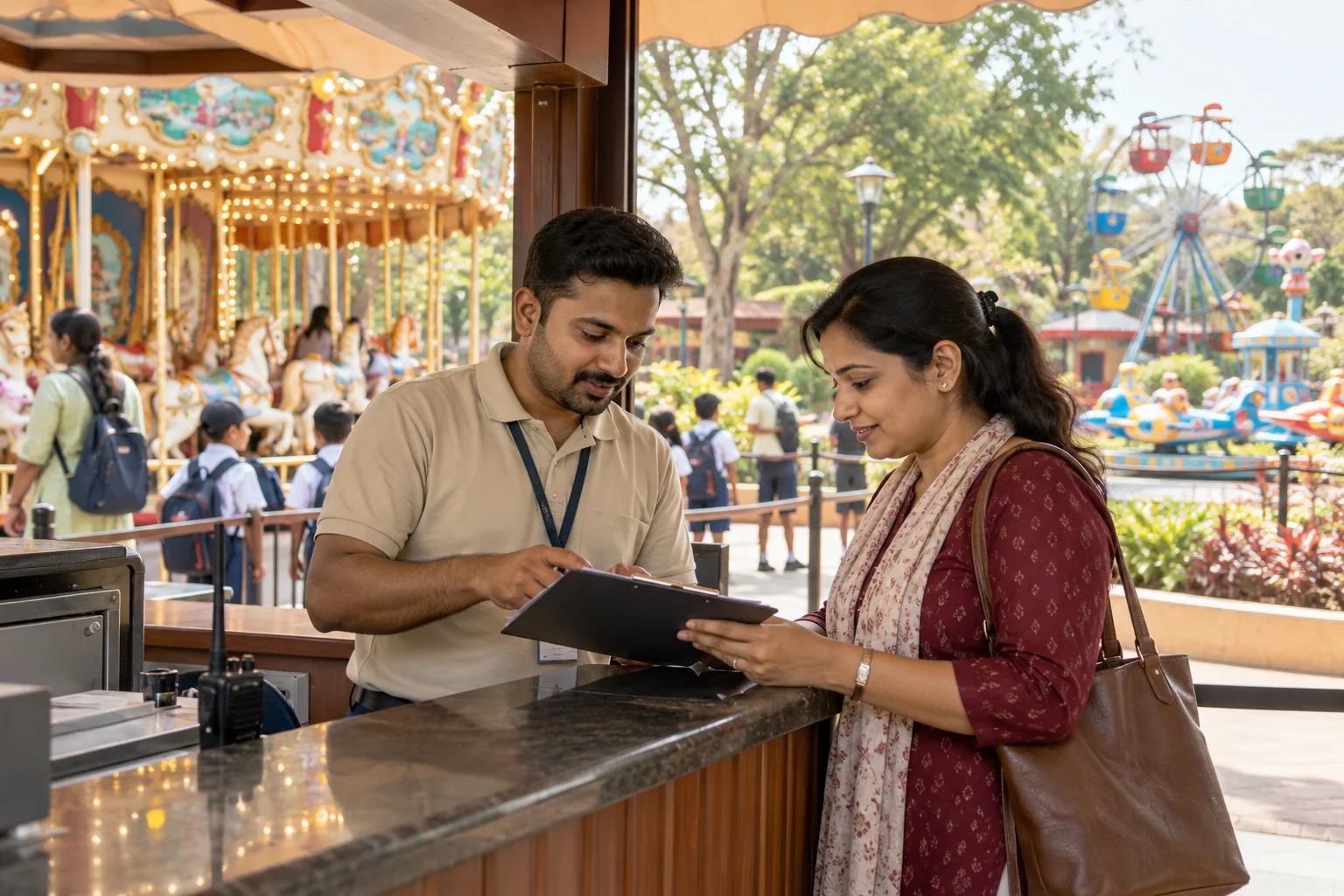
What website means
A website is the page a customer lands on after searching, clicking an advert or scanning a code, and it decides whether they call or leave. GullySales builds and maintains sites that load quickly, explain the offer plainly and make the enquiry form or phone number easy to find.
Also for amusement parks and family entertainment centres
- SEO for amusement parks and family entertainment centres
- Local SEO for amusement parks and family entertainment centres
- Lead generation for amusement parks and family entertainment centres
- Social media marketing for amusement parks and family entertainment centres
- Content marketing for amusement parks and family entertainment centres
- Buyer personas for amusement parks and family entertainment centres
- CRM for amusement parks and family entertainment centres
- Follow-up systems for amusement parks and family entertainment centres
Sales and marketing for amusement parks and family entertainment centres, the overview.
Last updated 14 Nov 2026.
For amusement parks and family entertainment centres
Where it usually goes wrong, and what we would do.
“Visitors arrive with different tasks”
A family wants tickets, a teacher wants a group quote and a parent wants a party room. A site that puts them all through one menu loses some of them. Clear paths for each help.
“Information must be current”
Opening hours, closures and ride availability change. A page showing last year's facts causes complaints at the gate. A named person should own the updates.
“Mobile is the main screen”
Visitors look on a phone while deciding. Heavy pages, small buttons and slow galleries lose them. The site must load and work on an ordinary phone connection.
“Safety and rules belong on the site”
Age, height, health and conduct notes help families decide. Write them from your own rules. Safety standards and approvals are for you to confirm with your own adviser.
What we do
What we deliver for amusement parks and family entertainment centres.
The work available for this need. We agree the deliverables and responsibilities for your engagement in writing.
Site map by visitor task
A structure with clear paths for tickets, groups, parties and visit planning.
Result: Each visitor finds their route in one click.
Group and party enquiry forms
Forms that ask for date, headcount and package and send the answer to a named person.
Result: Enquiries arrive complete.
Visit information pages
Clear pages for timings, directions, parking, food and rules, supplied by you.
Result: Families know what to expect before the visit.
Gallery and video
Current photographs and short clips, sized for phones.
Result: The site shows the park as it is.
Update owner and checklist
A note of who updates hours and closures and where.
Result: The site stays correct.
How the result is measured
- Page load time
- Bounce rate
- Enquiries from the website
Recorded as a baseline before work starts, so every later report has an honest comparison.
Searches your buyers type
Build the website around the questions a family or organiser types before visiting.
- ticket prices and what they include
- A tickets page with rates, dates, age rules and what each ticket covers, updated whenever prices change.
- height and age rules for rides
- A ride table with the limits in plain words and a photo of each ride, so no child is turned back at the gate.
- group booking for schools and offices
- A form that asks for the date, headcount split and food need, with the group rates shown. One page for each type of group.
- birthday party packages
- Room, capacity, food, cake rule and extras in a table, with photos of real parties and a booking button.
- opening hours and closure notice
- A banner at the top of the home page for rain, a holiday or a ride closure, updated by the team on the day.
Who it is for
This is written for these amusement parks and family entertainment centres.
- Theme parks and water parks on the outskirts of large cities
- Mall-based family entertainment centres with games and soft play
- Trampoline, adventure and kids activity parks
- Amusement parks attached to resorts and farmhouses
- Fairs, exhibitions and seasonal carnival grounds
- Snow-themed and indoor attraction parks
- School and college picnic organisers
- Corporate outing and employee family-day planners
- Residents' associations and apartment societies planning group trips
- Birthday and kitty party hosts
Before you decide
When this may not be the right fit.
- Your prices and ride list are in flux this season, so a new site would be out of date before it opens.
- You have no one to update the closure banner on the day, and a stale notice is worse than none.
Before you decide
Agree the work. Know how to judge it.
Website for amusement parks and family entertainment centres: use these checks to prepare, choose the scope, and review what changes.
Bring the right evidence
List the pages that support a buying decision and the actions visitors must complete. Keep examples of failed forms, unclear product information, and questions your team answers repeatedly.
Make the scope clear
Agree the page list, content ownership, integrations, and who controls the domain and hosting. Include redirects and existing search traffic in a redesign brief, before changing addresses.
Check the work in use
Complete a real enquiry journey on a phone and a laptop. Check that the confirmation appears, the enquiry reaches the right person, and tracking records the action once.
Know when to change course
If visitors can enquire but the team does not follow up, start with the sales handover. A larger website will not resolve that delay.
These are discussion points, not a fixed package. GullySales confirms the deliverables, responsibilities, fee, and term in writing after reading your brief and speaking with you.
Before we start
What to have ready before the work starts.
The records, access and decisions this work needs from amusement parks and family entertainment centres. Anything missing is noted in the written scope, with who will supply it.
- Domain and hosting login details
- We need to know who holds the domain name and the hosting, and have a way to log in or receive the transfer. A forgotten account is common. Without access, we cannot connect the new site, and the old one stays live with its stale timings. If it was bought by a former agency or employee, we need their name so the transfer can be requested politely.
- The current rate and package sheets
- Provide current sheets for tickets, group visits and birthday packages, as the owner approves them. We show only what you decide to show. If the sheets are out of date, the site publishes enquiry forms with no figures and families phone to ask. A figure left out is better than a figure we guess, and the form can still collect the headcount and date.
- Ride, safety and entry rules
- Bring the list of rides with age and height rules, the safety notice, entry conditions and what is not allowed inside. The operations lead signs it. Without it, the site carries no rules, and parents arrive with younger children who cannot ride. Someone responsible for safety should sign it, because a wrong age rule on a public page causes a dispute at the gate.
- Photographs and video from this season
- Supply recent images of the gate, rides, food area and party rooms, and short clips if available, with guests' faces handled by you. Without them the site uses plain graphics, and a family comparing parks sees a thinner offer. Short phone clips of the rides and party rooms are even better, since a parent can judge the place from them before deciding.
- A named person for updates after launch
- Choose who will change timings, closures and notices after the site is live, and give us their name. Without an owner, the site shows last month's closure for weeks, and the phone desk repeats corrections to families who read the page. A site that nobody owns drifts out of date, and the park then has to correct each family one call at a time.
How it works
How the website work runs
The work itself, in order. How an engagement starts, from your brief to a written scope, is set out on our method page.
- 1
List the tasks visitors come with
We list what each visitor wants to do: check timings, read ride rules, book a party, ask for a school visit, find parking. You tell us which tasks reach the desk by phone all week. The site map follows these tasks, not the park's own org chart or its ride names. The order of pages follows the order in which the calls arrive.
- 2
Collect the content and the access
We ask for logins to the domain, the hosting and the current site, along with the rate sheet, ride list, photographs and policies. You say who may approve each piece. If the domain sits with a former vendor, recovering it comes before any build. Nothing is copied from another park's site, and any gap in the content is returned to you as a question.
- 3
Approve the page map and the look
We show a simple page map and a design for the home, group and party pages, built for a phone first. You comment on what each visitor will see on the first screen. Nothing is written in full until the map is signed off. Group and party pages come first in the review, since they carry the enquiries that fill the quiet weekdays.
- 4
Read the draft pages on a test site
The pages go on a private test site, where your operations lead and desk read every line against how the park runs. They correct rules, food policy, timings and room names. You send changes in one list, and we make them together. Corrections that change a safety or entry rule are marked for a second read by the operations lead and the owner before launch.
- 5
Test every form before launch
We fill the group form, party form and contact form on different phones and check that each reaches the named person and is logged. You approve the confirmation message families see. A form that fails quietly loses a school, so this step is not skipped. The team also checks the thank-you page, the confirmation message and the way a booking reaches the sales desk.
- 6
Go live, then compare the enquiry flow
After launch we check links, maps and speed, hand over logins and the update checklist, and name who changes timings. Later we compare form enquiries and calls with the counts taken before the new site, and you decide what to revise first. We keep a list of the first things to revisit, such as slow pages, broken links and forms that were left unfinished.
Where this fits
Three pieces of sales work, in this order.
This work sits inside sales process design, at stage 1, prospecting and lead generation. The audit comes before it, and sales management keeps it running.
Step 1
Sales audit
Find where deals are being lost and what to fix first.
Start here if you cannot say where orders are lost.
Step 2 · you are here
Sales process design
One written way to sell, from first enquiry to repeat order.
Start here if every salesperson sells differently.
Step 3
Sales management
A target, a review routine and someone who owns the number.
Start here if the team has targets and no routine.
FAQ
Questions owners ask before they call.
Not here? More answers, or ask on WhatsApp.
Do we need online ticketing?
How often should the site change?
Can we show prices?
Should visitors buy tickets online?
Can the site show if a ride is closed today?
Do we have to move our existing ticketing partner?
How long is the contract?
How soon will we see results?
Who will actually do the work?
What do you need from us?
More for amusement parks and family entertainment centres
Related work to consider.
Closest to this: search and visibility
Also for amusement parks and family entertainment centres
- Lead generation for amusement parks and family entertainment centres
- Social media marketing for amusement parks and family entertainment centres
- Content marketing for amusement parks and family entertainment centres
- Buyer personas for amusement parks and family entertainment centres
- CRM for amusement parks and family entertainment centres
- Follow-up systems for amusement parks and family entertainment centres
Or start from the overview: sales and marketing for amusement parks and family entertainment centres.
Your next practical step
Tell us what you are trying to grow, and we will read it before we call.
Eight short steps, mostly taps. Skip anything you would rather answer on the call.