Industrial equipment manufacturers · Website and landing page visual design
An equipment page should look like a datasheet a buyer can trust at first glance.
Website and landing page visual design for an equipment maker is the artwork of a homepage or a page for one machine: layout, type, imagery and buttons, drawn for a phone in a workshop and a desktop in a purchase office. GullySales designs the screens from your identity and approved specification wording, and hands your developer organised files.
Scope, fee, reporting and term are agreed in writing after we have read your brief and spoken to you.

What website and landing page visual design means
Website and landing page visual design is the artwork of a homepage or a campaign page: the layout, colour, type, imagery and button styling a visitor sees before reading a word. GullySales designs the page screens for phone and desktop from your identity and your approved wording, and hands over organised design files for your developer.
Also for industrial equipment manufacturers
- Answer engine optimisation for industrial equipment manufacturers
- Google Business Profile management for industrial equipment manufacturers
- SEO for industrial equipment manufacturers
- Website for industrial equipment manufacturers
- Product page SEO for industrial equipment manufacturers
- International SEO for industrial equipment manufacturers
- Meta title and description writing for industrial equipment manufacturers
- Answer engine and AI search content writing for industrial equipment manufacturers
Sales and marketing for industrial equipment manufacturers, the overview.
Last updated 14 Nov 2026.
For industrial equipment manufacturers
Where it usually goes wrong, and what we would do.
“The page looks like a company profile, not a machine page”
A plant engineer arrives from a search for a capacity or a process and meets a hero photograph of the factory gate and a paragraph about the founder. The specification sits three screens down in a pale grey table. Visual order has to put the machine, its rating and the next step in the first view, with company history after them.
“Two people read the page for different reasons”
The engineer wants the specification, the drawings and the certification. The purchase head wants the delivery terms, service support and a contact. A page that serves only one sends the other back to a search. The design needs a clear order: the machine and the fact first, then a way into the technical detail and the commercial one.
“Tables and drawings fail on a phone”
Specification tables are built on a desktop, and on a phone they shrink until nobody can read them or run off the side of the screen. A foreman checking a model from the shop floor gives up. Tables and drawings need their own mobile treatment, such as grouped rows and a tap to enlarge a drawing.
“A request-a-quote button that gets lost”
On an equipment site the enquiry button is the same colour as every other link, or appears only in the footer. A buyer who has decided still has to hunt for it. One clear action, repeated at natural points down the page and in the header, is a design decision, and it should be made on purpose.
What we do
What we deliver for industrial equipment manufacturers.
The work available for this need. We agree the deliverables and responsibilities for your engagement in writing.
Page hierarchy and wireframe
A low-detail arrangement of the sections in the order a buyer reads them: machine, key rating, proof, specification, service and the enquiry. The one action is marked. You approve the order before colour, photographs or type are applied.
Result: Your team can say what the page shows first and why.
Visual direction for the page
A short statement of how your colours, type and photographs are used on this page, and what is left out. It is checked against your brochure and your trade stand so the page sits with the rest of your material.
Result: The page looks like the same company as your printed catalogue.
Phone and desktop screen designs
Finished artwork for the agreed page at both sizes, with reading order, button position and image crops decided separately for each. You review the phone screen first, since a foreman or a dealer may well meet the page there.
Result: A buyer can find the rating and the enquiry button on a phone without zooming.
Specification table and drawing treatment
The look of the rating table, the dimension drawing and the downloads list at both screen sizes: grouped rows, enlarge-on-tap drawings and a clearly labelled datasheet download. Figures come from your datasheet and are not changed by design.
Result: The table is readable on a phone, and each figure matches the datasheet.
Component styles for your developer
The look of buttons, form fields, cards, certification marks, icons and dividers used on the page, drawn once so the page and later pages reuse them. States such as hover and error are shown, so the developer is not left to guess.
Result: Your developer can build the page and a later one from the same set.
Organised design files and a handover note
Layered design files named by screen, exported images, fonts and a note on spacing and behaviour at each size. We do not build the page. Where your developer has a question, the note says where the answer is.
Result: Your developer can open the files and start without a briefing call.
How the result is measured
- Enquiries or bookings that start from the page's main button
- Visitors who scroll past the first screen on a phone
- Time your developer spends asking design questions
Recorded as a baseline before work starts, so every later report has an honest comparison.
Who it is for
This is written for these industrial equipment manufacturers.
- CNC machine and precision equipment manufacturers
- Industrial pump and compressor manufacturers
- Packaging machinery manufacturers
- Conveyor and material handling equipment makers
- Motor and drive manufacturers
- Custom fabrication and job-work manufacturers
- Export-oriented industrial equipment makers
- Spare parts and after-sales service providers
Before you decide
Agree the work. Know how to judge it.
Website and landing page visual design for industrial equipment manufacturers: use these checks to prepare, choose the scope, and review what changes.
Bring the right evidence
List the pages that support a buying decision and the actions visitors must complete. Keep examples of failed forms, unclear product information, and questions your team answers repeatedly.
Make the scope clear
Agree the page list, content ownership, integrations, and who controls the domain and hosting. Include redirects and existing search traffic in a redesign brief, before changing addresses.
Check the work in use
Complete a real enquiry journey on a phone and a laptop. Check that the confirmation appears, the enquiry reaches the right person, and tracking records the action once.
Know when to change course
If visitors can enquire but the team does not follow up, start with the sales handover. A larger website will not resolve that delay.
These are discussion points, not a fixed package. GullySales confirms the deliverables, responsibilities, fee, and term in writing after reading your brief and speaking with you.
Before we start
What to have ready before the work starts.
The records, access and decisions this work needs from industrial equipment manufacturers. Anything missing is noted in the written scope, with who will supply it.
- Approved wording for the page
- The layout is drawn around real words and real figures. If the specification text is not final, we place guesses and the design is redrawn later when the words change length. Send the datasheet and the approved headline and sections together.
- Machine photographs and drawings
- Clear photographs of the machine in use and a clean dimension drawing give the page something to show. Where only low-quality images exist, the design looks thin, and we list what to reshoot before the page is worth building.
- Your identity files
- A logo in vector form, colour values, fonts and a sample of your brochure let the page match your printed material. Without them, we guess from a screenshot, and the site and the catalogue look like two different suppliers.
- Your developer's name and constraints
- Tell us who builds the page and which platform they use, so the design respects what can be built. If a constraint appears after approval, such as a fixed header or a form tool, the screens have to be redrawn.
- A decision on the one action
- Decide whether the page asks for a quotation, a datasheet download or a call, and who answers each. When the action is unclear, the page offers three buttons of equal weight, and the buyer who was ready to enquire chooses none.
How it works
How the website and landing page visual design work runs
The work itself, in order. How an engagement starts, from your brief to a written scope, is set out on our method page.
- 1
Read the brief and the wording
We read your brief, your identity files and the specification wording for the machine. We ask who arrives, from which search or advertisement, on which device, and what single action the page is there to prompt, such as a quotation request or a datasheet download.
- 2
Rank what the buyer must see
Before choosing any colour, we rank the promise, the key rating, the proof of installation, the certification and the enquiry. Your sales head signs off the ranking, because it sets every size and position on the page and decides what a plant engineer sees without scrolling.
- 3
Draw the wireframe for phone first
We lay out the sections in order, phone first and then desktop, and show where each block of words sits and how much room a specification table needs. Wording and layout are matched here, so the design does not later cut an approved line in half.
- 4
Apply colour, type and photographs
We apply your identity to the layout and select machine photographs that are sharp, well lit and guarded. We show the page at both sizes and test that type holds on a small screen. Certification marks are placed only where the machine holds them.
- 5
Design the table, drawing and form
We draw the specification table, the dimension drawing view and the enquiry form at both sizes, including the states for error and success. The form asks only what your sales team will read, so we agree the fields with them before finishing.
- 6
Hand over and read against earlier figures
We deliver the files and the note, answer your developer's questions on the artwork, and after the page is live compare enquiries and drop-off with the figures recorded before. We say what the design can explain and what the traffic source or the wording explains instead.
Proof
Published examples of our work.
Real clients and the work recorded for each engagement. These examples may cover related services or industries. They show the method, not a guaranteed result.
Burhani Hydroline
- Situation
- The website was dated. Menus were hard to follow, pages were slow, and it did not work properly on a phone, which is where a buyer looks first.
- What we did
- Research before design
- Wireframes and prototypes
- The full product catalogue
- An online checkout
- Result
- No numbers were recorded for this engagement. The work is described in full in the case study.
Also worked with
Chord Road Hospital · Curtain Label · Difesa Security Services · Felicity Inn · Hands On CSR · Implevista · Kambar Group · Kalessi · Kerur Pain Clinic · LL Trust · Lucky Deals · Natural Gases · NavaShakthi Souhardha · NewCom Logistics · Proton Technical Services · SB Engineering · Shakthi Foundation · Shakthi Group · Urbanest · Insyde Studio · Venkateshwara Laser Tech · Vivara Studios
Where this fits
Three pieces of sales work, in this order.
This work sits inside sales process design, at stage 1, prospecting and lead generation. The audit comes before it, and sales management keeps it running.
Step 1
Sales audit
Find where deals are being lost and what to fix first.
Start here if you cannot say where orders are lost.
Step 2 · you are here
Sales process design
One written way to sell, from first enquiry to repeat order.
Start here if every salesperson sells differently.
Step 3
Sales management
A target, a review routine and someone who owns the number.
Start here if the team has targets and no routine.
FAQ
Questions owners ask before they call.
Not here? More answers, or ask on WhatsApp.
What should an equipment page show above the fold?
How do you handle specification tables on a phone?
Is this the same as building the website?
Do we need a page for each machine?
Can the page show certifications and client names?
How will we know the design helped?
How much does it cost?
How long is the contract?
How soon will we see results?
Who will actually do the work?
From the blog
Further reading for industrial equipment manufacturers.
 6 min read · 10 Oct 2026How manufacturers can generate enquiries from relevant business buyersRelevant RFQs come from buyers who can verify you: real specifications on product pages, matching listings and a quick way to screen requests.
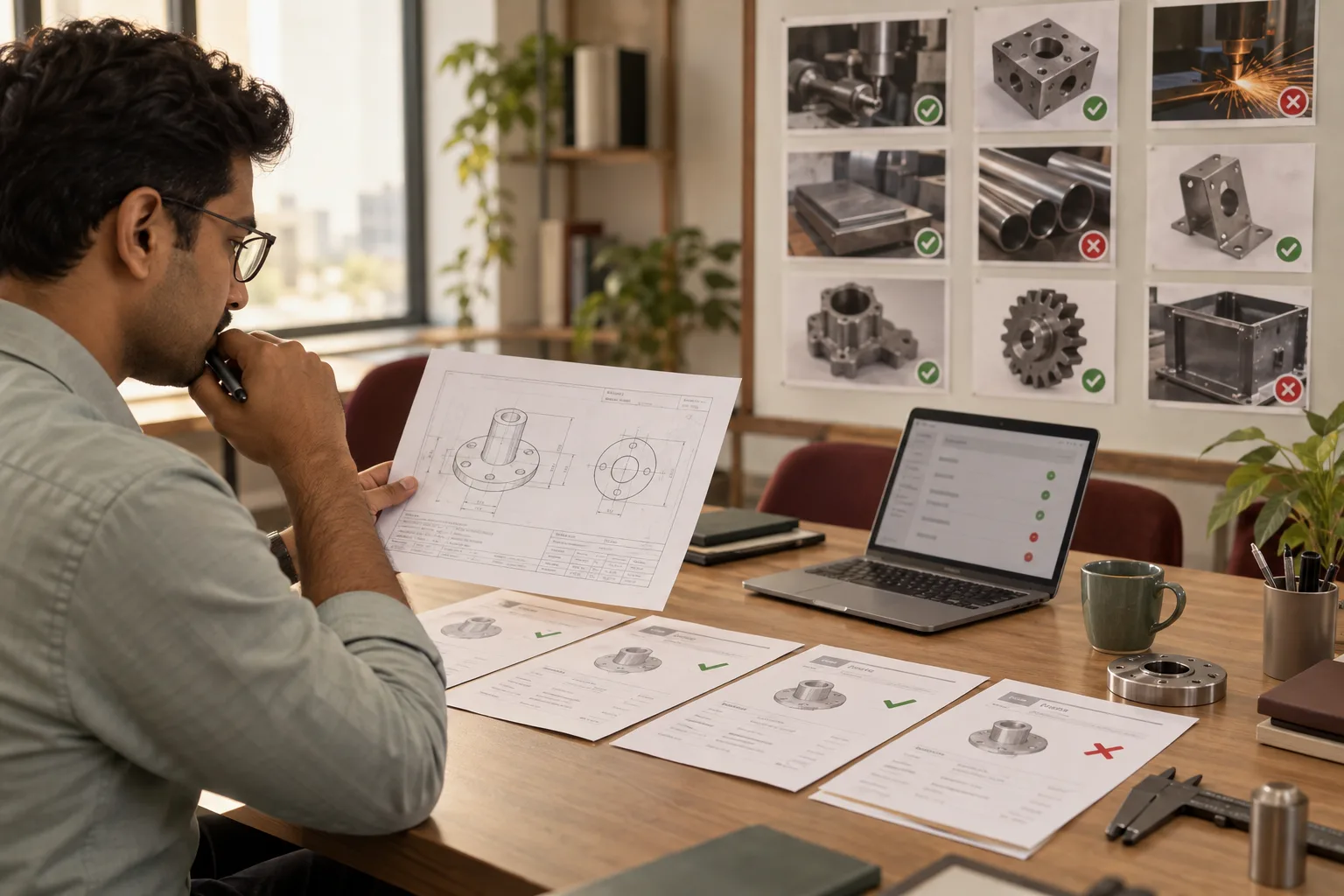 6 min read · 6 Oct 2026How industrial buyers decide which unit gets the RFQWhat industrial buyers check before sending an RFQ, across nine manufacturing trades, and where a unit drops off the shortlist.
 7 min read · 21 Sept 2026How to advertise to plant headsPlant heads can block a purchase but rarely sign one. Learn why breakdown searches, estate media and a trial offer reach them better than brand ads.
More for industrial equipment manufacturers
Related work to consider.
Closest to this: search and visibility
- Answer engine optimisation for industrial equipment manufacturers
- Google Business Profile management for industrial equipment manufacturers
- SEO for industrial equipment manufacturers
- Website for industrial equipment manufacturers
- Product page SEO for industrial equipment manufacturers
- International SEO for industrial equipment manufacturers
- Meta title and description writing for industrial equipment manufacturers
- Answer engine and AI search content writing for industrial equipment manufacturers
Also for industrial equipment manufacturers
- Branding for industrial equipment manufacturers
- Content marketing for industrial equipment manufacturers
- Digital marketing for industrial equipment manufacturers
- Email marketing for industrial equipment manufacturers
- Influencer marketing for industrial equipment manufacturers
- Lead generation for industrial equipment manufacturers
Or start from the overview: sales and marketing for industrial equipment manufacturers.
Your next practical step
Tell us what you are trying to grow, and we will read it before we call.
Eight short steps, mostly taps. Skip anything you would rather answer on the call.