Temples · Online booking
Let a devotee book a seva or make an offering from anywhere, on a phone.
Online booking and donation tools let a devotee reserve a seva slot or offer a donation without a phone call. GullySales sets up the slot booking, the payment page and the receipt, with a counter-booking fallback for festival days.
Scope, fee, reporting and term are agreed in writing after we have read your brief and spoken to you.
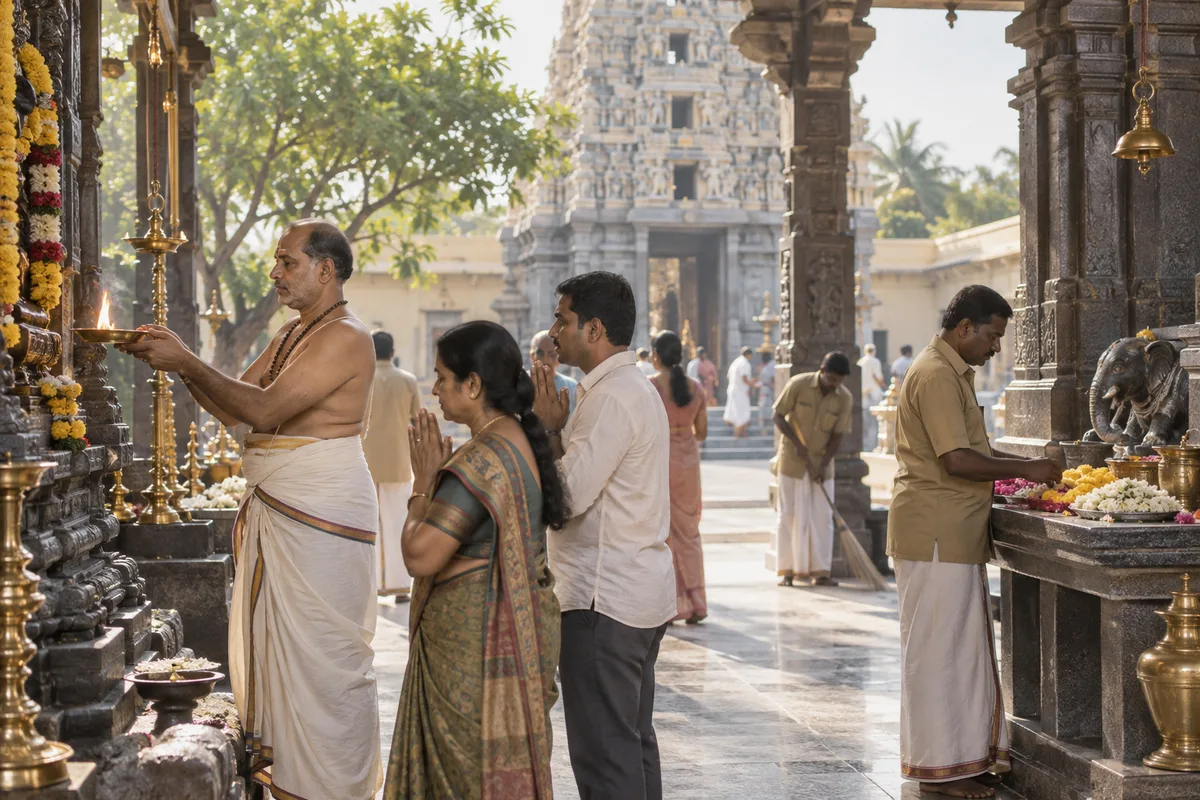
What online booking means
Online booking is letting a customer reserve an appointment, table or slot themselves through a website or app instead of calling during business hours. GullySales sets this up so the booking reaches the right calendar and a missed online booking gets a follow-up call.
Last updated 14 Nov 2026.
For temples
Where it usually goes wrong, and what we would do.
“Slot-based booking prevents festival-day clashes”
More than one family may want the same abhisheka slot on a brahmotsavam day. Fixed slots avoid that dispute.
“The receipt matters as much as the payment”
A donor claiming an 80G exemption needs the receipt promptly, so the tool issues it at payment.
“Prasadam delivery is now part of the form”
Families abroad ask for prasadam couriered after a seva, so the form takes that request.
“Festival days need a lower cap and a fallback”
On Vaikunta Ekadashi the booking page is opened by far more devotees than on an ordinary day. Set slot caps with the trustees and keep the counter register ready.
What we do
What we deliver for temples.
The work available for this need. We agree the deliverables and responsibilities for your engagement in writing.
Slot-based booking to prevent festival clashes
Fixed slots for sevas such as an abhisheka on a brahmotsavam day, so more than one family cannot claim the same slot.
Result: Festival booking disputes between families do not arise.
Instant receipt issued at the point of payment
A receipt generated automatically when a donation is made online, so a donor claiming an 80G exemption has it without asking.
Result: A donor has proof of their contribution the moment they give it.
A counter-booking fallback for payment failures
A backup process so a seva booking is still recorded at the temple counter if the online payment gateway fails during a festival.
Result: A booked seva during a festival is never lost to a technical failure.
Prasadam delivery request in the booking form
A field on the seva booking form for a family abroad to request prasadam couriered after the ritual.
Result: A family who could not travel still receives something from the festival.
Each seva priced and slotted separately
The booking tool configured so every seva carries the price and number of available slots the trust sets for it.
Result: The trust controls exactly what is offered and at what cost.
A donation page with a purpose for each offering
Separate donation purposes such as annadanam or a renovation, each stating what it funds and the receipt a donor gets, plus a recurring option for a family abroad sponsoring a monthly pooja.
Result: A donor picks a purpose and gives in one visit, and the trust sees which purpose was funded.
How the result is measured
- Bookings made
- Booking to visit conversion
- Missed booking follow-up rate
Recorded as a baseline before work starts, so every later report has an honest comparison.
Setting up each seva page
Settle these six details with the priests and trustees before a seva goes online.
A booking page repeats whatever the temple office says, so the office must decide first. Collect these from the priests and the trust in writing.
- Seva name, deity and slot
- Use the name as the priests use it, the deity it is offered to and the slot timings. If a seva is held only on a certain tithi or day, state it on the page.
- Offering amount and what it includes
- State the amount fixed by the trust and what it includes, such as archana, prasadam or a vastram. Devotees compare sevas on this line, so keep it plain.
- What the priest needs
- If your tradition uses them, collect the devotee's name, gotra and nakshatra for the sankalpa. Make clear which fields are required and which are optional.
- Capacity and booking cut-off
- Set how many devotees each slot takes and the last time a booking is accepted. Festival days need a lower cap than ordinary days, agreed with the trustees.
- Receipt and registration details
- Print the trust's name and the details it is required to show on the receipt. Add 80G details only if the trust holds it, and ask the trust's auditor to approve the wording.
- Refund and counter fallback
- Write the refund rule in a line and name who reconciles a failed payment against the counter register. The rule must be the trustees', not the booking page's.
Who it is for
This is written for these temples.
- Ancient and heritage temples with high pilgrim footfall
- Neighbourhood and community temples
- Temple trusts managing more than one shrine
- Shrines with a strong NRI devotee base overseas
- A temple known for one festival or utsavam
- Temples running annadanam and community welfare programmes
Before you decide
When this may not be the right fit.
- The trust has not decided which sevas are offered and at what prices, so there is nothing fixed to put on a page.
- No one is named to check bookings each day, and a devotee would pay for a seva that nobody confirms.
- The trust has not confirmed the rules for accepting online offerings with its own adviser, so the page would collect money on an unsettled footing.
Before you decide
Agree the work. Know how to judge it.
Online booking and donation tools for temples: use these checks to prepare, choose the scope, and review what changes.
Bring the right evidence
Trace recent enquiries from arrival to the last recorded action. Include a won enquiry, an unsuitable one, and one that went quiet, with personal details removed for the initial discussion.
Make the scope clear
Agree who accepts each enquiry, what makes it qualified, and how ownership changes. Include a rule for missed replies and a clear reason for closing an enquiry.
Check the work in use
Pick an enquiry at random and ask the team to find its owner, latest conversation, and next action. Check that the record agrees with what actually happened.
Know when to change course
If no one has capacity to respond, assign that responsibility before buying more leads. Automation can support the owner, but it cannot replace an unresolved handover.
These are discussion points, not a fixed package. GullySales confirms the deliverables, responsibilities, fee, and term in writing after reading your brief and speaking with you.
Before we start
What to have ready before the work starts.
The records, access and decisions this work needs from temples. Anything missing is noted in the written scope, with who will supply it.
- The trust's bank and payment authority
- The signatory for the temple's account must be available to approve the payment connection. Without that person, the page can be built but cannot receive offerings, and launch waits until the authority is cleared.
- A full list of sevas with fixed rates
- The trust must confirm each seva's name and the amount it charges, as set by the temple. We copy these exactly. If a rate is under discussion, that seva is left off the page until the trustees decide.
- A priest to confirm sankalpam details
- The form should ask only for what the priest needs: name, gothram, star and the purpose in the devotee's words. One priest confirms the fields. Without this, we ask for too little and the priest has to phone the devotee afterwards.
- Acknowledgement and receipt format
- Bring a sample of the current paper receipt, with the trust's registration details as printed. The online receipt follows it. If the trust has no standard format, your adviser should settle one before the first online payment arrives.
- Dates the sanctum is closed
- Give the dates and hours when no seva can be performed, such as eclipse days or renovation periods. The date picker blocks them. If not supplied, a devotee could pay for a seva that cannot happen.
How it works
How the online booking work runs
The work itself, in order. How an engagement starts, from your brief to a written scope, is set out on our method page.
- 1
List every seva and offering with the priests
We start with the priests and the office, writing down each seva, abhisheka, archana and donation the temple accepts, in the temple's own names. For each one you tell us who performs it, whether it needs a fixed date, how many places there are and whether it can be done in the devotee's absence. This list is the menu the booking page will follow.
- 2
Trace a booking from the paper side
We watch what happens today when a family books at the counter or by phone: who writes the receipt, who tells the priest, how the sankalpam details reach the person performing the seva. Anything that is spoken and not written is noted. You decide which parts the online form must collect so the priest gets what they need.
- 3
Choose the payment route with the trust
The trust decides which bank account receives offerings and which payment provider it is comfortable using. Your own adviser confirms the receipt and acknowledgement wording. We then connect the payment page to that account and test it with a small genuine payment, which the office confirms on the bank statement.
- 4
Build the booking and donation pages
We build the seva list, the date picker limited to days the sanctum is open and the donation page with the fund names the trust uses, such as annadanam or renovation. The office clerk reads every field name for clarity. What exists is a working page that a devotee abroad can finish without calling.
- 5
Rehearse the festival-day load
We simulate what happens on a peak day: a rush of bookings arriving together, a payment failing, a devotee paying twice. You decide what the office does in each case, and we write it as a short instruction sheet. The page is not released until a trustee has tried a booking on a phone and received the confirmation message.
- 6
Reconcile bookings against the bank and ledger
Before launch we noted the counter bookings and donations the ledger recorded in a comparable period. Afterwards the clerk matches each online booking to the bank credit and the seva performed. We compare totals and the number of phone queries about booking, and report any gaps found in the matching.
Where this fits
Three pieces of sales work, in this order.
This work sits inside sales process design, at stage 1, prospecting and lead generation. The audit comes before it, and sales management keeps it running.
Step 1
Sales audit
Find where deals are being lost and what to fix first.
Start here if you cannot say where orders are lost.
Step 2 · you are here
Sales process design
One written way to sell, from first enquiry to repeat order.
Start here if every salesperson sells differently.
Step 3
Sales management
A target, a review routine and someone who owns the number.
Start here if the team has targets and no routine.
FAQ
Questions owners ask before they call.
Not here? More answers, or ask on WhatsApp.
What if the payment gateway fails during a festival?
Can this handle sevas at different prices?
Who at the temple should check the bookings?
How do we stop a booking for a day the temple is closed?
How does online seva booking work for a temple?
What is the best way for a temple to take online donations?
How long is the contract?
How soon will we see results?
Who will actually do the work?
What do you need from us?
From the blog
Further reading for temples.
 5 min read · 12 Oct 2026Tax receipts, FCRA and registrations: how an NGO should present credentials without overclaimingDonors look for registrations before they give. State what you hold in plain words, avoid implying more, and have your adviser confirm the wording.
- 5 min read · 14 Sept 2026Website for an NGO: the pages donors look for before they giveA first-time donor checks your website before paying. The pages and details they look for, in the order they look, and what a small NGO can leave out.
- 6 min read · 2 Jul 2026How an NGO builds a donor database it can actually useA donor database starts as one row per donor, a few columns and a named owner. The layout, the rules that keep it clean and when to move to a CRM.
More for temples
Related work to consider.
Or start from the overview: sales and marketing for temples.
Your next practical step
Tell us what you are trying to grow, and we will read it before we call.
Eight short steps, mostly taps. Skip anything you would rather answer on the call.