Real estate developers and brokers · Social media post and story design
A launch post, a progress post and a broker's repost should look like one project.
Post and story design for a developer or broker is the artwork for the launch announcements, construction updates, open-house notices and stories that reach buyers on Instagram, Facebook and LinkedIn. GullySales designs each piece to your brand rules and the platform's current specification, and hands over exported images with editable source files.
Scope, fee, reporting and term are agreed in writing after we have read your brief and spoken to you.
What social media post and story design means
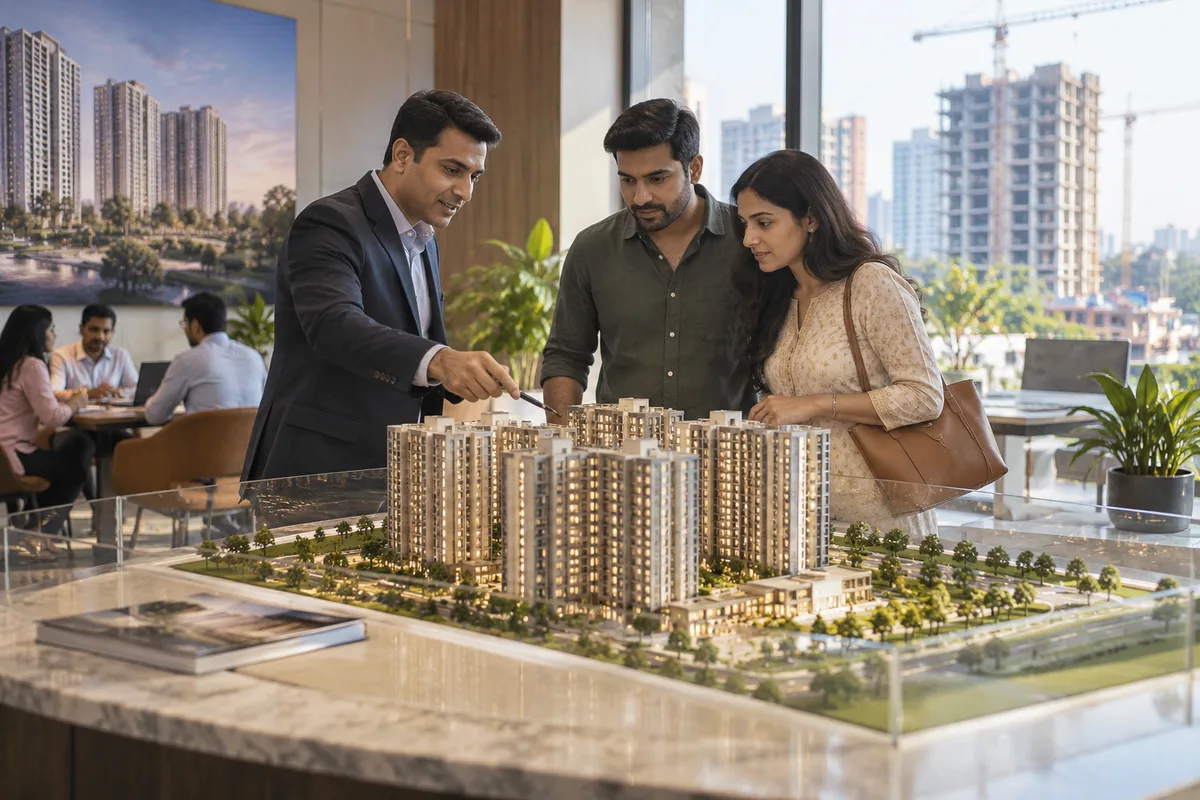
Social media post and story design is the artwork for single feed posts and vertical stories on Instagram, Facebook, LinkedIn and X (Twitter). GullySales designs each piece to your brand rules and the platform's current specification, then hands over the layered source files and the exported images ready to publish.
Also for real estate developers and brokers
- Social media marketing for real estate developers and brokers
- Content marketing for real estate developers and brokers
- YouTube title and description writing for real estate developers and brokers
- Podcast script and show notes writing for real estate developers and brokers
- Press release writing for real estate developers and brokers
- Executive speech writing for real estate developers and brokers
- YouTube thumbnail design for real estate developers and brokers
- Brochure design for real estate developers and brokers
Sales and marketing for real estate developers and brokers, the overview.
Last updated 14 Nov 2026. Rules for this trade differ by state and professional body, and they change. We describe restrictions in general terms, so check the current position with your own council or adviser before you publish anything.
For real estate developers and brokers
Where it usually goes wrong, and what we would do.
“The render goes up first and the site photograph never follows”
A launch post carries a polished render, and then the feed goes quiet until the next offer. A buyer who scrolls back sees an impression of a building, not the building. A construction update post, designed to carry a dated site photograph with a clear caption area, is the piece that shows the project exists. It needs its own layout, because a rough photograph pasted into a launch template looks careless and weakens the trust the render was meant to build.
“Brokers repost your artwork with their own text over it”
Channel partners take your launch image, crop it to fit their own page and lay a phone number across the floor plan. The price band, the project name or the registration line is the first thing to be cut off. A design that keeps those items inside a protected area, and a separate partner version with a space for the broker's own name, keeps the project readable when it travels from your page to a dozen others.
“The offer text is too small for a phone held in one hand”
A post drawn on a large screen carries the configuration, the area, the possession detail and the open-house date in fine print. On a phone, in a feed, the family sees a picture and a smudge. We decide which single fact leads, keep the rest in a clear second tier, and place the words clear of the parts of the frame that each platform covers with its own buttons and labels.
“Festival and open-house days come up faster than the artwork”
A sales office wants a post for a festival weekend or a Saturday site visit, and the only file available is last month's launch image with a date typed over it. The result looks improvised in public. A small set of reusable layouts for an open-house notice, a festival greeting and a possession update lets staff publish on the day without breaking the look of the project.
What we do
What we deliver for real estate developers and brokers.
The work available for this need. We agree the deliverables and responsibilities for your engagement in writing.
A message and order-of-attention sheet
Before drawing, we write down for each piece what the family should see first, second and third. For a launch it may be the tower and the locality; for a construction update it is the dated photograph. The sheet is short and it is the thing your approver reads and signs off, so arguments about the design happen on a page of words and not after the artwork is finished.
Result: The approver agrees one leading fact for each post before any artwork is drawn.
Launch and feed post artwork
We design the feed posts for a project launch, a new tower or phase, and a configuration highlight. Each is drawn with the project name, the locality, and the registration line in a protected area. The price band or offer, if you choose to show one, is placed with a clear note that your own adviser approves its wording.
Result: A launch post shows the project, the locality and the registration line without cropping on any platform.
Construction update layouts
A layout built around a dated site photograph, a short stage label and the project mark. Your site team can drop a new photograph into the source file, or send the photograph to us, and the result looks like part of the series. The layout is built so a rough phone photograph still looks deliberate.
Result: Each update shows a dated photograph in the same frame, so the series reads as progress.
Story frames for open-house days
Vertical frames for a site visit weekend, a sample flat opening, a festival greeting and a possession handover. Each keeps the date, the address and the button area clear of the platform's own controls, because a story is covered at the top and the bottom. We deliver a set, not a single frame.
Result: A story shows the date and the address in clear space on a phone, with nothing hidden by the controls.
A broker version of each piece
For each major post we make a version with a clean area for a channel partner's name and number, and with the project's key facts locked in place. Partners can add their details without covering the project name, and your sales office can tell at a glance which posts are genuine.
Result: A partner can add a name and number without covering the project name or the registration line.
Exports and editable source files
We export the final images for each platform at the sizes the platform currently asks for, and supply the layered source file and a short usage note listing fonts, colours and what must not change. Your own team can then produce the next update without waiting for us.
Result: Your sales office produces a new open-house post from the source file without a design request.
How the result is measured
- Posts published that follow your brand rules
- Pieces returned for being cropped or unreadable
- Platform versions delivered for each idea
Recorded as a baseline before work starts, so every later report has an honest comparison.
Who it is for
This is written for these real estate developers and brokers.
- Residential apartment developers
- Villa and plotted development builders
- Commercial and office space developers
- Independent brokers and channel partner networks
- Redevelopment and rehabilitation projects
- Plot and land aggregators
- NRI-focused residential projects
- Affordable and mid-income housing developers
- Luxury and premium residential developers
Before you decide
Agree the work. Know how to judge it.
Social media post and story design for real estate developers and brokers: use these checks to prepare, choose the scope, and review what changes.
Bring the right evidence
Review the posts that produced useful conversations, not only the ones with the most views. Gather buyer questions and decide which team member can contribute credible material.
Make the scope clear
Choose the audience and channel before setting a posting volume. Agree who supplies material, approves posts, and handles messages, including complaints or questions the agency cannot answer.
Check the work in use
Follow a post through to the profile, website, and response. A useful report explains the quality of conversations and enquiries, alongside reach and engagement.
Know when to change course
If publishing takes time away from unanswered buyer messages, fix the response routine first. Do not expand to another channel without a clear reason for being there.
These are discussion points, not a fixed package. GullySales confirms the deliverables, responsibilities, fee, and term in writing after reading your brief and speaking with you.
Before we start
What to have ready before the work starts.
The records, access and decisions this work needs from real estate developers and brokers. Anything missing is noted in the written scope, with who will supply it.
- The last set of posts you published
- Send screenshots or links of the posts on every account, including the ones brokers made. They show us the looks to be replaced, and which pieces your buyers actually responded to. Without them, we design in a vacuum and risk repeating a layout that was already weak.
- Site photographs with their dates
- A construction update is only as good as the photograph under it. Bring dated photographs of the tower, the sample flat and the approach road, taken in daylight if possible. If only renders exist, we label them as impressions and plan the layouts so that a real photograph can replace them later.
- The facts your adviser has approved
- Collect the project registration line, the configurations, the possession wording and any price or offer text that your own adviser has cleared. We place these words and do not invent or soften them. If approval is pending, the pieces that depend on it wait, since publishing an unapproved claim is the owner's risk.
- A named approver and a phone to review on
- One person in your office should approve each piece and look at it on a real phone. Several approvers produce a feed in several styles. If nobody is named, changes arrive from the director, the sales head and the broker in turn, and the grid is lost.
- Partner details and repost habits
- Tell us how many partners repost your artwork, which networks they use and what they change. We build the broker versions around their habits. If partners are not yet in the picture, we design the protected areas anyway and the partner note can be added later.
How it works
How the social media post and story design work runs
The work itself, in order. How an engagement starts, from your brief to a written scope, is set out on our method page.
- 1
Read the project and the posts already live
We start with the project brief, the brochure, the hoarding artwork and the last set of posts on every account. We list the fonts, colours and image styles actually in use, and note where renders, site photographs and partner reposts clash. Before design starts we record how many different looks the feed carries, so that the result can be read against that figure afterwards.
- 2
Settle the message for each kind of post
With the sales head we agree the five or six kinds of post the project really publishes: launch, configuration, construction update, open-house notice, festival greeting and possession news. For each we write the leading fact and what must always appear. Anything that states a price, a possession date or an approval is flagged for your own adviser, and we place the words they approve.
- 3
Check each platform's current specification
Instagram, Facebook and LinkedIn each crop and cover artwork in their own way, and the rules change. We check the current specification for the feed image and the story frame, and build safe areas into each layout. We also look at where a partner's page will crop a repost, since that is where the project name is at greatest risk.
- 4
Draw the feed pieces and the story frames
We design the launch piece first, then the construction update and the open-house frame, so the pieces share a grid. We use your actual photographs and renders, label renders as impressions where the copy calls for it, and keep type large enough to read outdoors on a phone. Each piece is drawn in a feed shape and a story shape from the same idea.
- 5
Review on a phone-sized view
The approver sees each piece at the size of a phone screen, not on a monitor. We check whether the leading fact is read first, whether the registration line is legible, and whether the site photograph still looks deliberate when small. Changes are collected in one round so the grid is not broken by piecemeal fixes from several people in the office.
- 6
Hand over and compare with the starting count
We deliver the exported images, the source files, the broker versions and the usage note, and show the sales office how to swap a photograph. We then count the looks in the feed again and set it against the figure recorded at the start, together with the number of pieces returned for cropping or unreadable text.
Where this fits
Three pieces of sales work, in this order.
This work sits inside sales process design, at stage 1, prospecting and lead generation. The audit comes before it, and sales management keeps it running.
Step 1
Sales audit
Find where deals are being lost and what to fix first.
Start here if you cannot say where orders are lost.
Step 2 · you are here
Sales process design
One written way to sell, from first enquiry to repeat order.
Start here if every salesperson sells differently.
Step 3
Sales management
A target, a review routine and someone who owns the number.
Start here if the team has targets and no routine.
FAQ
Questions owners ask before they call.
Not here? More answers, or ask on WhatsApp.
Can you design posts that show the price and the offer?
Do you write the captions as well?
How do you stop brokers from changing the project name?
Will the posts look right on all three networks?
Can our sales office make the next post itself?
How will we know whether the design worked?
How long is the contract?
How soon will we see results?
Who will actually do the work?
What do you need from us?
From the blog
Further reading for real estate developers and brokers.
 6 min read · 10 Oct 2026How real estate businesses can qualify leads before site visitsSix questions on WhatsApp or a short call decide whether a buyer gets a site visit, and keep your sales team's weekends for visits that count.
 5 min read · 6 Oct 2026How buyers shortlist a property or construction firmProperty and construction buyers take a name from a broker, architect, bank or relative before seeing your ad. See who gives it and what keeps you listed.
 6 min read · 21 Sept 2026TV advertising vs OTT advertising: what are you actually buying?Television sells slots against ratings and prices in the wastage. OTT sells impressions to chosen people and charges for the choosing.
More for real estate developers and brokers
Related work to consider.
Closest to this: content and social
- Social media marketing for real estate developers and brokers
- Content marketing for real estate developers and brokers
- YouTube title and description writing for real estate developers and brokers
- Podcast script and show notes writing for real estate developers and brokers
- Press release writing for real estate developers and brokers
- Executive speech writing for real estate developers and brokers
- YouTube thumbnail design for real estate developers and brokers
- Brochure design for real estate developers and brokers
Also for real estate developers and brokers
- Cinema advertising for real estate developers and brokers
- Newspaper advertising for real estate developers and brokers
- Outdoor advertising for real estate developers and brokers
- Radio advertising for real estate developers and brokers
- SEO for real estate developers and brokers
- PPC ads for real estate developers and brokers
Or start from the overview: sales and marketing for real estate developers and brokers.
Your next practical step
Tell us what you are trying to grow, and we will read it before we call.
Eight short steps, mostly taps. Skip anything you would rather answer on the call.