Real estate developers and brokers · YouTube thumbnail design
A buyer searching for a flat tour picks the thumbnail that shows a real room.
Thumbnail design for a developer or broker is the cover image a buyer sees beside a sample flat walkthrough, a site progress video or a locality tour in search and suggestions. GullySales designs the image, supplies the agreed variants and the source file, and prepares each one to the platform's current specification.
Scope, fee, reporting and term are agreed in writing after we have read your brief and spoken to you.
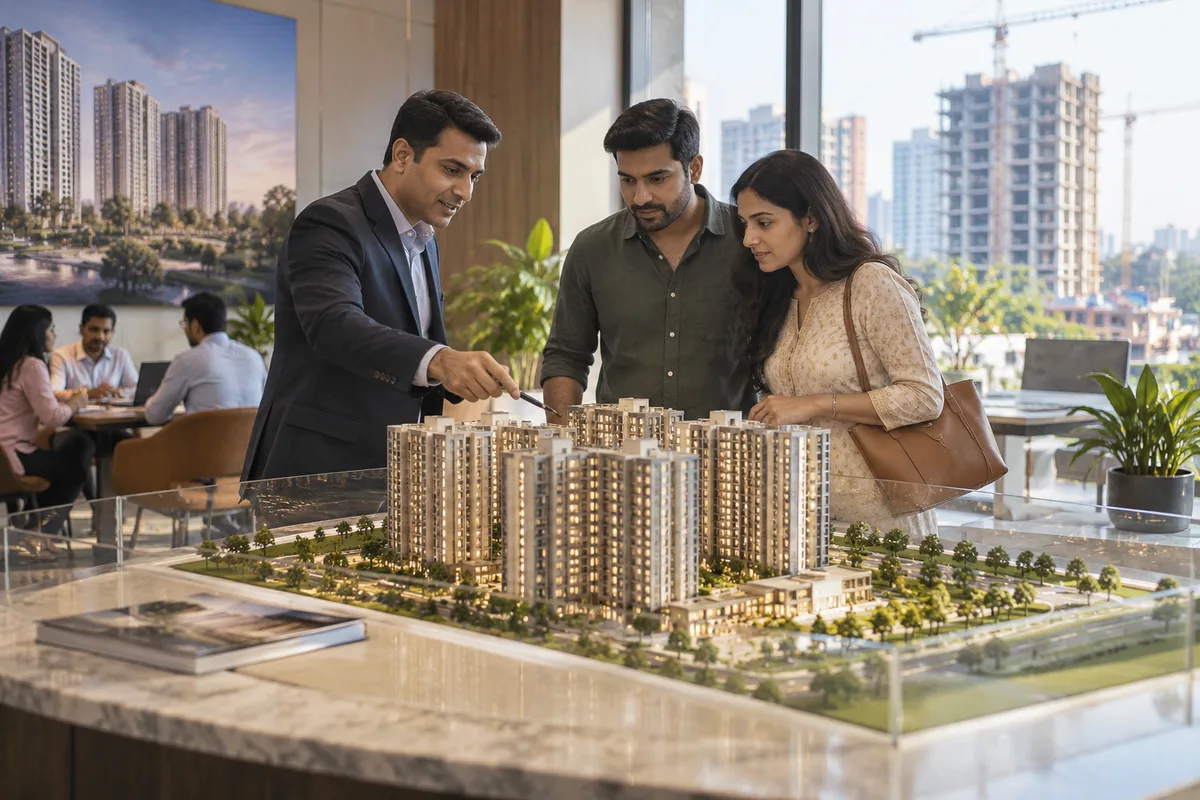
What YouTube thumbnail design means
YouTube thumbnail design is the creation of the cover image a viewer sees beside a video's title in search, suggestions and ads, covering both organic video thumbnails and the thumbnail used by a YouTube video ad. GullySales designs the image, supplies the agreed variants and a source file, and prepares each to the platform's current specification.
Also for real estate developers and brokers
- Social media marketing for real estate developers and brokers
- Content marketing for real estate developers and brokers
- YouTube title and description writing for real estate developers and brokers
- Podcast script and show notes writing for real estate developers and brokers
- Press release writing for real estate developers and brokers
- Executive speech writing for real estate developers and brokers
- Social media post and story design for real estate developers and brokers
- Brochure design for real estate developers and brokers
Sales and marketing for real estate developers and brokers, the overview.
Last updated 14 Nov 2026. Rules for this trade differ by state and professional body, and they change. We describe restrictions in general terms, so check the current position with your own council or adviser before you publish anything.
For real estate developers and brokers
Where it usually goes wrong, and what we would do.
“The auto-picked frame shows a blank wall”
A sample flat walkthrough is filmed in a single take, and the platform picks a frame from it automatically. It is a doorway, a bare ceiling or the cameraman's reflection. A buyer scanning six flat tours for a particular locality skips the one that shows nothing. A designed thumbnail picks the one room that matters, the living area with the balcony view, and puts the project and the configuration beside it in words large enough to read.
“The thumbnail shows a render and the video shows a site”
A glossy render on the cover brings the click, and a site with exposed columns in the video loses the viewer in the first seconds. The comments then say the video was not what the image showed. For a progress video the thumbnail should carry the actual stage, with a clear date, so the family clicking already knows what they will see and watches to the end.
“Locality tours get lost among every portal's videos”
A buyer searching for a flat in a named locality gets results from portals, brokers and builders, all with similar frames of a tower against a sky. A locality tour that shows the school, the market and the metro stop as three small pictures in a single frame says what the video covers before the title is read, and separates it from the polished render videos around it.
“A series of videos has no common look”
A developer publishes a launch film, a sample flat tour, three progress updates and a possession video. Each has a different thumbnail style, so the channel looks like the work of several agencies. A shared frame, with the project mark, the stage label and a space for one real photograph, makes the series scannable. The buyer can find the latest progress video without reading the date.
What we do
What we deliver for real estate developers and brokers.
The work available for this need. We agree the deliverables and responsibilities for your engagement in writing.
A visual brief for each video
For each video we write a short brief: the one picture, the phrase that adds to the title and the label that tells the viewer what kind of video it is. The brief is written from the footage and the project facts, and your approver signs it before any artwork exists. It stops the argument about which room or which angle to show.
Result: Each video has a written brief approved before the thumbnail is drawn.
Design options for the sample flat tour
We draw two or three options for the walkthrough: one built around the living room and balcony, one around the kitchen or the master bedroom, and one built on the configuration label. We pick frames from your footage or from photographs, retouch for light only, and keep the room true to what the buyer will find on the visit.
Result: You choose between options that all show the real flat, with no added furniture that is not in it.
A progress update layout with a dated photograph
A frame built to carry a site photograph, a stage label such as foundation, structure or finishing, and a date. Each new progress video reuses the layout with a new photograph and a new label. The date stays visible at small size, because a buyer wants to know how recent the footage is.
Result: Each progress thumbnail shows the stage and the date in readable type at phone size.
A locality tour thumbnail
For tours of the neighbourhood we design a frame holding the project's own landmark and two or three nearby places, with one short phrase naming the locality. We use photographs you took or hold rights to. We do not draw distances or travel times unless your team has measured them and can state them.
Result: A buyer reads the locality and the type of video from the image alone.
A matching set for the series
One colour band, one position for the project mark and one type style across the launch film, the tours, the progress updates and the possession video. The set is drawn on a single sheet so you can see the series together, and each video then takes its own photograph within the frame.
Result: The channel page shows a set of thumbnails that look like one project's library.
Final files, source file and a usage sheet
We deliver each thumbnail in the format and size the platform currently asks for, with the editable source file and a one-page sheet listing fonts, colours, the safe area and what to change for the next video. Your sales or marketing staff can then prepare a thumbnail for a new video without us.
Result: A staff member produces the next progress thumbnail from the source file, unaided.
How the result is measured
- Videos with a designed thumbnail instead of an auto-picked frame
- Thumbnail variants in use per video
- Videos in a series that share one consistent look
Recorded as a baseline before work starts, so every later report has an honest comparison.
Who it is for
This is written for these real estate developers and brokers.
- Residential apartment developers
- Villa and plotted development builders
- Commercial and office space developers
- Independent brokers and channel partner networks
- Redevelopment and rehabilitation projects
- Plot and land aggregators
- NRI-focused residential projects
- Affordable and mid-income housing developers
- Luxury and premium residential developers
Before you decide
Agree the work. Know how to judge it.
YouTube thumbnail design for real estate developers and brokers: use these checks to prepare, choose the scope, and review what changes.
Bring the right evidence
Review the posts that produced useful conversations, not only the ones with the most views. Gather buyer questions and decide which team member can contribute credible material.
Make the scope clear
Choose the audience and channel before setting a posting volume. Agree who supplies material, approves posts, and handles messages, including complaints or questions the agency cannot answer.
Check the work in use
Follow a post through to the profile, website, and response. A useful report explains the quality of conversations and enquiries, alongside reach and engagement.
Know when to change course
If publishing takes time away from unanswered buyer messages, fix the response routine first. Do not expand to another channel without a clear reason for being there.
These are discussion points, not a fixed package. GullySales confirms the deliverables, responsibilities, fee, and term in writing after reading your brief and speaking with you.
Before we start
What to have ready before the work starts.
The records, access and decisions this work needs from real estate developers and brokers. Anything missing is noted in the written scope, with who will supply it.
- The videos or the footage
- Send the finished videos or the raw footage, with the sample flat, the site and the locality clips marked. We pick pictures from what exists. If the footage is dark or shaky, tell us now, because a thumbnail cannot hide a weak film and we would rather say so before drawing.
- Dated site photographs
- Bring photographs of the tower at its current stage, with the date each was taken. A progress thumbnail depends on them. When none are available, we label a render as an impression and plan the layout so that a real photograph can replace it as the site advances.
- Project facts approved by your adviser
- List the project name, the configurations, the registration line and any possession wording your own adviser has cleared. We put these on a thumbnail only if they are on this list. A thumbnail that states an unapproved date or price is the owner's risk, and we would leave the line out.
- Access to the channel
- We need to see the channel's current videos and, if you wish, the analytics for each. We read what viewers searched for and which videos they left early. You keep the login; we ask for a viewer view or screenshots. Without any access, we work from the videos alone and cannot see what the audience actually clicked.
- One person who decides
- Choose a single approver, preferably the person who handles site visits and knows what buyers ask. Thumbnails chosen by committee end up with three phrases and no picture. If nobody decides, the draft stays in review while the video loses its first fortnight of attention.
How it works
How the youtube thumbnail design work runs
The work itself, in order. How an engagement starts, from your brief to a written scope, is set out on our method page.
- 1
Watch the footage and read the brief
We watch each video and note the shot that a buyer would want to see first. We also list what the video promises in its title, and what the footage actually shows. Before design begins we record how many videos on the channel carry a designed thumbnail and how many carry an automatic frame, so that the later count has a starting figure to be read against.
- 2
Look at what the buyer sees beside it
We search the platform for the terms a buyer would type, such as a configuration with a locality, a project name and a possession stage, and study the results on a phone-sized view. We note what the competing thumbnails show, how much text they carry and what colours dominate, so that yours is distinct from them and not a copy of them.
- 3
Choose the picture and the phrase
With the sales head we pick the single picture and the short phrase for each thumbnail. The phrase adds to the title and does not repeat it. Anything that states a price, a possession date or an approval is flagged for your own adviser, and we use only words that are approved and true of the video.
- 4
Gather and prepare the pictures
We collect frames from the video, photographs from the site and logo files. We retouch for brightness and crop only, and we mark any image that is a render. A viewer must not mistake an impression for the building, and the platform's own rules on misleading images are checked as they currently stand.
- 5
Design and test at the size of a phone
We draw each thumbnail, then shrink it to the size at which it appears in a results list and in a suggestion column, and view it on a phone. Text that disappears or a picture that becomes a smudge is simplified. We make a second option for the video that matters, so the choice is made by the approver on sight.
- 6
Finalise, hand over and count again
After one round of changes we deliver the files, the source file and the usage sheet. We then count the videos with a designed thumbnail and the number of variants in use, and set both against the starting figures. Viewer comments about the image not matching the video are read too, because that is the clearest sign of a promise the video did not keep.
Where this fits
Three pieces of sales work, in this order.
This work sits inside sales process design, at stage 1, prospecting and lead generation. The audit comes before it, and sales management keeps it running.
Step 1
Sales audit
Find where deals are being lost and what to fix first.
Start here if you cannot say where orders are lost.
Step 2 · you are here
Sales process design
One written way to sell, from first enquiry to repeat order.
Start here if every salesperson sells differently.
Step 3
Sales management
A target, a review routine and someone who owns the number.
Start here if the team has targets and no routine.
FAQ
Questions owners ask before they call.
Not here? More answers, or ask on WhatsApp.
Can the thumbnail show the finished tower if it is not built yet?
Do you choose the title and the description?
Can you put the price or a discount on the thumbnail?
Will the thumbnail work for a YouTube video ad?
We have no video yet. Can you start?
How will we know the thumbnails helped?
How long is the contract?
How soon will we see results?
Who will actually do the work?
What do you need from us?
From the blog
Further reading for real estate developers and brokers.
 6 min read · 10 Oct 2026How real estate businesses can qualify leads before site visitsSix questions on WhatsApp or a short call decide whether a buyer gets a site visit, and keep your sales team's weekends for visits that count.
 5 min read · 6 Oct 2026How buyers shortlist a property or construction firmProperty and construction buyers take a name from a broker, architect, bank or relative before seeing your ad. See who gives it and what keeps you listed.
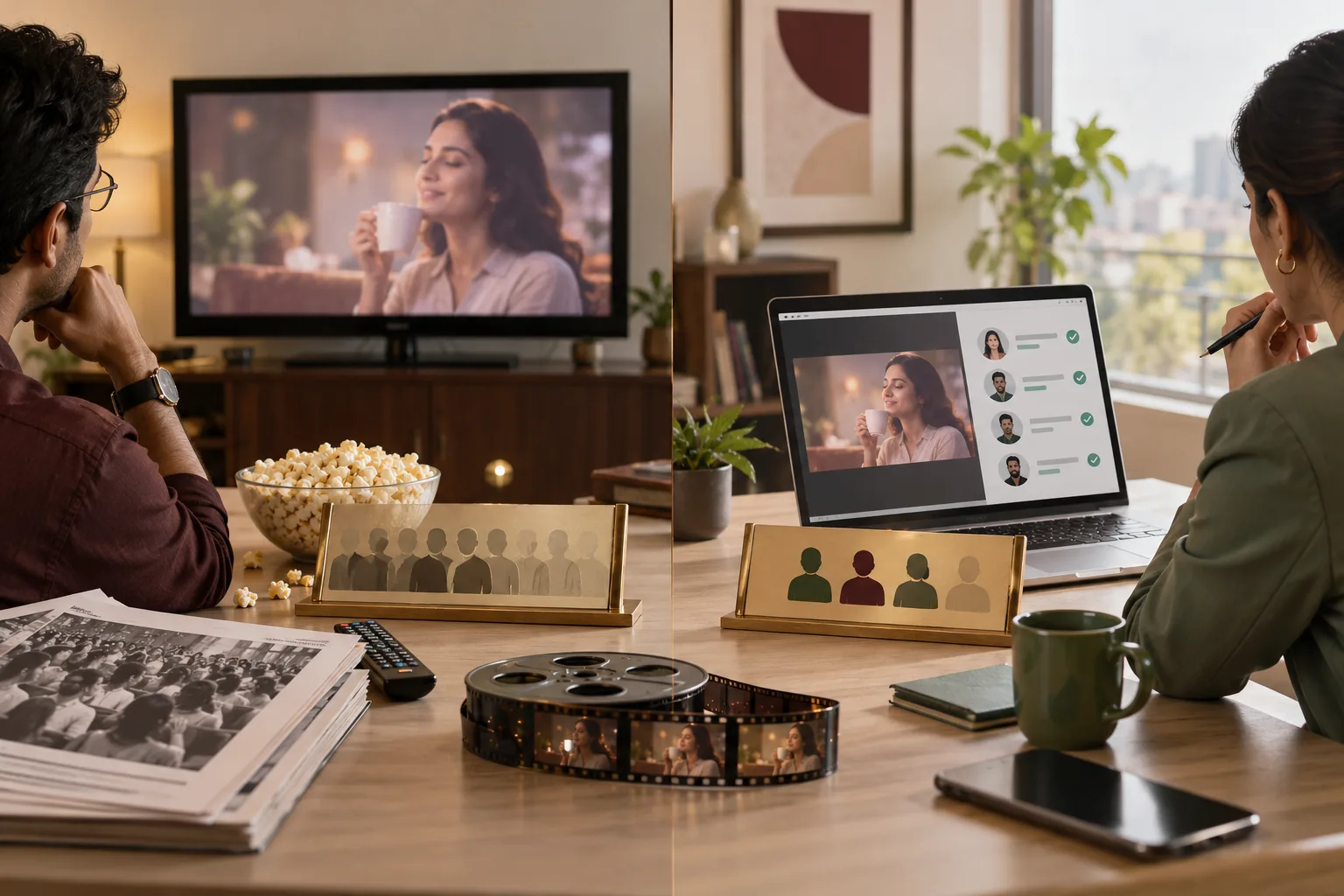 6 min read · 21 Sept 2026TV advertising vs OTT advertising: what are you actually buying?Television sells slots against ratings and prices in the wastage. OTT sells impressions to chosen people and charges for the choosing.
More for real estate developers and brokers
Related work to consider.
Closest to this: content and social
- Social media marketing for real estate developers and brokers
- Content marketing for real estate developers and brokers
- YouTube title and description writing for real estate developers and brokers
- Podcast script and show notes writing for real estate developers and brokers
- Press release writing for real estate developers and brokers
- Executive speech writing for real estate developers and brokers
- Social media post and story design for real estate developers and brokers
- Brochure design for real estate developers and brokers
Also for real estate developers and brokers
- Cinema advertising for real estate developers and brokers
- Newspaper advertising for real estate developers and brokers
- Outdoor advertising for real estate developers and brokers
- Radio advertising for real estate developers and brokers
- SEO for real estate developers and brokers
- PPC ads for real estate developers and brokers
Or start from the overview: sales and marketing for real estate developers and brokers.
Your next practical step
Tell us what you are trying to grow, and we will read it before we call.
Eight short steps, mostly taps. Skip anything you would rather answer on the call.