Real estate developers and brokers · Website
Build a project website that answers the buyer's questions before the site visit.
A website for a property business is the set of project pages where a buyer checks the locality, the configuration, the price band and the registration details before deciding to visit. GullySales works on the page structure, the enquiry form and the honesty of what each page shows.
Scope, fee, reporting and term are agreed in writing after we have read your brief and spoken to you.
What website means
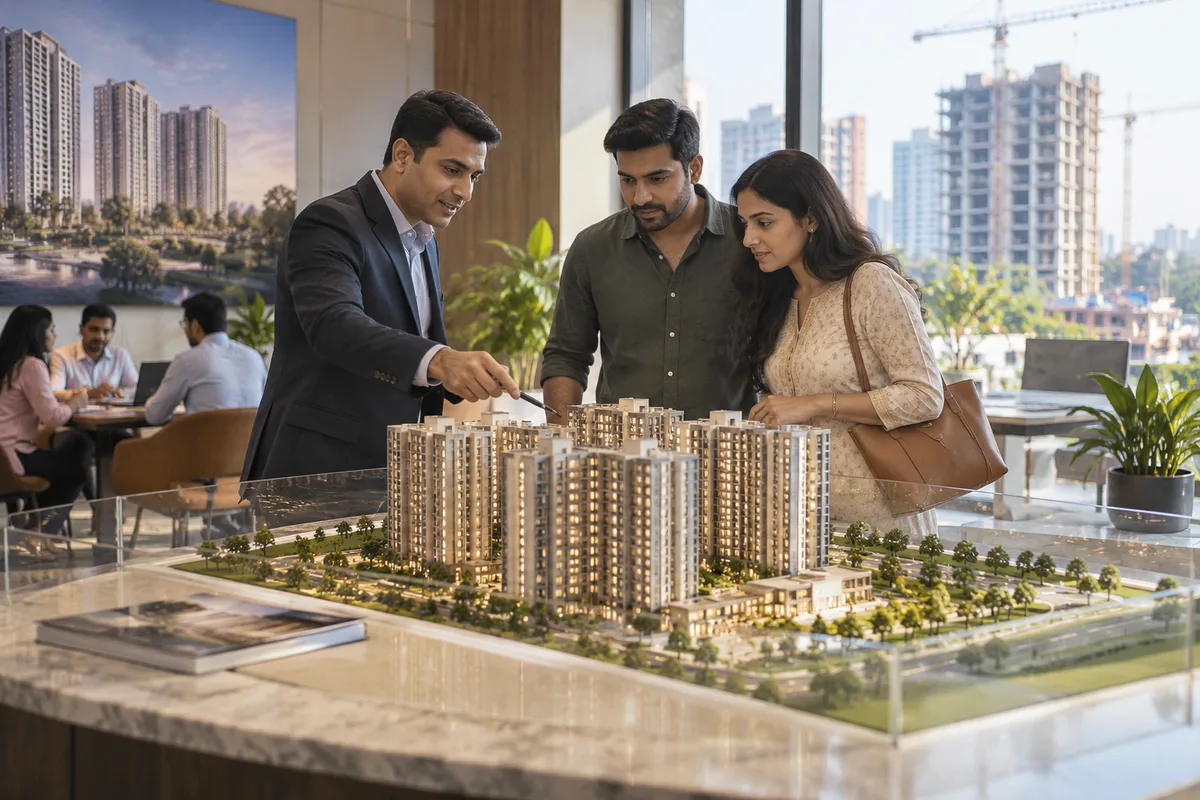
A website is the page a customer lands on after searching, clicking an advert or scanning a code, and it decides whether they call or leave. GullySales builds and maintains sites that load quickly, explain the offer plainly and make the enquiry form or phone number easy to find.
Also for real estate developers and brokers
- SEO for real estate developers and brokers
- Local SEO for real estate developers and brokers
- Cinema advertising for real estate developers and brokers
- Newspaper advertising for real estate developers and brokers
- Outdoor advertising for real estate developers and brokers
- Radio advertising for real estate developers and brokers
- PPC ads for real estate developers and brokers
- Lead generation for real estate developers and brokers
Sales and marketing for real estate developers and brokers, the overview.
Last updated 5 Oct 2026. Rules for this trade differ by state and professional body, and they change. We describe restrictions in general terms, so check the current position with your own council or adviser before you publish anything.
For real estate developers and brokers
Where it usually goes wrong, and what we would do.
“One page per project, not one brochure for the company”
A buyer searching for a flat in a named locality lands on a project page, so a company home page with project thumbnails sends the buyer back to the portal. Each project needs its own address carrying configuration, floor plans and location in one place.
“Construction photographs carry more than renders”
The buyer holds your render against a rival's recent site photograph. The page should show the current construction stage in a photograph your site team dated, beside the possession date your team has confirmed in writing.
“Registration details must be easy to find”
A careful buyer looks for the RERA registration before looking at the price. Place the number, as your team confirms it, near the top of the project page, where the buyer can check it on the authority's site without hunting through the footer.
“The phone is where the enquiry arrives”
Buyers browse on a phone and tap to call or message. A long form on a small screen loses the enquiry, while a call button, a WhatsApp button and a short callback request keep it. The sales office then has a number to ring back.
What we do
What we deliver for real estate developers and brokers.
Every deliverable, what it covers for you, and the result it is there to produce. Nothing here is an extra.
A page for each project by locality and configuration
Each project gets its own address, with the configuration, the locality and the photographs, written for the search a buyer types.
Result: Each project has one address a buyer can share with the family.
Floor plans and a price band that work on a phone
Floor plans that open without pinching and zooming, a price band your team has approved and a plain list of what the price includes.
Result: A buyer compares unit sizes without calling first.
A registration and approvals panel
A panel for the registration number, the approving authority and the banks that have approved the project, filled only from documents you provide.
Result: A buyer finds the details without having to ask.
A dated construction progress gallery
A gallery your site engineer updates, replacing renders with real photographs as the building rises.
Result: The page matches what the buyer sees on the site visit.
Call, WhatsApp and site visit booking
Buttons and a short form that asks for a name, a number and a preferred visit day, with nothing else in the way.
Result: Each enquiry arrives with the project and the source recorded.
Enquiries routed into the sales CRM
Every form and button press lands in the CRM tagged with the project page it came from.
Result: You can see which project page produced which enquiry.
How the result is measured
- Page load time
- Bounce rate
- Enquiries from the website
Recorded as a baseline before work starts, so every later report has an honest comparison.
Searches your buyers type
What a flat buyer looks for on a project's own site.
- project name floor plan and price
- A page with plans for each configuration, the price band and a clear way to book a visit.
- is the project RERA registered
- A panel on every page stating the registration and approvals, with a link to where the buyer can check.
- construction status of the project
- A dated gallery of site photographs, with the month shown, replacing renders as the main image.
- how to reach the sales office
- A directions block with the gate, a map pin and a note for a rider with a weak signal.
- book a site visit
- A short form or WhatsApp button that sends the enquiry straight into the sales record with its source.
Who it is for
This is written for these real estate developers and brokers.
- Residential apartment developers
- Villa and plotted development builders
- Commercial and office space developers
- Independent brokers and channel partner networks
- Redevelopment and rehabilitation projects
- Plot and land aggregators
- NRI-focused residential projects
- Affordable and mid-income housing developers
- Luxury and premium residential developers
Not for
It is not the right fit if.
- The registration and approvals are not yet in hand, and the site would have to launch without its most checked panel.
- No one will update construction photographs, so the gallery would show last year's stage.
- Enquiries from the form would go to a personal inbox, and the sales head could not see them.
How it works
How the website work runs
The work itself, in order. How an engagement starts, from your brief to a written scope, is set out on our method page.
- 1
Confirm structure and content
We agree the page list, what each page must answer, and who supplies the text and photographs, before any design starts.
- 2
Design the templates
The home page, a service page, a location page and the enquiry page are designed first, on phone and desktop, and shown to you.
- 3
Build and test
The site is built and checked on real phones and the common browsers. Every form, call button and WhatsApp link is tested end to end.
- 4
Load real content
Actual copy, images and information replace placeholders. Pages are read through once by you, since you spot wrong details we cannot.
- 5
Check before launch
Tracking, page titles, the sitemap and the privacy page are checked on the staging site. If an old site exists, its addresses are mapped so old links still land somewhere.
- 6
Launch and hand over access
The site goes live and we record the domain, hosting, content login and analytics in your name. The first live enquiry is traced to confirm tracking works.
Where this fits
Three pieces of sales work, in this order.
This work sits inside sales process design, at stage 1, prospecting and lead generation. The audit comes before it, and sales management keeps it running.
Step 1
Sales audit
Find where deals are being lost and what to fix first.
Start here if you cannot say where orders are lost.
Step 2 · you are here
Sales process design
One written way to sell, from first enquiry to repeat order.
Start here if every salesperson sells differently.
Step 3
Sales management
A target, a review routine and someone who owns the number.
Start here if the team has targets and no routine.
FAQ
Questions owners ask before they call.
Not here? More answers, or ask on WhatsApp.
Do we need a separate website for each project?
Can the website show price and possession date?
Who updates the site after launch?
What must the site never leave out for a plotted layout?
How long is the contract?
How soon will we see results?
Who will actually do the work?
What do you need from us?
What if we are not happy with the work?
From the blog
Further reading for real estate developers and brokers.
 7 min read · 20 Jan 2026Website or landing page: which one does your campaign need?A website serves anyone who arrives for any reason, but a paid campaign needs a landing page built around one audience and one action.
 6 min read · 10 Oct 2026How real estate businesses can qualify leads before site visitsSix questions asked on WhatsApp or a short call decide whether a buyer deserves a site visit, and they protect your sales team's weekends for the visits that count.
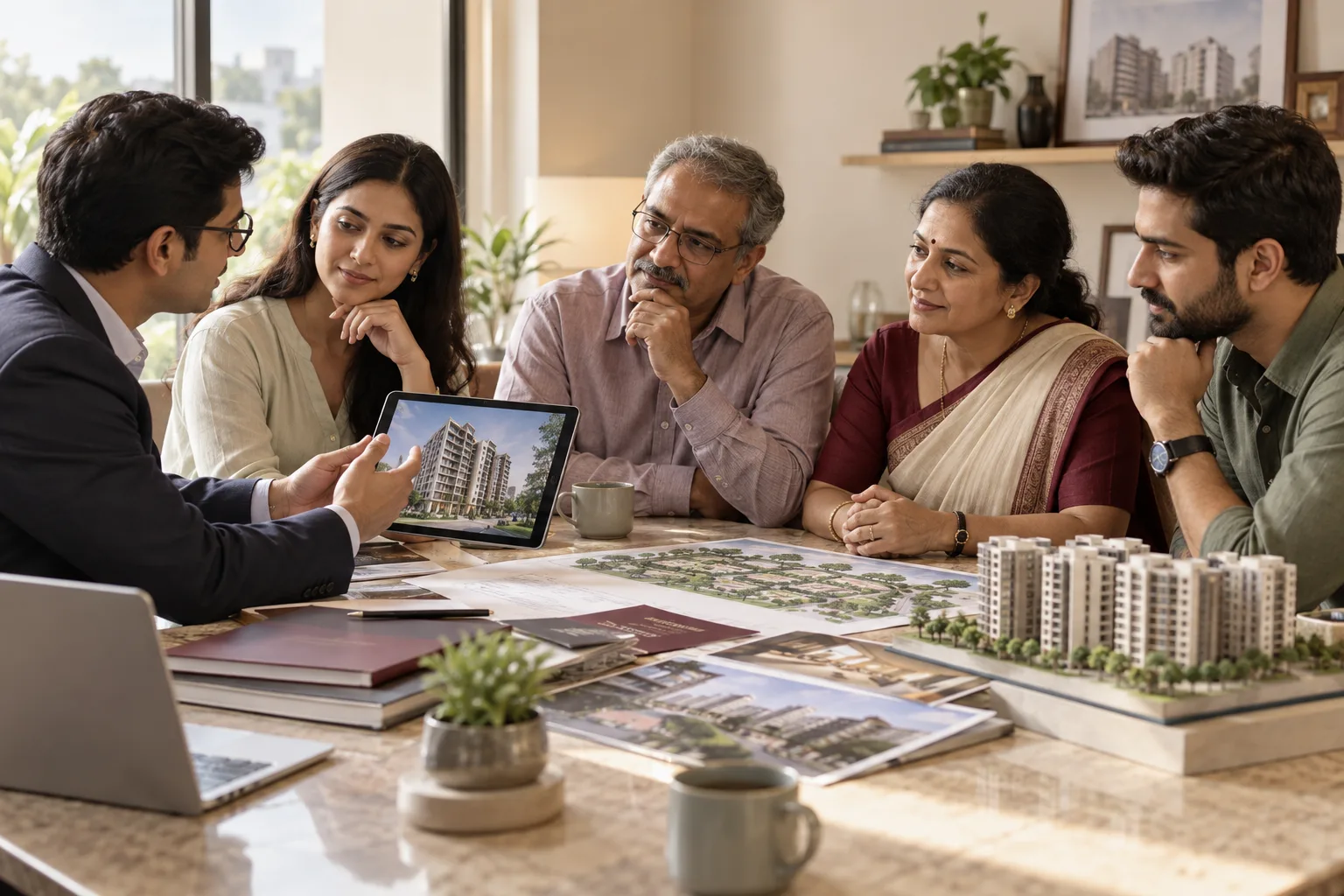 5 min read · 6 Oct 2026How buyers shortlist a property or construction firmProperty and construction buyers take a name from a broker, an architect, a bank or a relative before they see your ad. This post covers who gives that name and what keeps you on the list.
More for real estate developers and brokers
Everything else we would do for you.
Closest to this: search and visibility
Also for real estate developers and brokers
- Cinema advertising for real estate developers and brokers
- Newspaper advertising for real estate developers and brokers
- Outdoor advertising for real estate developers and brokers
- Radio advertising for real estate developers and brokers
- PPC ads for real estate developers and brokers
- Lead generation for real estate developers and brokers
Or start from the overview: sales and marketing for real estate developers and brokers.
Your next practical step
Tell us what you are trying to grow, and we will read it before we call.
Eight short steps, mostly taps. Skip anything you would rather answer on the call.