Retailers · Call-to-action and microcopy writing
The button should say what the shopper gets, not just Submit.
Call-to-action and microcopy writing for retailers is the writing of the small words a shopper acts on: the Maps profile buttons, product page prompts, basket and pin code messages, the number capture line at billing, and the confirmation after each step. GullySales walks each shopper journey with you, writes the wording for every step, and hands over a copy sheet your designer or developer can enter without guessing.
Scope, fee, reporting and term are agreed in writing after we have read your brief and spoken to you.

What call-to-action and microcopy writing means
Call-to-action and microcopy writing is the writing of the small words a visitor acts on: button labels, form field labels, hints, error messages, confirmation messages and empty-screen text. GullySales reads each journey with you, writes the wording for every step, and hands you a copy sheet that your designer or developer can enter without guessing.
Last updated 14 Nov 2026.
For retailers
Where it usually goes wrong, and what we would do.
“Every button on the store site says Buy Now or Click Here”
A shopper who wants to know whether the store has an item, and a shopper who wants to order it, see the same label. Neither is told what happens next: a call, a reserved piece, a delivery or a visit. When the label names the real outcome, such as Check if it is in store or Reserve this for pickup, the shopper chooses the step that suits and your staff receive enquiries they can act on.
“The billing counter asks for a number without giving a reason”
A cashier says the phone number, please, and the shopper hesitates, because nobody has said why. A printed line on the counter, or a small card beside the machine, can say that the number is used for the bill and for news of new arrivals, and that the shopper can say no. The wording sets the shopper's expectation honestly, and a clear, polite request is also the basis for a list worth messaging. Check the platform's current rules on consent with your own adviser.
“Pin code and delivery messages leave the shopper stuck”
A shopper types a pin code and receives Invalid or Not serviceable. The store may deliver two streets away, or may offer pickup instead, yet the message says nothing of it. Error text that names what went wrong and the next step, such as Pick up from the store or Call us to check, turns a dead end into a sale. The same goes for out of stock labels and empty basket screens, which are rarely written at all.
“Confirmations leave the shopper unsure the order was placed”
After pressing the button, the page reloads or says Done. The shopper does not know whether the store has the order, when to expect a call or message, or what to carry to the counter. A confirmation that says what was received, what the store does next and how to reach a person stops the repeat call and the second, duplicate order. We write the wording for every step in the journey, not only the first button.
What we do
What we deliver for retailers.
The work available for this need. We agree the deliverables and responsibilities for your engagement in writing.
A journey map with every word-moment marked
We list each step a shopper takes on your site and around your shop: the Maps profile button, the product page, the basket, the pin code check and the pickup slip. Every place where a shopper reads a word to decide is marked, so no label is left as a developer's placeholder by accident.
Result: You can see every screen and counter prompt that carries wording, with none missed.
Button and link labels for each shopper intent
Labels are written by intent: check stock, reserve, order for delivery, get directions, ask on WhatsApp. Each label says what the shopper gets, in few words, and no two different actions share one label. Where space is tight, we supply a short and a long version.
Result: No two different actions on your site carry the same label.
Form field labels and hints
For each enquiry, reservation or order form we write the label and the hint beneath it, using the words a shopper knows and not the store's internal item codes. A field that need not be asked is flagged for removal, since a shorter form loses fewer shoppers.
Result: Every field has a plain label and a hint that tells a shopper what to type.
Error and out of stock messages
We write what the shopper sees when a pin code is outside the delivery area, an item is sold out, a payment does not go through or a field is left empty. Each message says what happened and the next step, and none blames the shopper or uses system language.
Result: Each error message names the problem and gives the shopper something to do next.
Confirmation and follow-up messages
The wording shown after an order, a reservation or an enquiry says what was received, what the store will do next and who to contact. The same text is adapted for the screen, for an SMS and for a WhatsApp message, so the shopper reads one consistent voice.
Result: A shopper finishing any step knows what the store has received and what comes next.
A counter card and a copy sheet
You receive a single copy sheet, arranged screen by screen, with room for your designer's notes. It includes the wording for the counter card that asks for the shopper's number and the line that explains how it will be used. Your developer can enter each string as written.
Result: Your designer and developer can enter every string without asking us what it means.
How the result is measured
- Enquiry forms started against forms completed
- Form submissions your team can act on without a call back
- Repeat submissions of the same request
Recorded as a baseline before work starts, so every later report has an honest comparison.
Who it is for
This is written for these retailers.
- Apparel and footwear stores
- Electronics and appliance retailers
- Grocery and kirana stores
- Home decor and furnishing stores
- Jewellery and gifting retailers
- Multi-brand outlet stores
Before you decide
Agree the work. Know how to judge it.
Call-to-action and microcopy writing for retailers: use these checks to prepare, choose the scope, and review what changes.
Bring the right evidence
List the pages that support a buying decision and the actions visitors must complete. Keep examples of failed forms, unclear product information, and questions your team answers repeatedly.
Make the scope clear
Agree the page list, content ownership, integrations, and who controls the domain and hosting. Include redirects and existing search traffic in a redesign brief, before changing addresses.
Check the work in use
Complete a real enquiry journey on a phone and a laptop. Check that the confirmation appears, the enquiry reaches the right person, and tracking records the action once.
Know when to change course
If visitors can enquire but the team does not follow up, start with the sales handover. A larger website will not resolve that delay.
These are discussion points, not a fixed package. GullySales confirms the deliverables, responsibilities, fee, and term in writing after reading your brief and speaking with you.
Before we start
What to have ready before the work starts.
The records, access and decisions this work needs from retailers. Anything missing is noted in the written scope, with who will supply it.
- Access to the current site or screens
- Share the live site, the staging link or screenshots of every screen a shopper sees, including the basket and the order screen. Without the actual screens we write labels in the abstract, and strings arrive that do not fit the buttons or the space.
- The store's reservation and pickup rules
- Tell us whether the store holds items, for how long a held item waits, and how pickup works. The wording on a Reserve button is a promise to the shopper, so it must match what the counter will really do, and we cannot invent that rule for you.
- Delivery areas and payment options
- Bring the localities you deliver to, the pickup alternative and the payment methods the store takes. Error text for pin codes and payment failures depends on them, and a message that names a method the store does not accept sends the shopper to the wrong place.
- The words your floor staff use
- Ask two staff members to list how shoppers describe what they want: hold it, exchange it, keep it aside, send it home. These phrases make labels sound like your store. Without them we fall back on generic wording that any shop could carry.
- A decision on how numbers are used
- Decide what the store will do with a phone number taken at billing, and who may message it. The line at the counter must describe that use honestly. Your own adviser can confirm the consent wording, because platform and legal rules change and are theirs to read.
How it works
How the call-to-action and microcopy writing work runs
The work itself, in order. How an engagement starts, from your brief to a written scope, is set out on our method page.
- 1
Walking the shopper's route with the owner
We begin with the owner and one floor staff member, tracing how a shopper actually reaches a purchase: a search on a phone, the Maps profile, the product page, a call, a visit. We also look at the existing site and any billing counter prompts. This tells us which words a shopper reads at the point of decision, and which are still placeholder text.
- 2
Listing every label, hint and message
From that route we make a sheet listing each button, form field, error message and confirmation, with the screen it appears on. Anything missing from the build, such as a sold out label or an empty basket message, is added to the list. The sheet becomes the checklist the whole job is measured against, so nothing remains in a developer's default wording.
- 3
Reading counter conversations for real phrasing
We ask the floor staff what shoppers say when they want to reserve, exchange or collect. Words like hold it for me or keep it aside are the language to use on buttons and hints. A label borrowed from a software template sounds foreign in a store, and we replace it with the shopper's own phrase wherever it fits.
- 4
Drafting labels, hints and messages
We write the wording for each item on the sheet, giving the shortest honest option and a longer alternative where space allows. Each error message states the problem and the next step. For the counter card, we write the request for a number in a polite form that says what it is used for. The owner settles any promise before the wording is fixed.
- 5
Checking each string in the screen
Your designer or developer places the draft strings into the screens, or sends us screenshots. We read each string in its place, looking for lines that overflow, labels that read oddly beside their neighbours and messages that appear in the wrong order. Changes come back to us and we revise the sheet, so it stays the single source of wording.
- 6
Comparing the figures noted at the start
Before the work begins, we record with you how many enquiries, reservation calls and unfinished baskets your current setup produces, in whatever form you already keep. When the new wording is live, we read the same figures and set them side by side. We report what they show and say plainly if a change had no effect.
Proof
Published examples of our work.
Real clients and the work recorded for each engagement. These examples may cover related services or industries. They show the method, not a guaranteed result.
Bon Millette
- Situation
- A new food brand has to look trustworthy before anyone will try it, and Bon Millette had nothing online for a first-time buyer to weigh up.
- What we did
- A site that matches the food
- The story in a trust-building order
- Product sections with full disclosure
- A short path from reading to buying
- Result
- No numbers were recorded for this engagement. The work is described in full in the case study.
Also worked with
Chord Road Hospital · Curtain Label · Difesa Security Services · Felicity Inn · Hands On CSR · Implevista · Kambar Group · Kalessi · Kerur Pain Clinic · LL Trust · Lucky Deals · Natural Gases · NavaShakthi Souhardha · NewCom Logistics · Proton Technical Services · SB Engineering · Shakthi Foundation · Shakthi Group · Urbanest · Insyde Studio · Venkateshwara Laser Tech · Vivara Studios
Where this fits
Three pieces of sales work, in this order.
This work sits inside sales process design, at stage 1, prospecting and lead generation. The audit comes before it, and sales management keeps it running.
Step 1
Sales audit
Find where deals are being lost and what to fix first.
Start here if you cannot say where orders are lost.
Step 2 · you are here
Sales process design
One written way to sell, from first enquiry to repeat order.
Start here if every salesperson sells differently.
Step 3
Sales management
A target, a review routine and someone who owns the number.
Start here if the team has targets and no routine.
FAQ
Questions owners ask before they call.
Not here? More answers, or ask on WhatsApp.
What counts as microcopy on a retail site?
Do you also write the line asked at the billing counter?
Can you write the buttons on our Google Maps profile?
Will you change the design of our store site?
Our site is in two languages, so how does this work?
How will we know whether the new wording worked?
How much does it cost?
How long is the contract?
How soon will we see results?
Who will actually do the work?
From the blog
Further reading for retailers.
 7 min read · 21 Sept 2026NRI jewellery advertisingAn NRI jewellery buyer is two customers: one flying in for a wedding, one paying from abroad for a mother who collects. Timing and payment differ.
 7 min read · 21 Sept 2026Local audience targeting strategyThree people are local to you: the one who lives near, the one who works near and the one searching near. The settings that reach each differ.
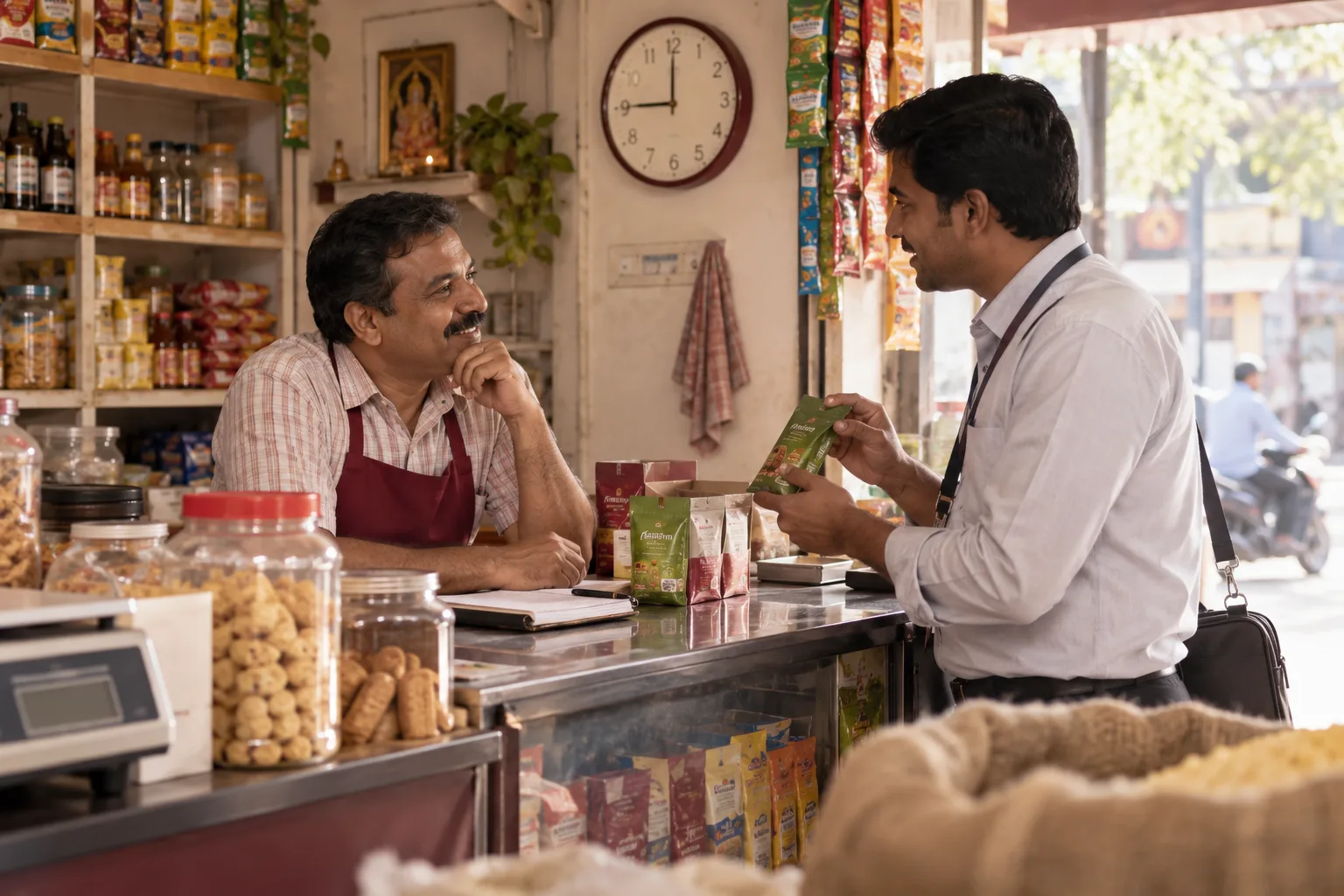 8 min read · 21 Sept 2026How to advertise to retail business ownersA shop owner cannot leave the counter from ten to nine. Reach them in the afternoon lull, through the distributor's salesman and on WhatsApp.
More for retailers
Related work to consider.
Closest to this: search and visibility
Also for retailers
Or start from the overview: sales and marketing for retailers.
Your next practical step
Tell us what you are trying to grow, and we will read it before we call.
Eight short steps, mostly taps. Skip anything you would rather answer on the call.