Retailers · Website
A small site that holds your stock, your timings and the road to your door.
A website for a retail store is a small, light site that shows what you sell, when you open and how to reach you, ready to be shared as one link. GullySales builds it to support your Maps listing and your WhatsApp chats, not to replace the shop.
Scope, fee, reporting and term are agreed in writing after we have read your brief and spoken to you.

What website means
A website is the page a customer lands on after searching, clicking an advert or scanning a code, and it decides whether they call or leave. GullySales builds and maintains sites that load quickly, explain the offer plainly and make the enquiry form or phone number easy to find.
Last updated 14 Nov 2026.
For retailers
Where it usually goes wrong, and what we would do.
“The shopper wants three answers and nothing else”
Do you stock it, are you open and how do I get there. A site that opens with a slogan and a slideshow makes the shopper hunt for these. The first screen on a phone should carry all three.
“Festival timings change and the site does not”
A page showing last year's hours sends a shopper to a locked shutter on the evening they chose to visit. Special timings need one place to be edited, and the same change must reach the listing and the site.
“A website is the link you hand over on WhatsApp”
When a buyer asks for the catalogue, one tidy link beats ten forwarded photographs. The site is the page staff share, the page printed on the bill and the page the listing points to.
“An online shop is a separate decision”
Selling online means stock accuracy, packing, delivery and returns. A store that is not ready for those is better served by a catalogue site that sends the shopper to the counter. We lay out what each route costs in work.
What we do
What we deliver for retailers.
The work available for this need. We agree the deliverables and responsibilities for your engagement in writing.
A mobile-first home page
Store name, address, timings, a call button, a chat button and a map, placed so they show without scrolling.
Result: A shopper reaches you in one tap.
Catalogue pages by product group
Pages for your best-selling lines, with photographs, prices where you want them shown and a prompt to visit or message.
Result: Your stock can be browsed before the visit.
A festive timings block
A single section for special hours, edited in one place and matched to the Maps listing.
Result: Shoppers see the right hours on festival days.
A page for each outlet
Separate address, map and number for every branch, so the nearest one is the one that appears.
Result: Each branch can be found on its own.
Search basics built in
Page titles, descriptions, headings and structured details for a local shop, written in the words shoppers type.
Result: The site is ready to be found for near-me searches.
A way for the owner to edit
A simple way to change timings, photographs and offers without calling a developer.
Result: Updates are done by your own team.
How the result is measured
- Page load time
- Bounce rate
- Enquiries from the website
Recorded as a baseline before work starts, so every later report has an honest comparison.
Searches your buyers type
What a shopper looks up before a visit, and the page that answers it.
- store timings and address
- A page with the map pin, true opening hours and a festival note. Keep it identical to the Google listing.
- brands available in the store
- A page listing the brands you stock and those you are authorised to sell. A shopper confirms the brand before making a trip.
- wedding collection in your city
- A seasonal page with photographs of what is on display, the price ranges the store keeps and how to book a visit for a group.
- home delivery or pickup from the store
- A page stating areas served, how to order and how payment is taken. A shopper deciding between online and the store reads it.
- exchange and return policy
- A page stating what can be exchanged and what cannot, in plain words the counter staff also use.
Who it is for
This is written for these retailers.
- Apparel and footwear stores
- Electronics and appliance retailers
- Grocery and kirana stores
- Home decor and furnishing stores
- Jewellery and gifting retailers
- Multi-brand outlet stores
Before you decide
When this may not be the right fit.
- Your stock changes daily and nobody can update a site, so it would show items that are sold out.
- The store cannot yet accept orders or phone calls from people who find the page.
- You want the site to match a large online seller's range, which a local store cannot.
Before you decide
Agree the work. Know how to judge it.
Website for retailers: use these checks to prepare, choose the scope, and review what changes.
Bring the right evidence
List the pages that support a buying decision and the actions visitors must complete. Keep examples of failed forms, unclear product information, and questions your team answers repeatedly.
Make the scope clear
Agree the page list, content ownership, integrations, and who controls the domain and hosting. Include redirects and existing search traffic in a redesign brief, before changing addresses.
Check the work in use
Complete a real enquiry journey on a phone and a laptop. Check that the confirmation appears, the enquiry reaches the right person, and tracking records the action once.
Know when to change course
If visitors can enquire but the team does not follow up, start with the sales handover. A larger website will not resolve that delay.
These are discussion points, not a fixed package. GullySales confirms the deliverables, responsibilities, fee, and term in writing after reading your brief and speaking with you.
Before we start
What to have ready before the work starts.
The records, access and decisions this work needs from retailers. Anything missing is noted in the written scope, with who will supply it.
- The logo and brand colours in usable files
- A clear logo file, not a photograph of the board. If only a printed copy exists, we trace it and you approve. Without a logo the site uses a plain name. If the logo exists only inside a printed board design, say so and we will ask the signmaker for the original.
- Photographs of the shop and stock
- Daylight phone pictures of the front, shelves and main lines. Without them, we use a photo walk, which adds work. Add pictures of the main lines on the shelf, shot straight on, because catalogue pages need clean images.
- Opening hours and festival timings
- The real hours, day the shop closes and festival changes, as the site shows them. Wrong hours cost visits. If the shop opens late in the evening or on a public holiday, state it plainly, since shoppers plan around it.
- Domain and hosting details
- Who registered the domain and where the email goes. Without access, we may need to register a new one. If the domain is held by an earlier developer, tell us, and we will help you recover it before the new site is built.
- The person who will edit the site
- Choose who changes timings and arrivals after launch. Without one, the site goes stale. Choose someone who will be in the shop on shop days and is comfortable with a phone browser.
How it works
How the website work runs
The work itself, in order. How an engagement starts, from your brief to a written scope, is set out on our method page.
- 1
List what a shopper checks before leaving
We write down what a person looking at the phone wants to know before they come: what you sell, when you open, where to park, how to reach you. You add what your own shoppers ask. The pages are planned from this list. We also note the questions asked by phone that the site should answer, so fewer calls are spent on timings and directions.
- 2
Collect the shop's text, photographs and logo
You hand over the logo, product photographs, outlet addresses, opening hours and festival timings. We check what is missing and note what a photo walk should cover. The site is built with the shop's own material. If photographs are missing, we list the shots needed and who will take them, rather than filling the page with stock images.
- 3
Agree the sitemap and the home page
We draw the pages on paper first: a home page, product groups, timings, outlet pages. You approve the structure and the first screen of the home page before any design is made. Pages for outlets are listed with their addresses and phone numbers, and you confirm which number each should show.
- 4
Fill the test site with real content
The pages go up on a private test address filled with your real products and details. You read it on your own phone, in the shop. Corrections to prices, names and hours are made here, before the public sees anything. We check names of brands, spellings and the festive timings line by line with the manager.
- 5
Approve the launch and connect the listing
You give the final yes. We connect the website to the Maps listing and the WhatsApp number so each leads to the other. Search basics, such as page titles, are in place before it goes live. We also confirm the contact form, if any, lands with a person who answers it, since an unread form is worse than none.
- 6
Check it live and hand over editing
After launch we open each page on several phones, test the call and map buttons, and hand over editing access. A staff member is shown how to change timings. Visits, calls and map taps are compared with the earlier figures. Staff learn to change festive timings and add a notice, and we write down the steps in plain words.
Proof
Published examples of our work.
Real clients and the work recorded for each engagement. These examples may cover related services or industries. They show the method, not a guaranteed result.
Bon Millette
- Situation
- A new food brand has to look trustworthy before anyone will try it, and Bon Millette had nothing online for a first-time buyer to weigh up.
- What we did
- A site that matches the food
- The story in a trust-building order
- Product sections with full disclosure
- A short path from reading to buying
- Result
- No numbers were recorded for this engagement. The work is described in full in the case study.
Also worked with
Chord Road Hospital · Curtain Label · Difesa Security Services · Felicity Inn · Hands On CSR · Implevista · Kambar Group · Kalessi · Kerur Pain Clinic · LL Trust · Lucky Deals · Natural Gases · NavaShakthi Souhardha · NewCom Logistics · Proton Technical Services · SB Engineering · Shakthi Foundation · Shakthi Group · Urbanest · Insyde Studio · Venkateshwara Laser Tech · Vivara Studios
Where this fits
Three pieces of sales work, in this order.
This work sits inside sales process design, at stage 1, prospecting and lead generation. The audit comes before it, and sales management keeps it running.
Step 1
Sales audit
Find where deals are being lost and what to fix first.
Start here if you cannot say where orders are lost.
Step 2 · you are here
Sales process design
One written way to sell, from first enquiry to repeat order.
Start here if every salesperson sells differently.
Step 3
Sales management
A target, a review routine and someone who owns the number.
Start here if the team has targets and no routine.
FAQ
Questions owners ask before they call.
Not here? More answers, or ask on WhatsApp.
Do we need a website if we have Google Maps and Instagram?
Should the site show prices?
Can we add online ordering later?
Which pages does a one-shop store need to start with?
After launch, whose property is the shop's website?
Can the site show what is in stock today?
How long is the contract?
How soon will we see results?
Who will actually do the work?
What do you need from us?
From the blog
Further reading for retailers.
 7 min read · 21 Sept 2026NRI jewellery advertisingAn NRI jewellery buyer is two customers: one flying in for a wedding, one paying from abroad for a mother who collects. Timing and payment differ.
 7 min read · 21 Sept 2026Local audience targeting strategyThree people are local to you: the one who lives near, the one who works near and the one searching near. The settings that reach each differ.
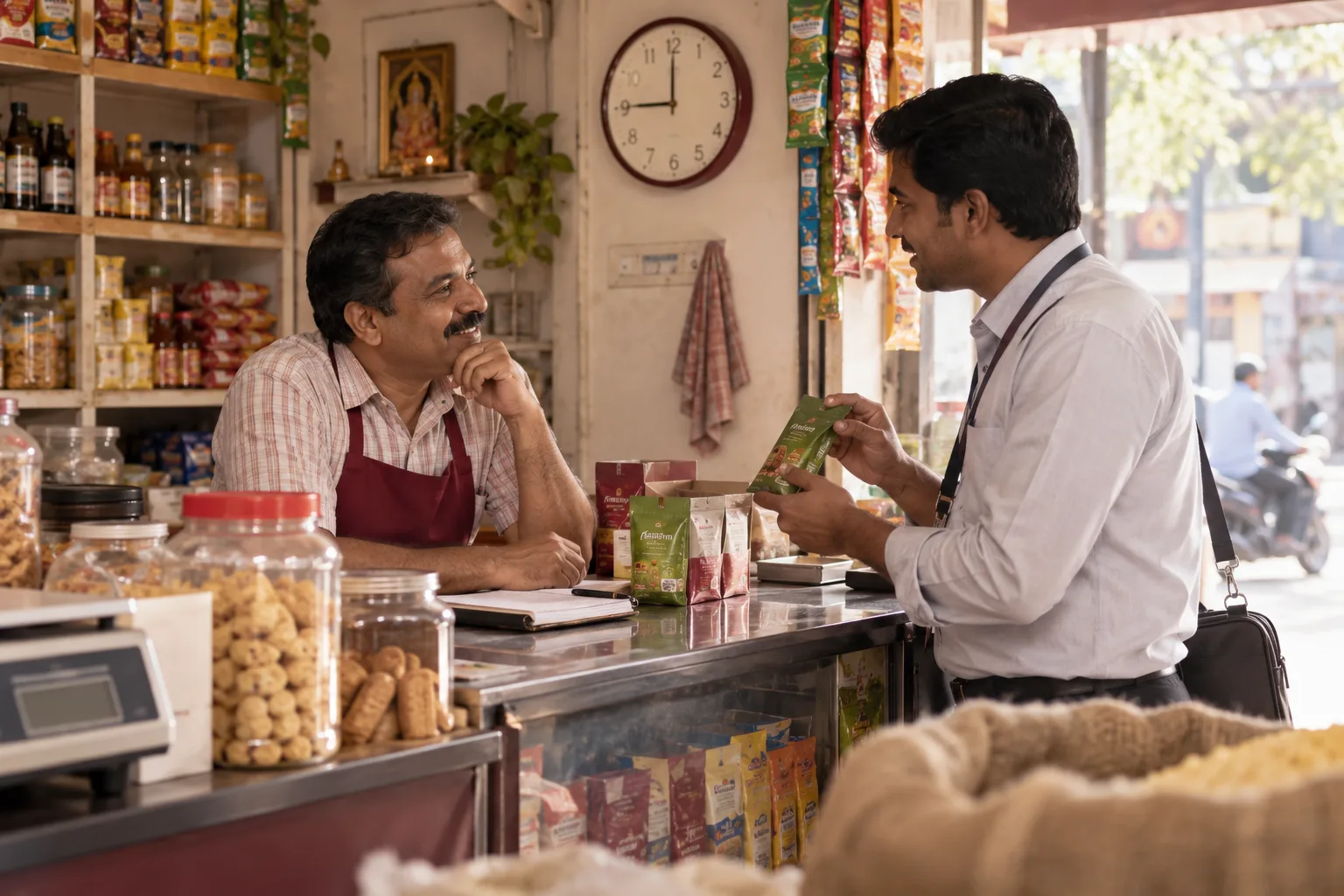 8 min read · 21 Sept 2026How to advertise to retail business ownersA shop owner cannot leave the counter from ten to nine. Reach them in the afternoon lull, through the distributor's salesman and on WhatsApp.
More for retailers
Related work to consider.
Closest to this: search and visibility
Also for retailers
Or start from the overview: sales and marketing for retailers.
Your next practical step
Tell us what you are trying to grow, and we will read it before we call.
Eight short steps, mostly taps. Skip anything you would rather answer on the call.