Click-to-WhatsApp ads · Marketing
A buyer taps your ad, lands in WhatsApp and asks for a quotation, so the route there has to be short.
A dealer sees your equipment ad and wants to send a specification. A solar buyer has a roof photograph ready. Opening WhatsApp removes a step, but the conversation still needs someone who understands the offer and can move it towards a quotation.
Scope, fee, reporting and term are agreed in writing after we have read your brief and spoken to you.
In one paragraph
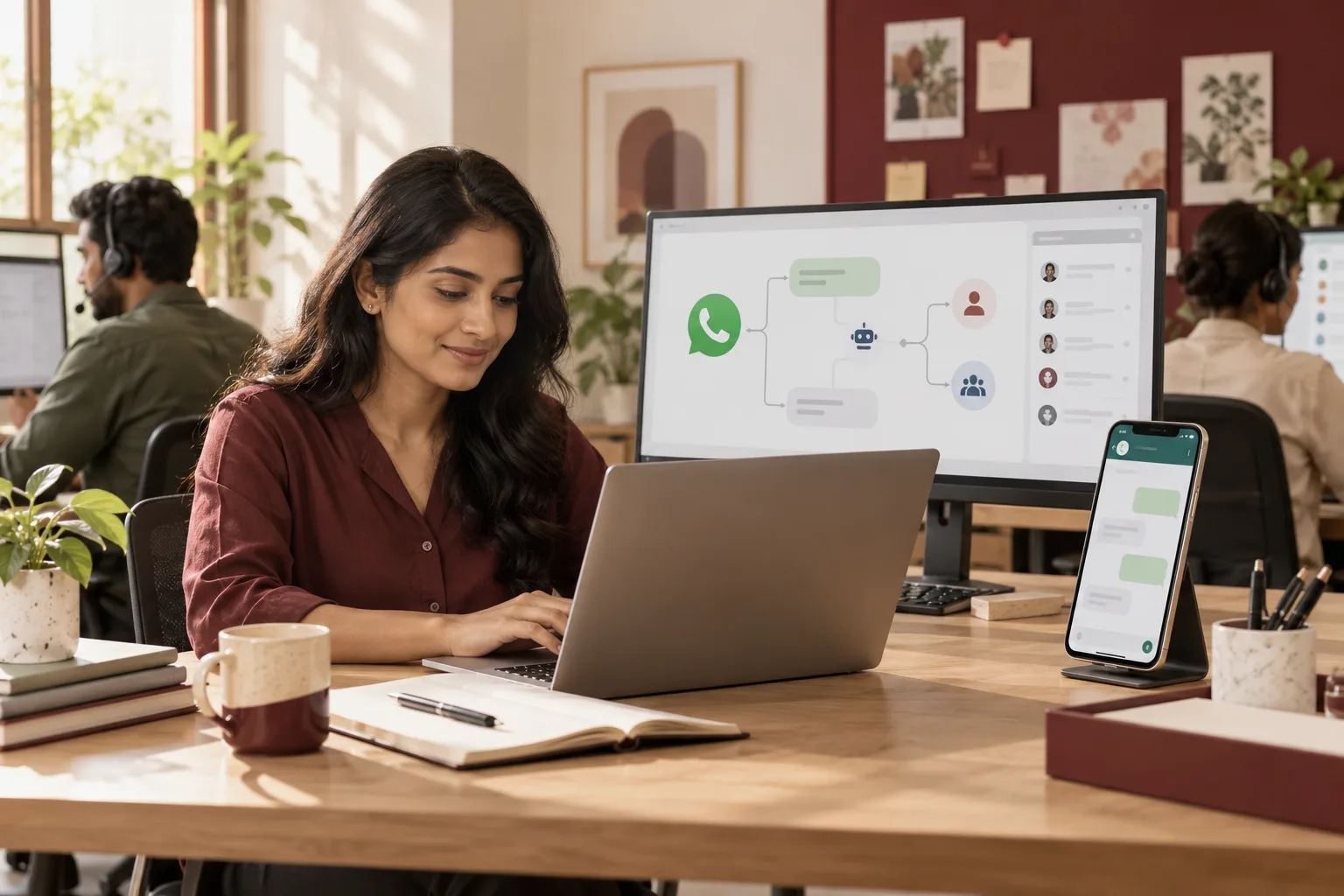
Click-to-WhatsApp ads are Facebook and Instagram advertisements that open a WhatsApp conversation instead of a website or enquiry form. GullySales plans the offer, builds the ads, and prepares the first reply and sales handover, with a conversation record that shows which enquiries reach a quotation and which become completed orders.
A tap is not an enquiry. The buyer must send the message, and your team must answer it. If the ad promises a price but the reply asks what product they want, you have paid to make the buyer repeat themselves.
GullySales plans the advertising around the conversation your team can handle. This service covers the ads and their opening chat route; shared-inbox setup or a wider WhatsApp sales process is separate work when needed.
Who it is for
This is written for you if these sound familiar.
- Equipment dealers and distributors whose buyers send specifications before asking for a quotation
- Solar dealers and furniture showrooms where photographs or measurements shape the estimate
- Sales teams receiving Meta form enquiries that do not answer return calls
- Clinics and coaching centres whose prospective patients or students already enquire on WhatsApp
- Owners who need to connect advertising spend with quoted work and completed orders
Not for
It is not the right fit if.
- Your buying process requires a detailed application or formal email submission before a useful conversation can begin.
- Nobody has responsibility for answering incoming WhatsApp enquiries during your stated working hours.
- You want a bulk messaging list rather than conversations started by interested buyers.
The problem
Does this sound like your business?
Common situations this work addresses.
“The buyer has to explain the ad again”
Your ad features a particular machine or sofa, but the opening reply asks what the buyer wants. The chat should carry that product context into the first answer.
“The enquiries sit on one phone”
The person holding the handset becomes the only route to the enquiry. We identify the reply owner and handover needs before directing paid traffic to that number.
“The quotation starts from zero”
A salesperson takes over without the location or specification already supplied. Repeated questions delay the quotation and frustrate the buyer.
“Cheap chats are not producing orders”
An ad attracts price checks, but few buyers fit your delivery area or requirements. Counting every chat as a sales opportunity hides the difference.
Choose the right scope
Start with the work your business needs.
Specification-led dealer enquiries
An equipment or solar ad invites buyers to send the information needed for an initial assessment. The opening questions establish fit before the enquiry reaches the person preparing the quotation.
Showroom product conversations
A furniture or car ad features a defined product rather than a broad invitation to chat. The reply handles the advertised question and passes a relevant enquiry towards a visit or quotation.
Appointment enquiry campaigns
A clinic or coaching centre uses chat to answer an initial question and establish the next appointment step. Your team confirms availability, and clinic claims require your own compliance approval.
Repair of an existing chat campaign
When ads already produce messages but few quotations, the starting scope examines the promise and first reply alongside recorded outcomes. A different opening question may be more useful than increasing spend.
What we do
The work we can include.
Each deliverable and the purpose it serves. Your written scope confirms what is included, who is responsible, and what it costs.
Audience and offer brief
A written choice of buyer, service area, and featured offer. You check it against what you actually supply and approve what the ad promises before creative work begins.
Ad creative and copy
Images or video and wording in the agreed language, with a clear reason to start a chat. You review product details and approve the creative before launch.
Campaign setup
Campaigns configured in Meta using your authorised accounts and agreed WhatsApp number. The setup review confirms the destination and budget controls before spending starts.
Opening message sequence
The pre-filled message, first answer, and short qualification questions. You check that the wording matches the ad and asks only what your team needs for the next decision.
Sales handover note
A written rule naming the person responsible for quoting and the information they receive. Your team checks the handover with an example enquiry before launch.
Message permission review
A review of the proposed offer and follow-up against the platform's current requirements. You approve the messaging approach; regulated claims also require your own compliance review.
Conversation and outcome record
A record structure covering source, enquiry status, quotation, and outcome. We confirm what your setup can capture and mark missing source information rather than claiming complete attribution.
Baseline and reporting plan
A starting record of enquiries by source, reply time, conversion, and cost per order where records exist. You can compare subsequent results with that baseline, with gaps identified.
How the result is measured
- Ad taps compared with messages actually sent, where measurable
- Conversations started by ad and offer
- First-reply time against the agreed working hours
- Qualified opportunities meeting your agreed buying criteria
- Quotations issued and completed orders recorded by sales
- Cost per qualified opportunity and completed order where source records support it
Recorded as a baseline before work starts, so every later report has an honest comparison.
Marketing and sales together
The quoting person receives the buyer's requirements before taking over.
The handover carries the advertised product, buyer's location, supplied specification or photograph, and agreed next action. A named salesperson owns the quotation and updates the outcome record. Those updates let campaign decisions use qualified opportunities and completed orders rather than chat counts alone.
Decisions to make before the work starts
Account access and technical dependencies
You provide authorised access and confirm ownership of the WhatsApp number. API integration and wider messaging automation are separate scopes; the available setup determines what source information can be recorded.
Creative and approval costs
The agreed formats and languages affect production work. You supply accurate product information and approve claims, with your own compliance review for regulated offers.
Sales records and service boundaries
Your team must record quotation and order outcomes for meaningful sales reporting. Wider Meta advertising, ongoing WhatsApp messaging, and redesigning your full sales process are separate work, not automatic additions to this campaign.
This or a nearby service
Which piece of work fits your situation.
These services sit close to each other. The line between them, in plain words.
- Meta advertising
- Choose Meta advertising when you want a mix of goals on Facebook and Instagram, such as awareness, form enquiries or website sales. Choose click-to-WhatsApp ads when every ad should open a chat and the first reply and handover to a salesperson are part of the work.
- WhatsApp marketing and automation
- Choose WhatsApp marketing and automation when the contacts already exist and you want planned replies and follow-up messages sent to people who agreed to hear from you. Choose click-to-WhatsApp ads when you need new enquiries from paid ads that start the chat.
- WhatsApp Business API setup and integration
- Choose WhatsApp Business API setup when the problem is the number, the shared inbox and the CRM connection. Choose click-to-WhatsApp ads when the number already works and you need the ads, the offer and the first reply that bring people into it.
A sample of the output
A conversation stage map shows what a chat needs before it moves to a salesperson.
This map follows one enquiry from the ad click to a recorded outcome. Each row is a stage. Read across for what the business must see, who owns the chat, and the next step.
| Stage | What must be true to enter | Chat owner | Next step |
|---|---|---|---|
| Ad click | Person taps the ad and the chat opens with the prefilled line | Automatic reply | First reply asks what they need |
| Qualifying | Person has answered the need and location questions | Front desk or sales assistant | Hand to a salesperson if the need fits |
| Quotation requested | Product, quantity or service is clear | Salesperson | Send quotation and log it in the record |
| Quotation sent | Quotation delivered and read | Salesperson | Follow up using the agreed message |
| Closed | Order placed, or buyer says no or goes silent | Salesperson | Record the reason and tag the source ad |
Before we start
What we need from you.
The work depends on these. Each says why it is needed and what happens when it is missing.
- Admin access to the Meta business account
- Ads and the chat link are built inside your account, so the person who controls it must grant access. If ownership is unclear or held by a former agency, setup stops until it is recovered.
- A WhatsApp number your team will answer
- The chat opens on a real number that staff must reply from. It should be one the business controls and can be reached on during opening hours. A personal phone shared informally means replies are missed and the ads reflect that.
- One person to own the first reply
- Someone must be named who sends the opening message and decides when a chat moves to sales. Without that person, chats sit unanswered after the click, and the money spent on the ad has nothing to show for it.
- The offer and what you can honestly promise
- The ad can only state what your business is ready to deliver, including stock, service area and what you can quote. Tell us the limits so the copy does not promise more. Unclear offers lead to chats nobody can complete.
- A place to record outcomes
- Chats become useful only if quotations and orders are written down against the source ad. A simple sheet or your CRM is enough. Without it, spend can be reported but never tied to a completed order.
How it works
How the click-to-WhatsApp ads work runs
The work itself, in order. How an engagement starts, from your brief to a written scope, is set out on our method page.
- 1
Requirements and scope approval
Send the requirements brief first. We read it, speak with you, and put the scope, fee, and term in writing before work begins.
- 2
Account and reply ownership
You confirm access to the relevant Meta accounts and WhatsApp number, and name the person answering enquiries. We identify any separate technical setup needed.
- 3
Offer and qualification approval
Your sales lead approves the advertised offer and the questions that distinguish a relevant buyer from a casual price check.
- 4
Creative and chat sign-off
You review the ads alongside the opening messages. We test the destination and check that the quoting person receives the agreed enquiry details.
- 5
Launch authorisation
Campaigns go live after approval of the budget and reply arrangements. The team answering chats receives the final offer wording and handover note.
- 6
Conversation review and budget decisions
We review enquiry quality and recorded outcomes with you before recommending changes. Reporting frequency and the review arrangement are agreed in writing before work starts.
Before you hire anyone
Do this first yourself.
These ads send people straight into a chat, so the chat needs to be ready first.
- Open your business WhatsApp and check that it has a name, a profile photo, a short description and your address or website.
- Find out who is admin of your Facebook Page and Business Manager, and whether it is you or an earlier agency.
- Decide who replies, in which hours, and who covers when that person is busy.
- Write the first reply so it answers the likely question and asks one question back.
Judge any provider
What to ask any provider of this service.
Useful whoever you choose, including us.
- Which WhatsApp number, Page and ad account will the ads connect to, and in whose name are they?
- Will chats land in a shared inbox my whole team can see?
- Will the ad that started each chat be saved against it?
- What first reply will people get, and who writes it?
- How will you count a chat that turned into a real enquiry or an order?
Where this fits
Three pieces of sales work, in this order.
This work sits inside sales process design, at stage 1, prospecting and lead generation. The audit comes before it, and sales management keeps it running.
Step 1
Sales audit
Find where deals are being lost and what to fix first.
Start here if you cannot say where orders are lost.
Step 2 · you are here
Sales process design
One written way to sell, from first enquiry to repeat order.
Start here if every salesperson sells differently.
Step 3
Sales management
A target, a review routine and someone who owns the number.
Start here if the team has targets and no routine.
FAQ
Questions owners ask before they call.
Not here? More answers, or ask on WhatsApp.
Should I use WhatsApp ads or a Meta lead form?
Do I need the WhatsApp Business API?
Can you follow up with everyone who taps the ad?
Who answers the chats and sends quotations?
Can you guarantee enquiries or sales?
What will I pay, and how long must I commit?
By industry
Click-to-WhatsApp ads, written for your industry.
Related services
Often bought with this, or instead of it.
Your next practical step
Tell us what you are trying to grow, and we will read it before we call.
Eight short steps, mostly taps. Skip anything you would rather answer on the call.