Cafes and coffee shops · Google Business Profile
Make the map pin, the menu photos and the opening hours match the door.
Google Business Profile management for a cafe keeps the listing a stranger sees on Search and Maps true to the room: the pin, the opening hours, the menu photographs and the replies under each review. GullySales holds the access register, drafts the updates for the owner's approval and compares profile activity with the bookings the counter records.
Scope, fee, reporting and term are agreed in writing after we have read your brief and spoken to you.
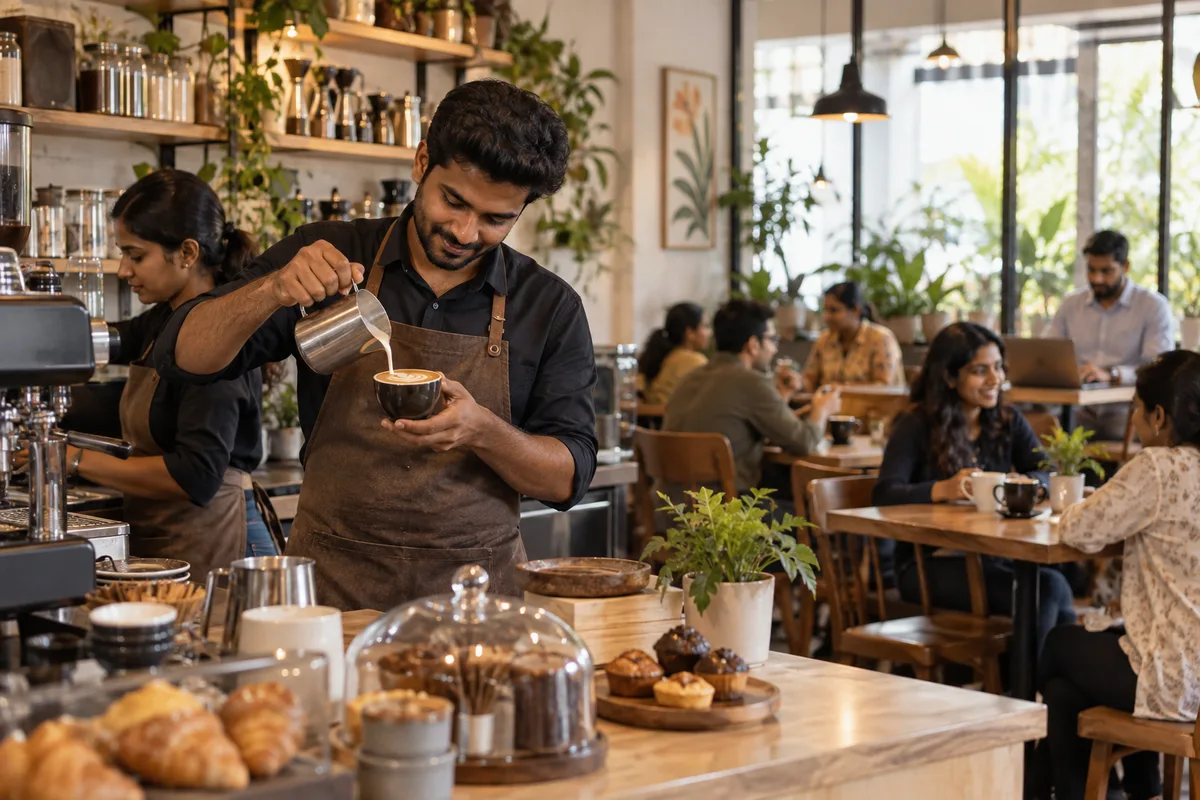
What Google Business Profile means
A Google Business Profile is the free listing that shows your address, hours, photos and reviews when someone searches for your business or a nearby competitor on Google and Maps. GullySales sets it up correctly, keeps it updated and posts to it regularly so it works as a steady source of calls and direction requests.
Last updated 14 Nov 2026. Rules for this trade differ by state and professional body, and they change. We describe restrictions in general terms, so check the current position with your own council or adviser before you publish anything.
For cafes and coffee shops
Where it usually goes wrong, and what we would do.
“The pin leads to the wrong door”
A cafe on a corner, inside a courtyard or on the first floor of a market building is easy to misplace on a map. A visitor follows the blue line to the back lane, finds a shuttered wall and walks on to the next place. Check the pin by standing at the entrance, then walk the route a first-time visitor would take, including the stairs, the lift and the board that actually faces the road.
“Hours that change with the season and the festival”
A cafe closes early on a match night, opens late after a festival and keeps a different Sunday schedule from the weekdays. Google shows whatever was last entered, so a visitor arrives to a locked door and writes a review about it. Special hours need to be set before the day, by a named person at the counter, and taken down afterwards so the next ordinary week is not mislabelled.
“Photographs from three seasons ago”
The first pictures a visitor sees decide whether the room looks warm or tired. If the earliest photographs show an old menu board, a different counter or an empty afternoon, the profile argues against a visit. The pictures that matter are the entrance, the seating, the work-from-cafe tables, the pastry display and a few plates, all taken in daylight and replaced when the room changes.
“A profile nobody at the cafe can open”
The listing was claimed by the first manager, a cousin or a freelancer who set up the Instagram page. When the outlet moves, adds a second branch or needs to correct a closure notice, nobody can sign in. Ownership of the profile belongs to the business, held under an account the owner controls, with named managers who can be added and removed as the team changes.
What we do
What we deliver for cafes and coffee shops.
The work available for this need. We agree the deliverables and responsibilities for your engagement in writing.
Profile and access register
A written record of every listing found for the cafe, including duplicates left by a former tenant or an old name, and the account that controls each one. The owner confirms who should hold primary ownership and who should be a manager, and the register is updated when staff change.
Result: You can name the account that owns the profile and every manager on it.
Verified outlet details
The trading name, address, map pin, phone number, opening hours and website link are recorded once and checked against the signboard and the door. Where a cafe has a side entrance or a pickup window, the record says which one a visitor should use.
Result: The pin, the hours and the number on Google match what a visitor finds at the door.
Business type and attribute selection
The main business type, secondary types and attributes such as seating, work-friendly space, takeaway or dine-in are chosen from the options Google offers, then compared with what the room really provides. Nothing is ticked for a facility the cafe does not have.
Result: Every type and attribute shown is one the owner can point to in the room.
Menu, product and photo set
The menu is entered in the profile's own sections, with item names and descriptions the owner approves. A photo list covers the entrance, seating, counter, plates and drinks, with a note of which picture replaces which. Items stopped at the kitchen are removed from the listing.
Result: The menu on the profile matches the printed menu at the counter.
Posts and special-hours calendar
Short posts about a new seasonal drink, a weekday offer or an event evening are drafted from material the cafe supplies, each with a start and end date. Festival and holiday hours are listed in a calendar kept with the owner, so changes go in before the day rather than after complaints.
Result: Every live post and special-hours entry has a date the owner has approved.
Review reply drafts and escalation notes
Replies are written in the cafe's own voice for praise, slow service, wrong orders and closure questions. Anything involving a refund, a staff member or a customer's private details is passed to the named contact, and the public reply asks the guest to talk offline.
Result: Each public reply was approved by the owner and names no customer's private details.
How the result is measured
- Profile views
- Calls from the listing
- Direction requests
Recorded as a baseline before work starts, so every later report has an honest comparison.
Who it is for
This is written for these cafes and coffee shops.
- Independent single-outlet cafes
- Specialty coffee roasters with a cafe
- Cafes inside co-working spaces
- Bakery cafes
- Cafe chains opening new outlets
- Cloud kitchen and delivery-only cafes
- Cafes attached to bookstores or art spaces
- Late-night and student-area cafes
Before you decide
Agree the work. Know how to judge it.
Google Business Profile management for cafes and coffee shops: use these checks to prepare, choose the scope, and review what changes.
Bring the right evidence
Confirm the real business address, service area, contact details, and who controls the business listings. Keep examples of calls that came from the wrong location or asked for a service you do not provide.
Make the scope clear
Choose the locations you actually serve and the information each needs. Agree who approves listing changes, responds to enquiries, and keeps opening hours accurate.
Check the work in use
Check the journey from a local search to a call or enquiry on a phone. The address, service area, and description should agree across your website and listings.
Know when to change course
Do not create an office claim for a place where you only serve customers remotely. Clear service coverage is more useful than a misleading local presence.
These are discussion points, not a fixed package. GullySales confirms the deliverables, responsibilities, fee, and term in writing after reading your brief and speaking with you.
Before we start
What to have ready before the work starts.
The records, access and decisions this work needs from cafes and coffee shops. Anything missing is noted in the written scope, with who will supply it.
- The account that claimed the profile
- Google ties ownership to a login, so we need to know which email created or claimed each listing. If a former manager or freelancer holds it, a transfer request has to come from them or go through Google's own process. Without this, every correction waits on someone who has left the cafe.
- Photographs taken at the cafe
- Pictures of the entrance, seating, counter and plates give the profile real evidence of the room. Phone photographs in daylight are enough. If none exist, the first shot list is the work, and stock images or a competitor's pictures are never used, because a visitor notices when the room does not match.
- Current menu with the items you stopped
- A menu sheet with item names, descriptions and the dishes now off the list lets us remove what is gone and describe what remains accurately. When the menu changes in the kitchen but not on the profile, visitors arrive wanting something that is no longer made.
- Festival, event and holiday hours
- A short list of the dates the cafe closes early, opens late or runs a special evening gives the special-hours calendar its first entries. Without it, the profile shows ordinary hours on an extraordinary day, and the first signal that something is wrong is a guest standing outside.
- A person who can approve replies
- Someone at the cafe needs to read each reply draft and say yes, edit or hold. A reply published without the facts checked can promise a refund the owner never agreed to, so refund and staff matters are decided by the owner before any public wording is used.
How it works
How the google business profile work runs
The work itself, in order. How an engagement starts, from your brief to a written scope, is set out on our method page.
- 1
First, the counter walk-through
We start with a short session with the owner or the shift manager, listing every outlet, entrance and name the cafe has traded under. The conversation covers who answers the phone, who opens the shutter and who is allowed to approve a reply. The written scope records the outlets covered and the approvers, and the owner decides what is in or out before any change is drafted.
- 2
Finding every listing for the outlet
We search Google and Maps for the cafe's name, its former names and the building it sits in, noting duplicates, closed-marked entries and listings created by customers. For each one, the register records who controls it and what the next step is. Verification and ownership requests are signed and submitted by the owner, because Google ties them to a person with a real connection to the premises.
- 3
Setting the pin and entrance notes
Someone from the cafe confirms the pin by standing at the entrance, and a second person tests the walking route from the nearest road or metro stop. We draft the entrance note, such as the stairwell, the courtyard gate or the floor, and the owner checks it against the signboard. A pin moved by a few metres can matter in a market lane, so it is checked on site.
- 4
Building the menu and photo list
We compare the menu on the profile with the printed menu, the delivery listings and the kitchen's current sheet, and mark every difference. A photo shot list is given to the manager, covering light, angles and the things to leave out of frame, such as stock crates and personal items. The owner approves the pictures before they go up.
- 5
Approving posts and reply wording
The first posts and a set of review reply templates are drafted and sent for approval. Each draft says what it announces, the dates it applies to and who confirmed the facts. Replies name the issue without repeating a customer's details, and the owner marks which topics always go to a person at the cafe before anything is published.
- 6
Reading the activity against the booking diary
Before work begins we record what the profile shows now: calls, direction requests and website taps where Google supplies them, set beside the cafe's booking diary and the count of walk-ins who mention a search. Afterwards the same record is compared. Google's figures show activity on the listing; the diary shows who came, and the two are never merged into one number.
Where this fits
Three pieces of sales work, in this order.
This work sits inside sales management. A target, a review routine and someone who owns the number.
Step 1
Sales audit
Find where deals are being lost and what to fix first.
Start here if you cannot say where orders are lost.
Step 2
Sales process design
One written way to sell, from first enquiry to repeat order.
Start here if every salesperson sells differently.
Step 3 · you are here
Sales management
A target, a review routine and someone who owns the number.
Start here if the team has targets and no routine.
FAQ
Questions owners ask before they call.
Not here? More answers, or ask on WhatsApp.
What is the difference between a Google Business Profile and my cafe's website?
Can I run the profile myself and only ask you to check it?
Who holds the login to the profile?
Will this put my cafe at the top of the map results?
How should the cafe respond to a bad review?
Do you handle the delivery app listings as well?
How much does it cost?
How long is the contract?
Who will actually do the work?
What do you need from us?
From the blog
Further reading for cafes and coffee shops.
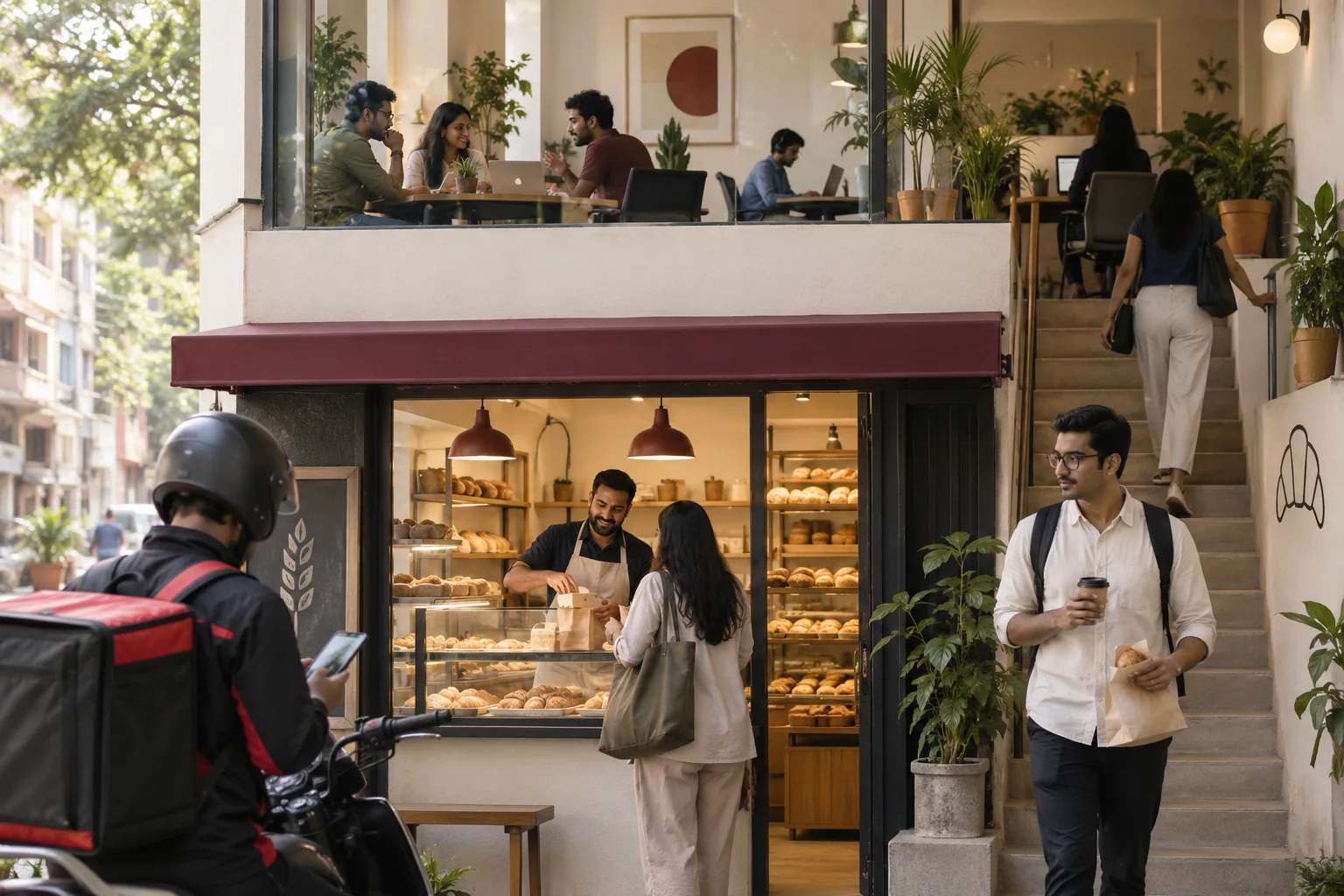 7 min read · 21 Sept 2026How to advertise to startup employeesThere is no tech park to buy. A forty person company sits above a bakery, so the audience is the neighbourhood, the delivery app and the coworking floor.
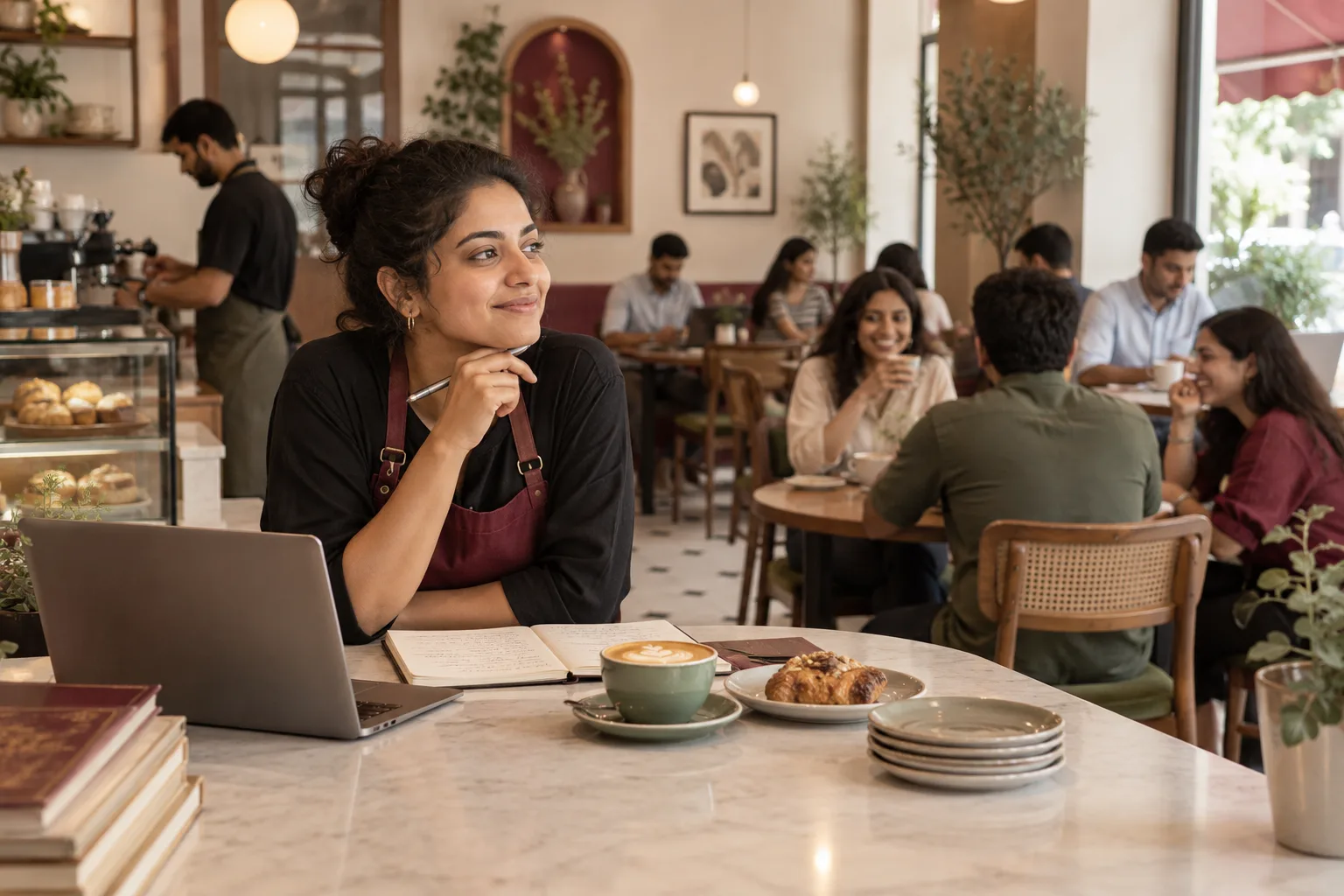 6 min read · 25 Jun 2026How to increase cafe sales: fill the quiet hours and raise the billCafe sales grow four ways: regulars visiting more, a higher bill per table, busier quiet hours and new customers from Maps. Work in that order.
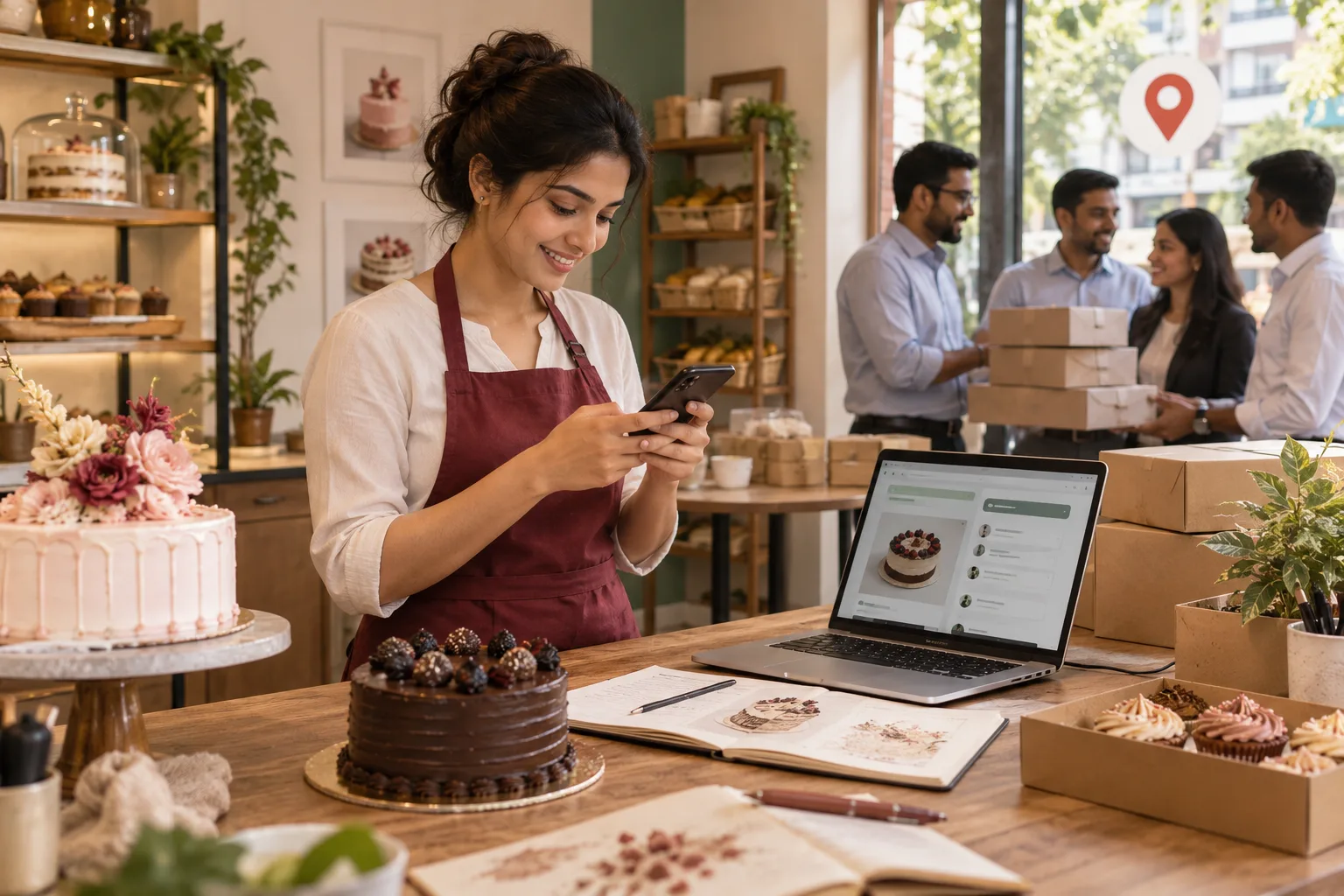 6 min read · 9 Jun 2026How to increase bakery sales beyond the walk-in counterTake custom cake orders properly on WhatsApp, be found on Maps for birthday cakes, sell to offices in bulk, and bring regulars back with a reason to visit.
More for cafes and coffee shops
Related work to consider.
Closest to this: search and visibility
Also for cafes and coffee shops
Or start from the overview: sales and marketing for cafes and coffee shops.
Your next practical step
Tell us what you are trying to grow, and we will read it before we call.
Eight short steps, mostly taps. Skip anything you would rather answer on the call.