Clothing stores and boutiques · Google Shopping and product feed management
Let the shopper see the right colour and size before the click.
Google Shopping and product feed management for a clothing store prepares your online catalogue so each outfit appears on Google with its colour, size and price matching your own store. GullySales corrects the product data, manages Merchant Center and reads the advertising against completed orders and returns.
Scope, fee, reporting and term are agreed in writing after we have read your brief and spoken to you.
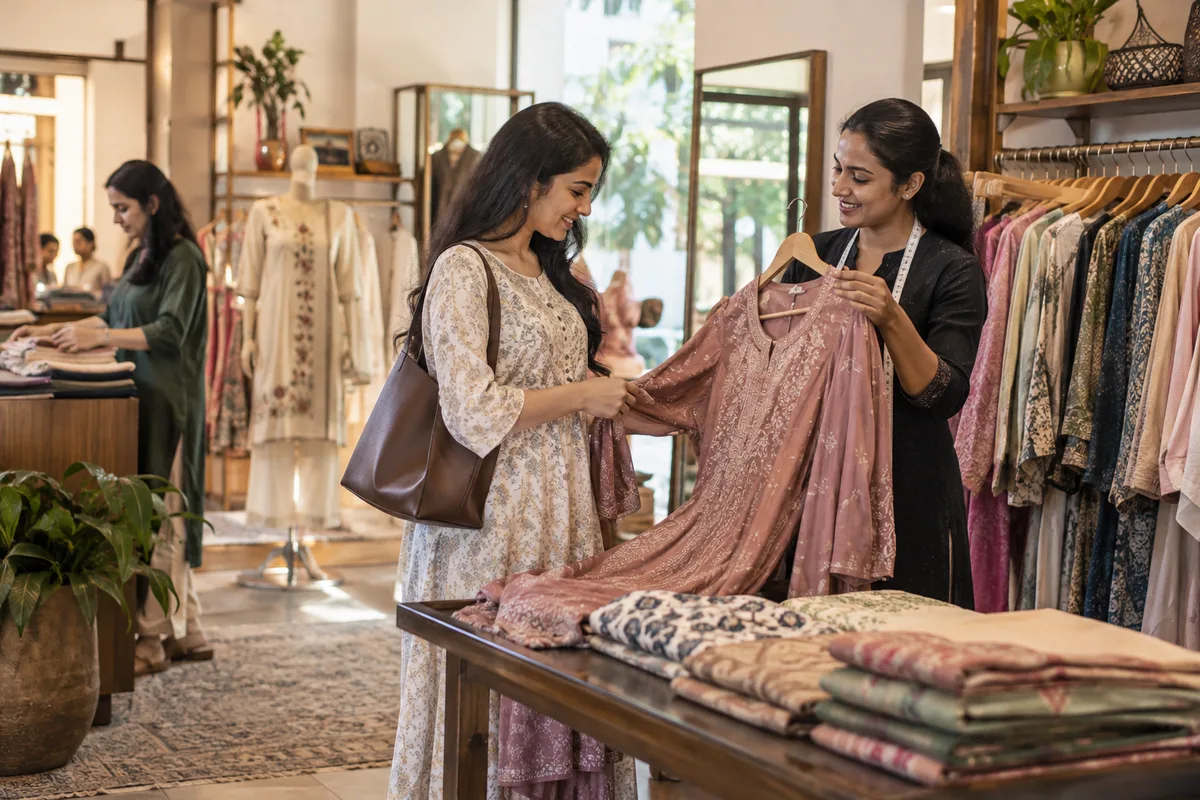
What Google Shopping and product feed management means
Google Shopping and product feed management prepares your online catalogue for product listings on Google, with photos and prices linked to your store. GullySales corrects product data, manages Google Merchant Center and Shopping campaigns, and checks advertising results against completed orders and the margins you need to protect.
Also for clothing stores and boutiques
- PPC ads for clothing stores and boutiques
- Bus advertising for clothing stores and boutiques
- Cricket advertising for clothing stores and boutiques
- Digital out-of-home advertising for clothing stores and boutiques
- Festive and seasonal advertising for clothing stores and boutiques
- Grand opening and store launch advertising for clothing stores and boutiques
- Mall advertising for clothing stores and boutiques
- Meta catalogue and dynamic product ads for clothing stores and boutiques
Sales and marketing for clothing stores and boutiques, the overview.
Last updated 14 Nov 2026.
For clothing stores and boutiques
Where it usually goes wrong, and what we would do.
“A garment is several products in one title”
A single kurta set arrives in several colours and sizes, and each combination is a separate line in a feed. If the feed carries one title and one photograph for all of them, the shopper searching for a green cotton kurta sees a pink one. Colour, size and material have to be stated for every variant, and grouped so that Google knows they belong together.
“Size is the main reason clothing comes back”
Returns decide whether a clothing advertisement pays. A shopper who guessed the size from a vague title returns the parcel, and shipping both ways comes out of the margin. Size type, size system and a size chart on the product page reduce guesses. The advertising figure to watch is orders kept, not clicks received.
“Custom and made-to-measure items do not fit a feed”
A blouse stitched to measurements, a bridal outfit with fittings or a school uniform ordered by the institution has no fixed stock count and no barcode. Listing it as ready stock disappoints the shopper and risks warnings in Merchant Center. These items stay out of the feed, or appear only as ready-made pieces that can be bought and delivered.
“Stock and price change faster than the feed”
A sale, a sold-out size or a late festive price change reaches the shop floor before the feed. The shopper clicks a listing and finds a different price or a size that is gone, and Merchant Center records the mismatch. The feed has to follow the store's own stock sheet, with someone responsible for each change.
What we do
What we deliver for clothing stores and boutiques.
The work available for this need. We agree the deliverables and responsibilities for your engagement in writing.
Catalogue readiness review
A product-by-product list shows what is missing before anything is advertised: photographs on a plain background, colour names, sizes, materials and prices. Items are marked ready, needs correction or not suited to a feed. The shop sees which part of the range can be promoted today.
Result: You hold a list marking each garment as ready, needing work or left out of the feed.
Clothing attribute file
Titles, descriptions and attributes are rewritten to state garment type, colour, size, material, age group and pattern in the words shoppers type. Your product owner checks each entry against the garment on the rail before it is published, so the feed describes what you actually sell.
Result: A shopper's search words appear in the title of the garment that matches them.
Variant grouping and size record
Every colour and size of a style is grouped under one parent style, and the size system and size type are filled in for each. The record separates sizes that are in stock from those that are sold out, so a listing never points to a size you no longer hold.
Result: Each style shows its available colours and sizes together, with sold-out sizes removed.
Merchant Center set-up and warnings log
The account, store link and shipping and returns details are set up in your name, with you holding the login. Warnings are recorded with their cause and the fix, so a correction made in the account is also made at its source. The platform's current rules decide what is accepted.
Result: Open warnings are listed with their cause, owner and the date each was cleared.
Shopping campaign structure
Campaigns are grouped by the way you run the shop, such as occasion wear, everyday wear and kidswear, rather than by supplier code. Each group has a named owner and a spend ceiling you set. Bidding and budget follow the platform's current rules and your own margins, and no result is promised.
Result: Each campaign group maps to a part of your range and has a ceiling you have approved.
Order, return and margin report
Advertising results are read against completed orders and returns from your own store, with delivery cost taken out. Styles that bring sales but also returns are separated from styles that sell and stay sold. The report is the basis for the next decision on what to advertise.
Result: You can name the styles that were bought and kept, and the ones returned.
How the result is measured
- Approved catalogue coverage and unresolved feed issues
- Clicks and click-through rate, kept separate from purchase results
- Completed orders and revenue traced to Shopping campaigns
Recorded as a baseline before work starts, so every later report has an honest comparison.
Who it is for
This is written for these clothing stores and boutiques.
- Women's ethnic wear and saree boutiques
- Designer and occasion wear studios
- Multi-brand clothing and accessories stores
- Men's wear and ethnic wear stores
- Custom tailoring and blouse stitching studios
- Kids' wear stores
- School uniform retailers and suppliers
- Corporate, hospital and hospitality uniform suppliers
- Fashion accessories and jewellery boutiques
Before you decide
Agree the work. Know how to judge it.
Google Shopping and product feed management for clothing stores and boutiques: use these checks to prepare, choose the scope, and review what changes.
Bring the right evidence
Bring search-term reports, conversion definitions, and the sales outcome of past enquiries where available. Identify products, locations, and enquiries you cannot serve.
Make the scope clear
Choose the offer and landing page before setting a media budget. Agree who pays the platform, which actions count as conversions, and how unsuitable searches will be reviewed.
Check the work in use
Trace a test enquiry from the advert to the sales record. Review qualified enquiries and orders alongside spend, and separate duplicates or spam from genuine buyer demand.
Know when to change course
If the advert generates enquiries that do not fit, revise targeting and qualification before increasing spend. If suitable enquiries are lost after contact, work on the sales process.
These are discussion points, not a fixed package. GullySales confirms the deliverables, responsibilities, fee, and term in writing after reading your brief and speaking with you.
Before we start
What to have ready before the work starts.
The records, access and decisions this work needs from clothing stores and boutiques. Anything missing is noted in the written scope, with who will supply it.
- A working online store
- The store must show prices, sizes, delivery and returns terms, and accept orders. The listing sends the shopper to this page, and a broken checkout wastes every click. If the store is not ready, website work comes first and the feed waits.
- Photographs of every style
- We need clear front photographs, preferably on a plain background, with additional views of the back and fabric. Photographs that carry text, borders or watermarks are rejected by Google's rules. When photographs are missing, the style stays out of the feed until your team supplies them.
- Stock sheet by colour and size
- A current sheet lists each style with its colours, sizes and quantities. The feed follows this sheet, and a sold-out size must be removed. When the sheet is out of date, shoppers click through to unavailable items and the account collects mismatch warnings.
- Returns and delivery terms
- The owner confirms the return window, who pays for return shipping and which garments cannot be returned, such as altered pieces. These terms are shown on the store and in Merchant Center. Missing terms mean the account cannot be completed and shoppers hesitate.
- Account access and an owner for the feed
- You hold the Google account and Merchant Center login, and we are added as users. Name one person who updates the stock sheet when prices or sizes change. Without a named owner, the feed drifts from the shop within a few sales.
How it works
How the google shopping and product feed management work runs
The work itself, in order. How an engagement starts, from your brief to a written scope, is set out on our method page.
- 1
Walk the rails against the website
We begin by comparing your store listing with the garments themselves. Someone from your team lays out each style, and we check that the colours, sizes, fabrics and prices online match what is on the rail. Gaps found here are corrected at their source before any data is sent to Google.
- 2
Decide what belongs in the feed
Together we sort the range into ready-made styles that can be bought and delivered, and items that cannot, such as stitched-to-order pieces and uniform sets. Only the first group enters the feed. This keeps the listings honest and prevents warnings for items with no fixed stock.
- 3
Rewrite titles, colours and sizes
Each style receives a title in the order shoppers search: garment, colour, fabric and fit. Colour names, size systems, age group and material are added. Where a brand barcode exists it is recorded, and where it does not, the account is told so. You review the sheet against your garments before it goes live.
- 4
Connect Merchant Center and fix the source
We link your store to Merchant Center in your name and run the first feed. Warnings are traced to the source, such as a price field or a missing size, and fixed there rather than patched in the account. Your adviser or accountant remains responsible for tax and returns terms shown on the store.
- 5
Open campaigns in small groups
Campaigns begin with a small set of styles that are in stock across several sizes. You set the spending limit, and we follow the platform's current rules on bidding. Staff are told which styles are advertised, so a shopper who asks for one at the counter or on WhatsApp is not met with confusion.
- 6
Read orders and returns against the baseline
Once the first orders and returns arrive, we read them against the sales and return records taken before the work began. Styles that were bought and kept earn more attention, and returned styles are reviewed for size or colour description. The result goes into the next round of feed changes.
Where this fits
Three pieces of sales work, in this order.
This work sits inside sales process design, at stage 1, prospecting and lead generation. The audit comes before it, and sales management keeps it running.
Step 1
Sales audit
Find where deals are being lost and what to fix first.
Start here if you cannot say where orders are lost.
Step 2 · you are here
Sales process design
One written way to sell, from first enquiry to repeat order.
Start here if every salesperson sells differently.
Step 3
Sales management
A target, a review routine and someone who owns the number.
Start here if the team has targets and no routine.
FAQ
Questions owners ask before they call.
Not here? More answers, or ask on WhatsApp.
Is Google Shopping right for a small boutique?
Can stitched or made-to-measure clothing be listed?
Do we need barcodes for our clothes?
Will this send shoppers to Myntra or Ajio?
How do you handle sizes that sell out?
How will we know it paid for itself?
How much does it cost?
How long is the contract?
How soon will we see results?
Who will actually do the work?
From the blog
Further reading for clothing stores and boutiques.
 5 min read · 29 Sept 2026Festival and wedding-season stock and promotion timing for retailersHow a retailer lines up promotion with the stock cycle in festival and wedding season: what to announce before, during and after, and when to stop.
 6 min read · 21 Sept 2026Influencer marketing vs social media advertising: which one should you pay for?An ad is a message you control, shown to people you choose. A creator post is a recommendation you do not control, shown to people who chose the creator.
 8 min read · 21 Sept 2026How to write an influencer briefA brief fixes the claim, the offer and the disclosure, then leaves the creator alone. Hand over a script and you pay for a bad advertisement.
More for clothing stores and boutiques
Related work to consider.
Closest to this: paid and media
- PPC ads for clothing stores and boutiques
- Bus advertising for clothing stores and boutiques
- Cricket advertising for clothing stores and boutiques
- Digital out-of-home advertising for clothing stores and boutiques
- Festive and seasonal advertising for clothing stores and boutiques
- Grand opening and store launch advertising for clothing stores and boutiques
- Mall advertising for clothing stores and boutiques
- Meta catalogue and dynamic product ads for clothing stores and boutiques
Also for clothing stores and boutiques
Or start from the overview: sales and marketing for clothing stores and boutiques.
Your next practical step
Tell us what you are trying to grow, and we will read it before we call.
Eight short steps, mostly taps. Skip anything you would rather answer on the call.